Done fixing eufy lights?
Upgrade to a permanent GOULY system
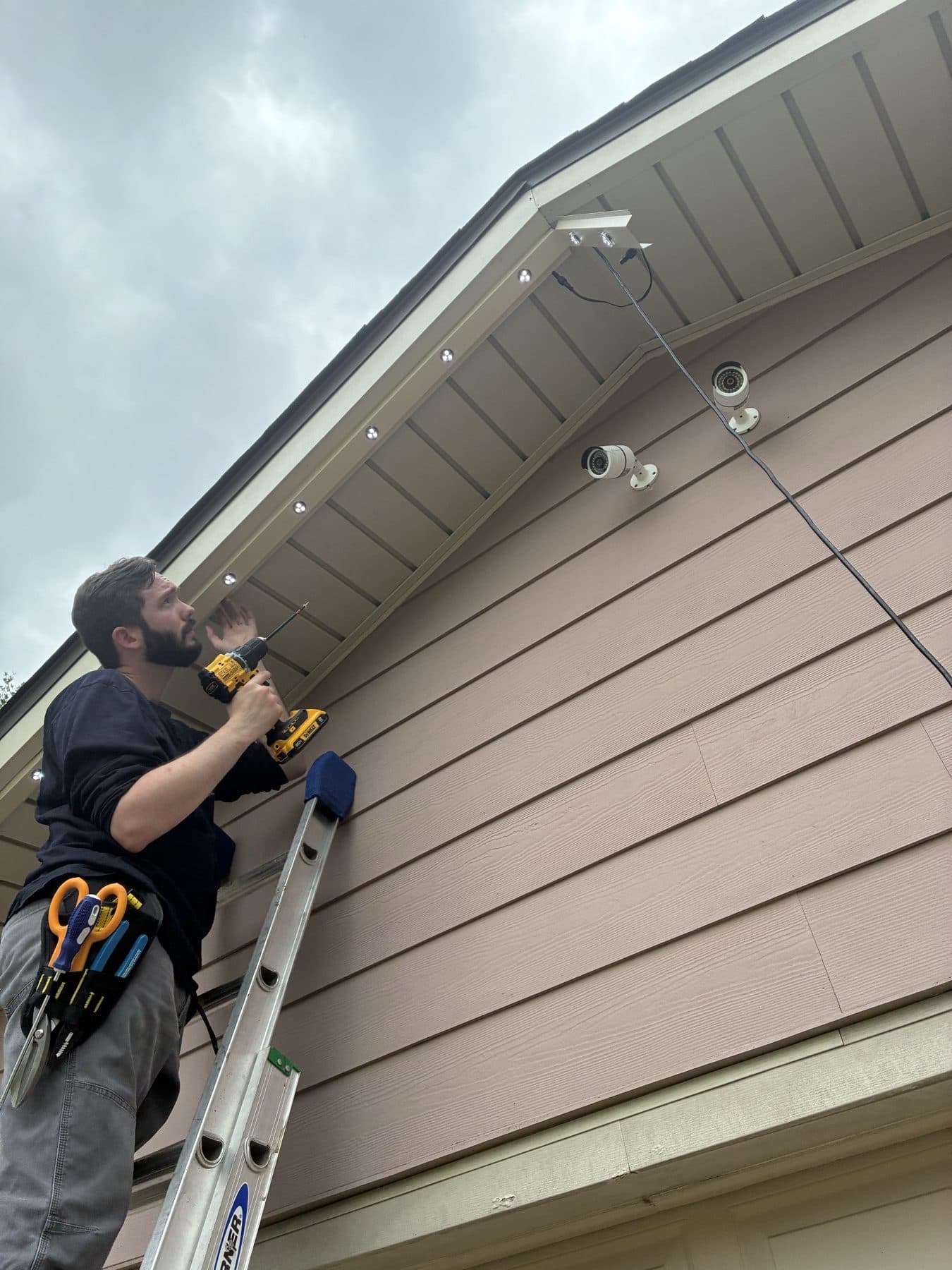
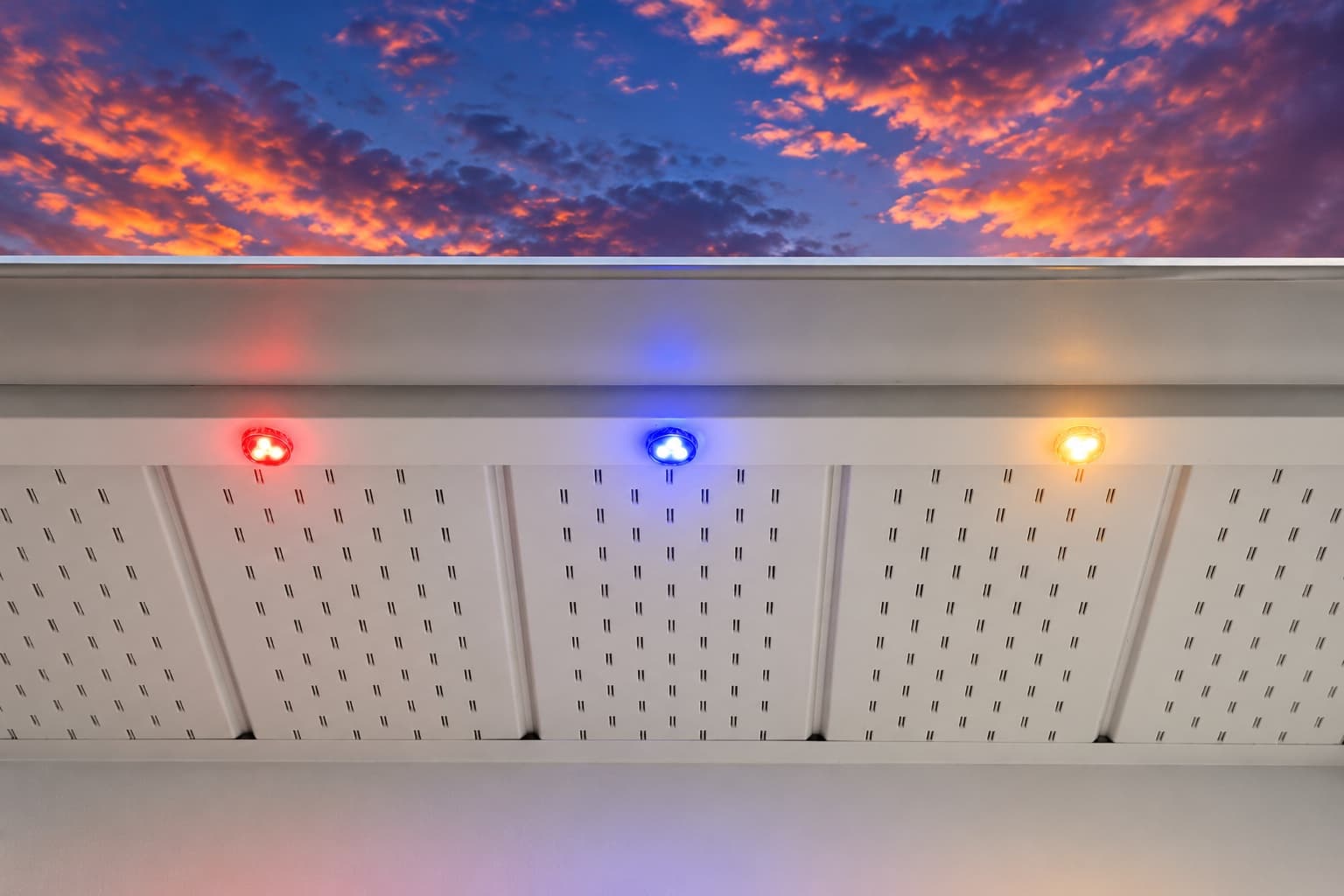
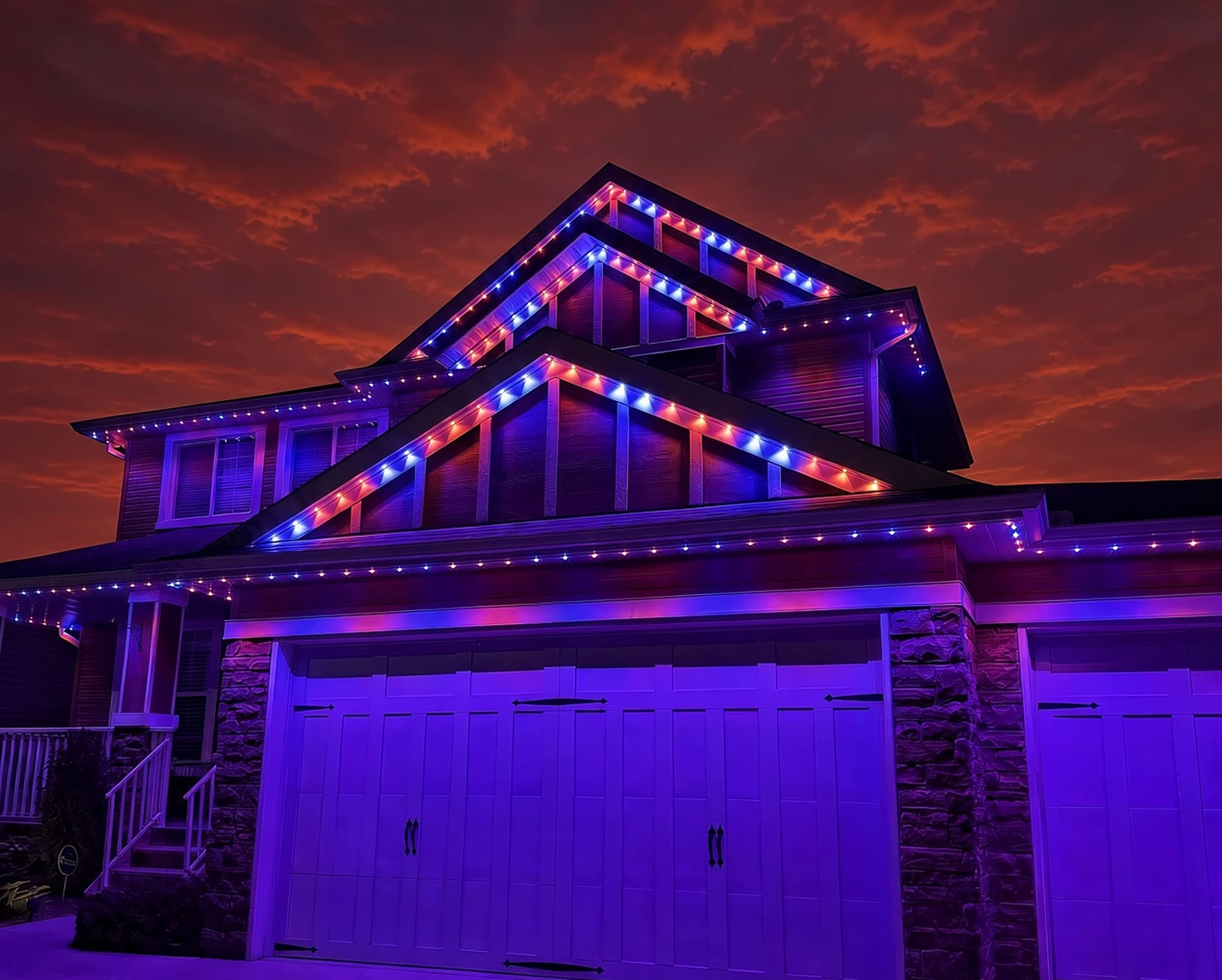
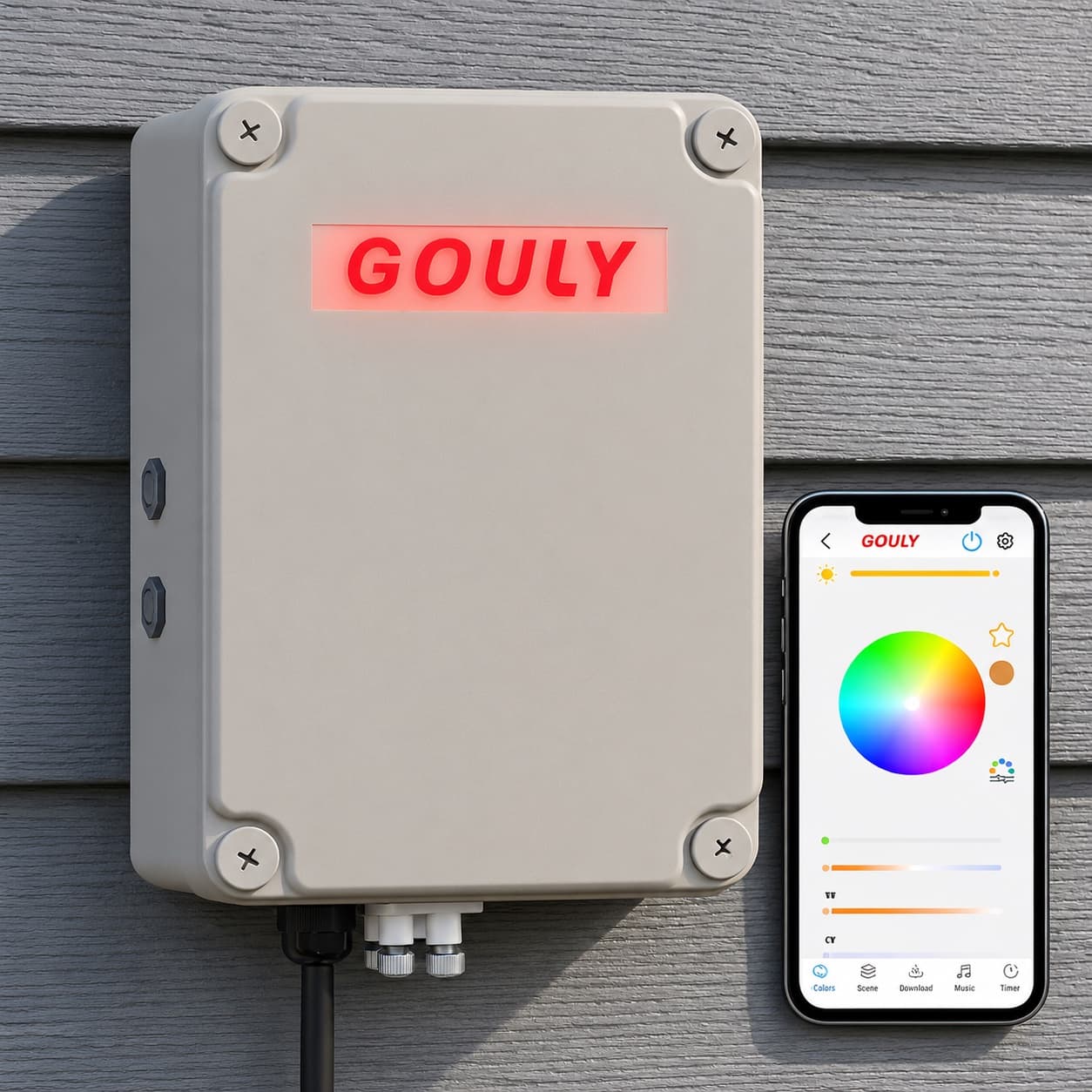
We can assess what you have now, or replace it with a professionally installed GOULY Gen 3 system on one app with 1,000+ designs.
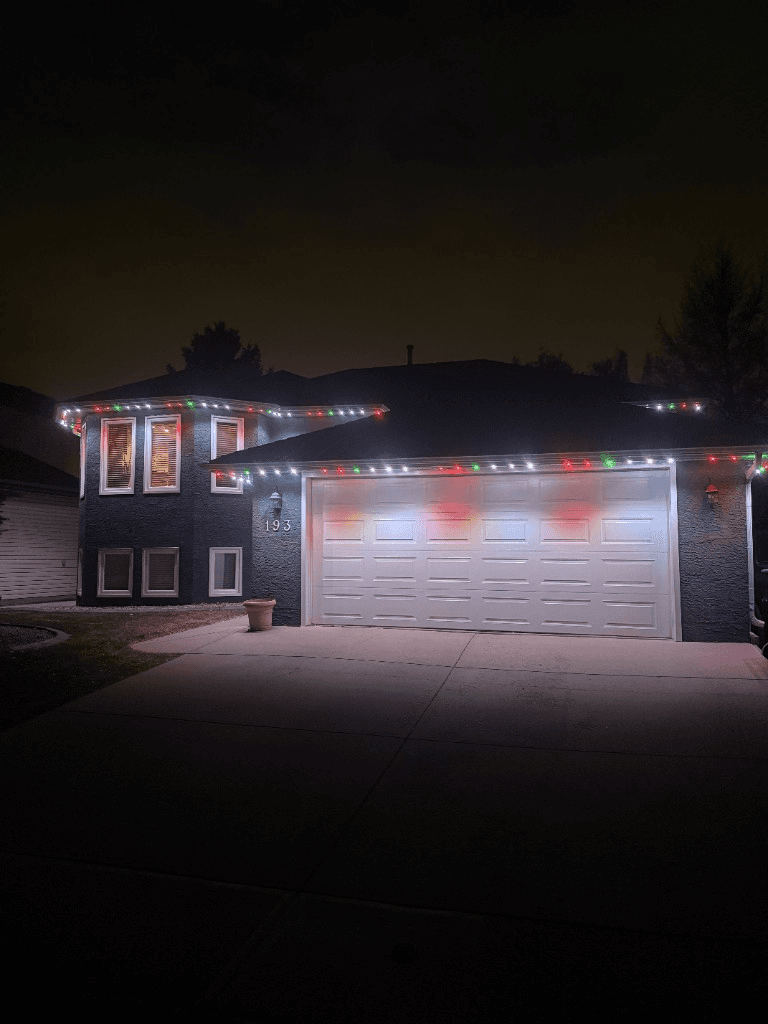
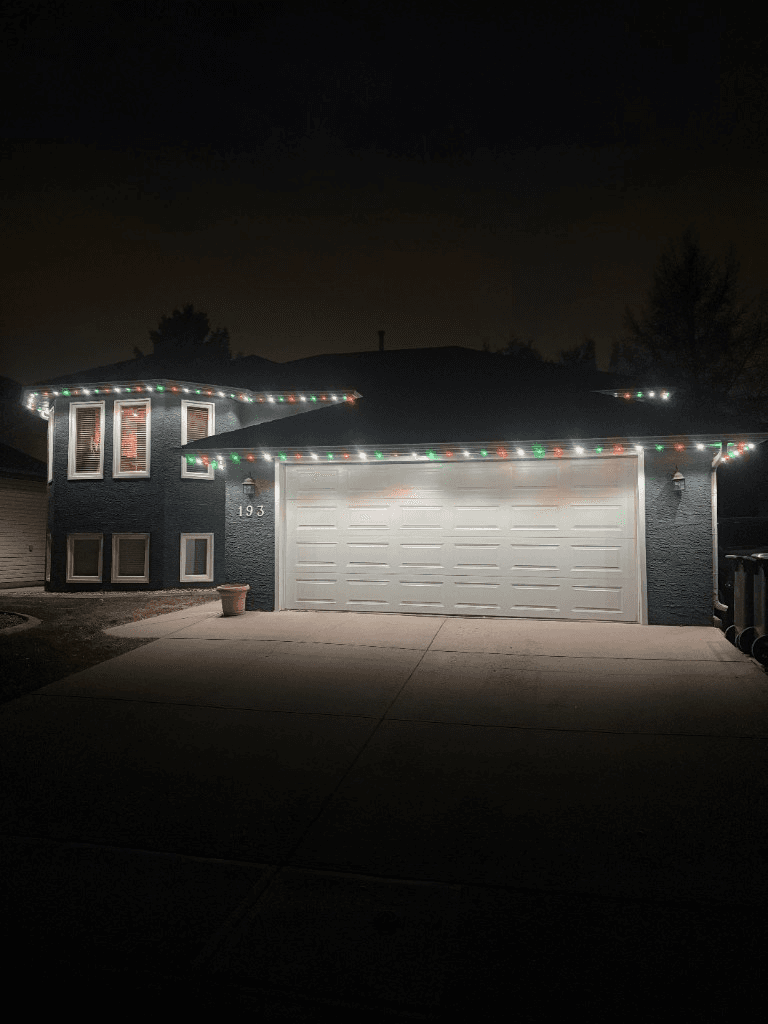
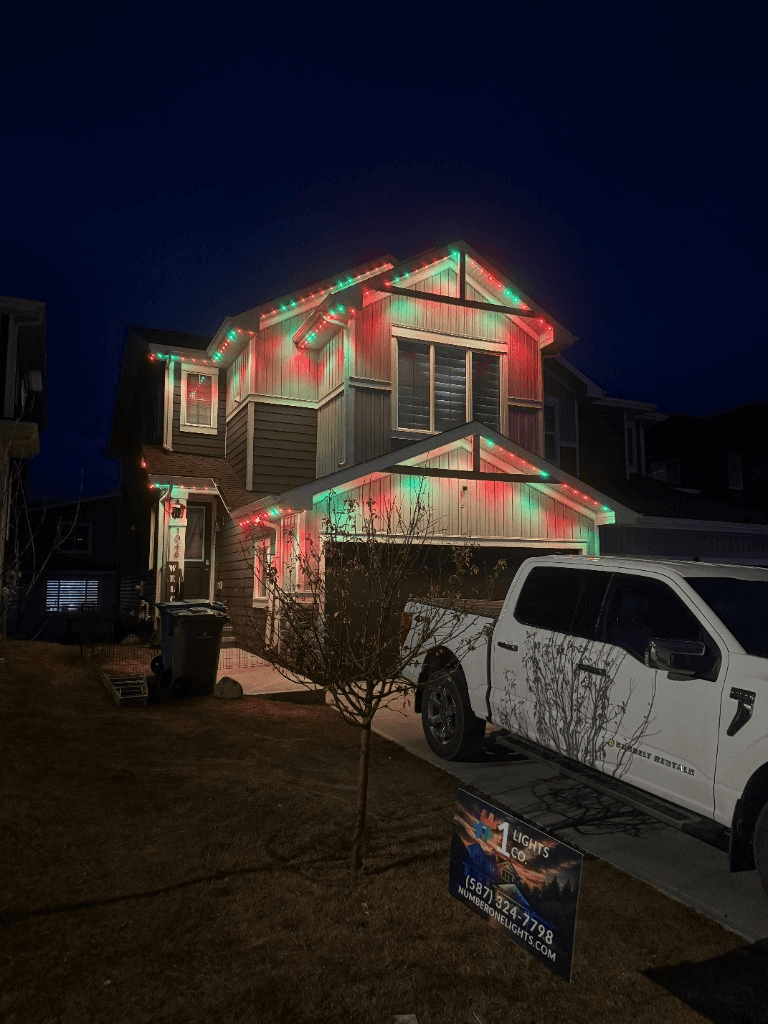
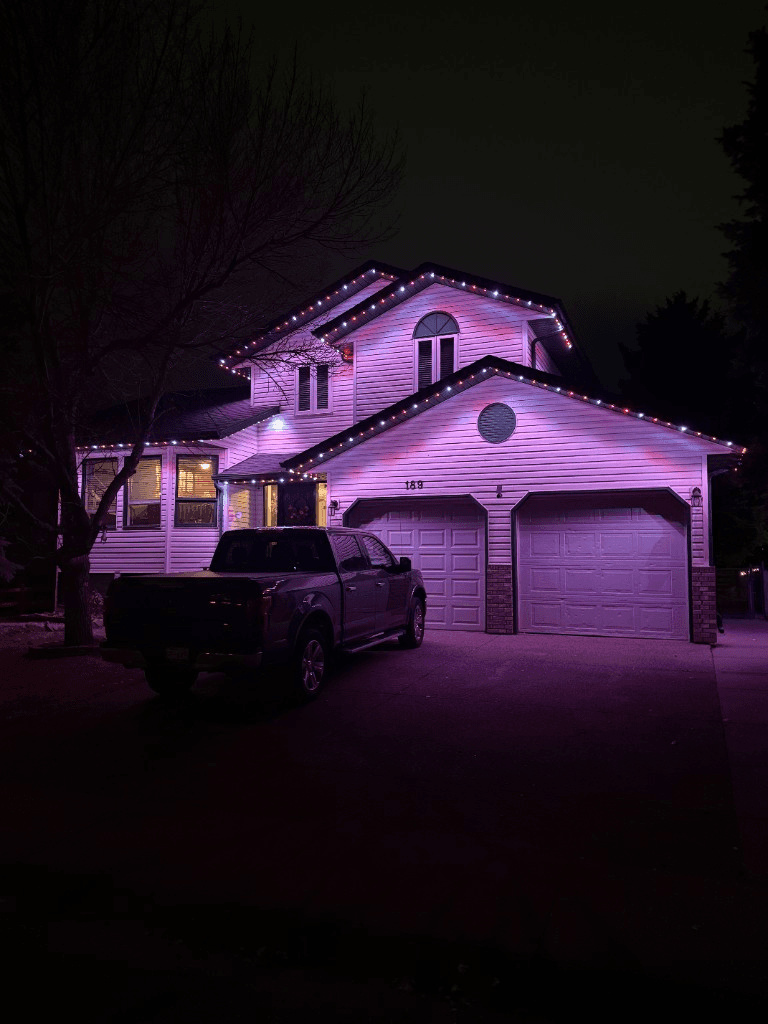
 From our gallery
You open the eufy app to change your permanent outdoor lights and they show offline. Or setup fails at the Wi-Fi step, a firmware update will not finish, or the app shows "Server Connection failed". eufy's permanent outdoor lights connect to your phone over Bluetooth and to your home network over Wi-Fi, and knowing which link has failed gets you to the fix faster.
This guide covers the fixes in the order most likely to work, based on eufy's own user guide and troubleshooting pages for the Permanent Outdoor Light E120, plus problems owners have reported on eufy's community forum. Other eufy permanent light models, such as the E22 and S4, may differ, so check the guide for your model too.
Tired of fighting the app?
Get a free mockup of your house lit up
Which app you need
eufy's E120 user guide says to use the eufy Life app, version 2.11.0 or later. eufy's support pages also mention the Anker eufy app. If you are on an older version, update before anything else, since the guide sets that minimum.
Quick checklist before you start
- Check power at the outlet. Exterior GFCI outlets trip after rain or snow melt.
- Check where the control unit is. eufy's E120 guide says the control unit and power adapter are for indoor use only. A control unit left exposed to weather is worth fixing before anything in the app.
- Update the app to the latest version.
- Turn your phone's Bluetooth on and stay close to the lights during setup.
- Power cycle the lights. Unplug the adapter, wait 30 seconds, plug it back in.
Problem #1: setup fails at the Wi-Fi step
Why it happens: eufy's troubleshooting page says plainly that the 5 GHz network is not supported. If your router broadcasts 2.4 GHz and 5 GHz under one name, the lights may not be able to join.
Fixes, in order:
- Set your router to broadcast a 2.4 GHz network, or give the 2.4 GHz band its own name, then restart the router. Our 2.4 GHz setup guide explains how.
- Check the Wi-Fi name and password for typos.
- Follow the steps in the app in order. eufy's guide says not to skip the Wi-Fi connection steps.
- Test with a phone hotspot. eufy suggests this to tell a router problem from a light problem. If the lights join a hotspot, the lights are fine and a router setting is the issue.
Problem #2: the app cannot find the lights over Bluetooth
eufy's Bluetooth troubleshooting page gives these steps:
- Put the lights in pairing mode: press and hold the button on the light for 2 seconds until it flashes white three times.
- Stay within about 10 m (33 ft) of the lights.
- Make sure your phone's Bluetooth is on and its mobile data or Wi-Fi is working, since the app needs an internet connection to sign in.
- Try a different phone. If a second phone connects, the problem is with the first phone's settings, not the lights.
Problem #3: eufy lights keep going offline
eufy lists three causes: the control unit is too far from the router or phone, the Wi-Fi or Bluetooth connection is faulty, or the device has a temporary glitch.
Fixes, in order:
- Check the distance between the control unit and your router. A mesh node or extender on that side of the house often fixes repeat drop-outs.
- Restart your router, and turn your phone's Bluetooth off and on.
- Power cycle the lights.
- If it is still offline, reset the control unit (below) and add it in the app again.
Problem #4: "Server Connection failed" after an app update
What owners reported: After an app update in July 2026, owners of several eufy permanent light models posted on eufy's community forum that the app showed a blank screen ending in "Server Connection failed". Some could still turn the lights on and off but could not change settings or schedules. Power cycling and clearing the cache did not help them.
What fixed it for them: One owner posted a reply they said came from eufy support, saying the issue had been fixed and to uninstall the app, install the latest version and log back in. The poster said that worked. If you see this error, try that first, and contact eufy support if it persists.
Problem #5: a firmware update will not finish
eufy says firmware updates only work over Wi-Fi. If one fails:
- Make sure your Wi-Fi is stable.
- Restart your router, or contact your internet provider if other devices are also dropping.
- Move the control unit closer to the router, or add an extender near it.
Keep the lights powered until the update finishes.
Problem #6: sections stay dark
If part of the run will not light, eufy's guidance for the E120 is to unplug the adapter and reconnect all of the components, then power back up. Check each connector is pushed fully together. If the same section stays dark, contact eufy support, since it may need a replacement part.
How to reset eufy permanent lights
eufy's E120 user guide labels the control unit button "press and hold for 2 seconds to reset". After a reset, add the lights in the app again and redo your Wi-Fi setup. For a soft reset that keeps your settings, just unplug the adapter for 30 seconds.
Schedules and voice control
eufy's retail listings describe app schedules and Alexa and Google Assistant support, but eufy's E120 user guide does not walk through either. If a schedule does not run, first confirm the lights show online in the app, then delete and recreate it and test with a time a few minutes away. For voice control, make sure the lights work in the eufy app before relinking them in Alexa or Google Home.
Calgary winters and the temperature rating
eufy's E120 user guide lists an operating range of -20°C to 45°C for the product as a whole, with the light strings rated -20°C to 60°C. Calgary and area regularly drop below -20°C, and colder during cold snaps. Running lights outside their rated range puts the parts under stress they were not rated for, so check the rating for your model.
Local install and support
Number One Lights installs and supports GOULY permanent lights in Calgary, Chestermere and Strathmore
You get a local warranty and local service from the team that put your lights up. Start with a free mockup of your house lit up.
Getting support
eufy's service article pages have a "Contact Us" link for support. Have your model number, app version, phone model and what you have already tried ready.
When troubleshooting is not worth it
If you have reset the control unit, re-added the lights and fixed your Wi-Fi, and they still drop offline every few weeks, the problem is usually not a setting you missed. That is the point where it makes sense to have someone look at the whole system.
| Feature | Many Competitors | GOULY Gen 3 |
|---|---|---|
| App | eufy app | GOULY app with 1,000+ designs |
| Mounting | DIY install | Aluminum track fastened to your fascia |
| Cold rating | -20°C on the E120 | Rated -40°C to +50°C |
| Install | DIY | Professionally installed |
| Warranty repairs | Contact eufy, reinstall yourself | Transferable Warranty plus workmanship coverage |
| Support | eufy online support | Local team in Calgary with a real phone number |
How Number One Lights can help
We install permanent lights across Calgary, Chestermere, Strathmore and area. If your current lights keep failing, we can come out, look at what is actually there and tell you straight whether it is worth fixing. If it is not, we replace it with the GOULY Gen 3 system:
- Controlled from the GOULY app, with 1,000+ designs and holiday schedules.
- Mounted in aluminum track, fastened to your fascia. See the system.
- Rated for Alberta cold, -40°C to +50°C.
- Professionally installed, with a Transferable Warranty plus workmanship coverage.
Thinking about doing it yourself again? Read DIY permanent lights vs professional install first.
What to do next
If the fix was small, a tripped outlet, a 5 GHz network or an app update, the steps above should have you back up tonight.
If it keeps coming back, get a free quote and a team member will look at your home virtually and send a clear quote. No pressure, no surprises.
Done troubleshooting?
See your house lit up with a free mockup
We design, install and support GOULY permanent lights in Calgary, Chestermere and Strathmore. Get your free mockup and quote, or text or call us with any question.
Frequently asked questions
Why won't my eufy permanent outdoor lights connect to Wi-Fi?
eufy says 5 GHz networks are not supported. Set your router to broadcast 2.4 GHz, or give that band its own name, restart the router, check the password and do not skip the Wi-Fi steps in the app. A phone hotspot test tells you if the router is the problem.
How do I put eufy permanent lights in pairing mode?
eufy's steps are to press and hold the button on the light for 2 seconds until it flashes white three times, then stay within about 10 m with Bluetooth on.
How do I reset the eufy permanent lights control unit?
eufy's E120 guide labels the control unit button press and hold for 2 seconds to reset. Then add the lights in the app again. For a soft reset that keeps settings, unplug the adapter for 30 seconds.
Does this guide cover the eufy E22 and S4?
The steps here come from eufy's user guide for the E120. The E22 and S4 are other eufy permanent light models, and their buttons and setup may differ, so check the user guide for your model before you reset anything.
What does Server Connection failed mean in the eufy app?
Owners reported it on eufy's forum after a July 2026 app update. One owner said eufy support told them to uninstall, install the latest version and log back in, and that it worked.
Are eufy permanent lights rated for Calgary winters?
eufy lists the E120 at -20°C to 45°C overall, and Calgary regularly drops below -20°C. Number One Lights installs GOULY Gen 3 systems rated -40°C to +50°C across Calgary, Chestermere and Strathmore.
Questions before you book?
Visit our FAQ page
Get quick answers on Gen 3 Lighting, pricing, install timelines, app setup, warranty, and what to expect on install day.