
Gen 3 Lighting · GOULY app
Download the GOULY app and take control of your Gen 3 Lighting.


Setup
Step 3
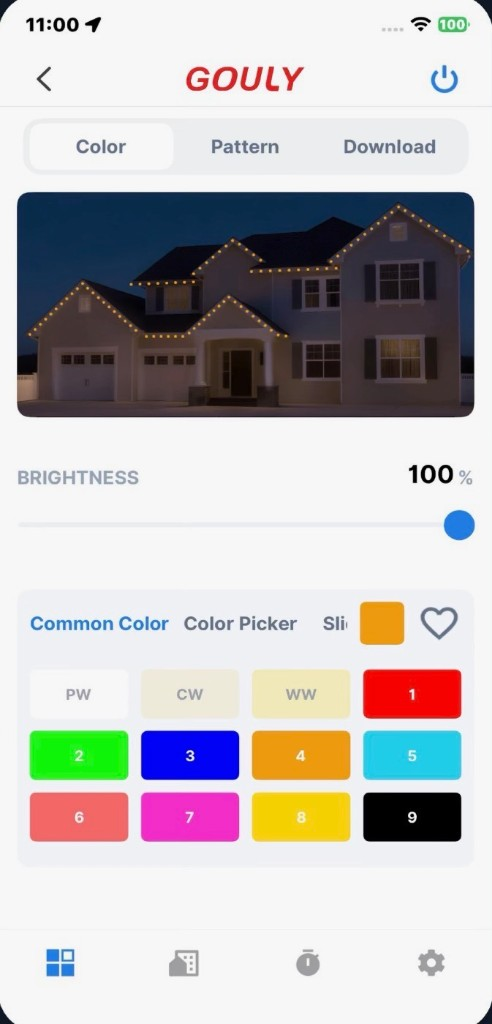
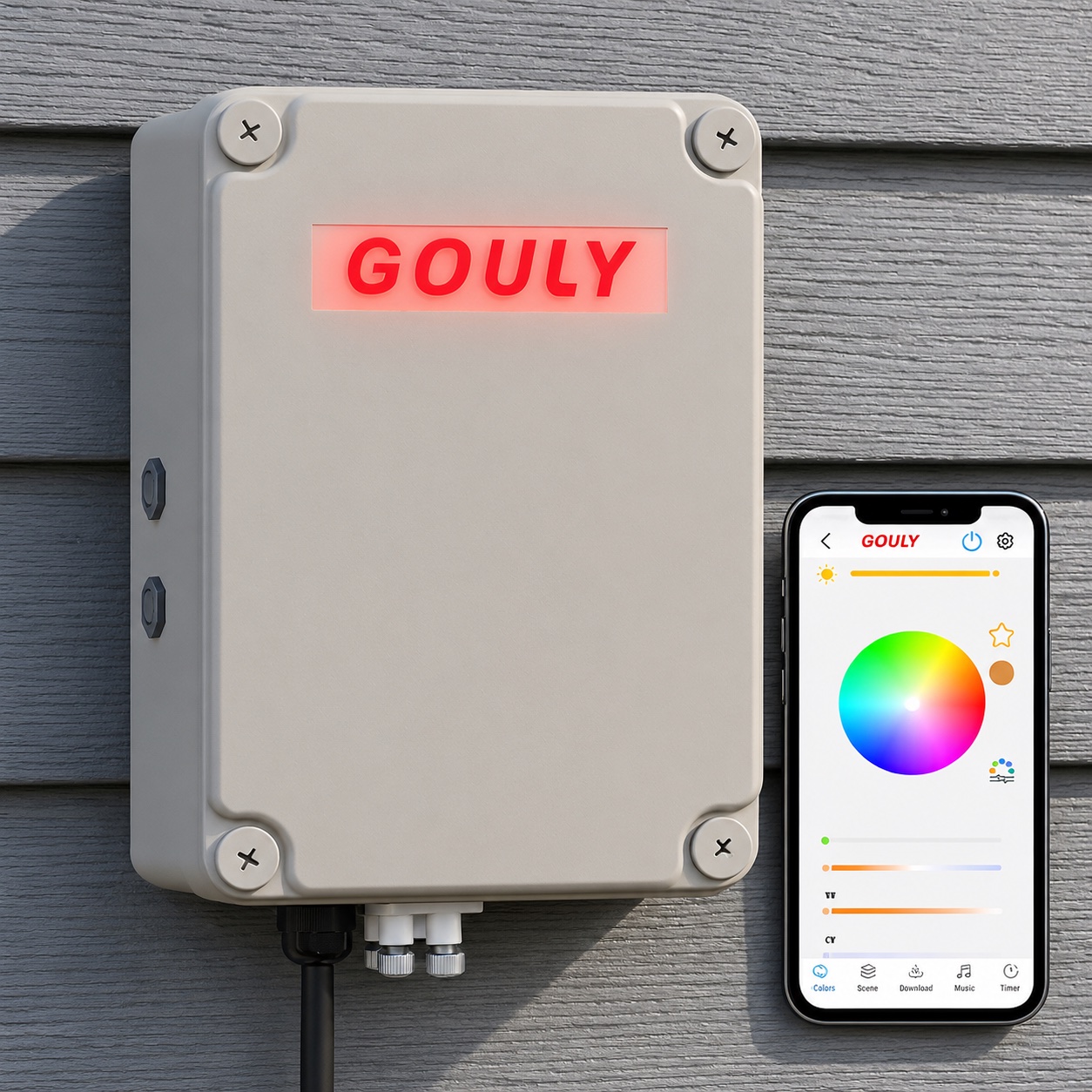
Discover and Connect
Open the app and follow the in-app prompts to discover and connect your lights.
Step 4
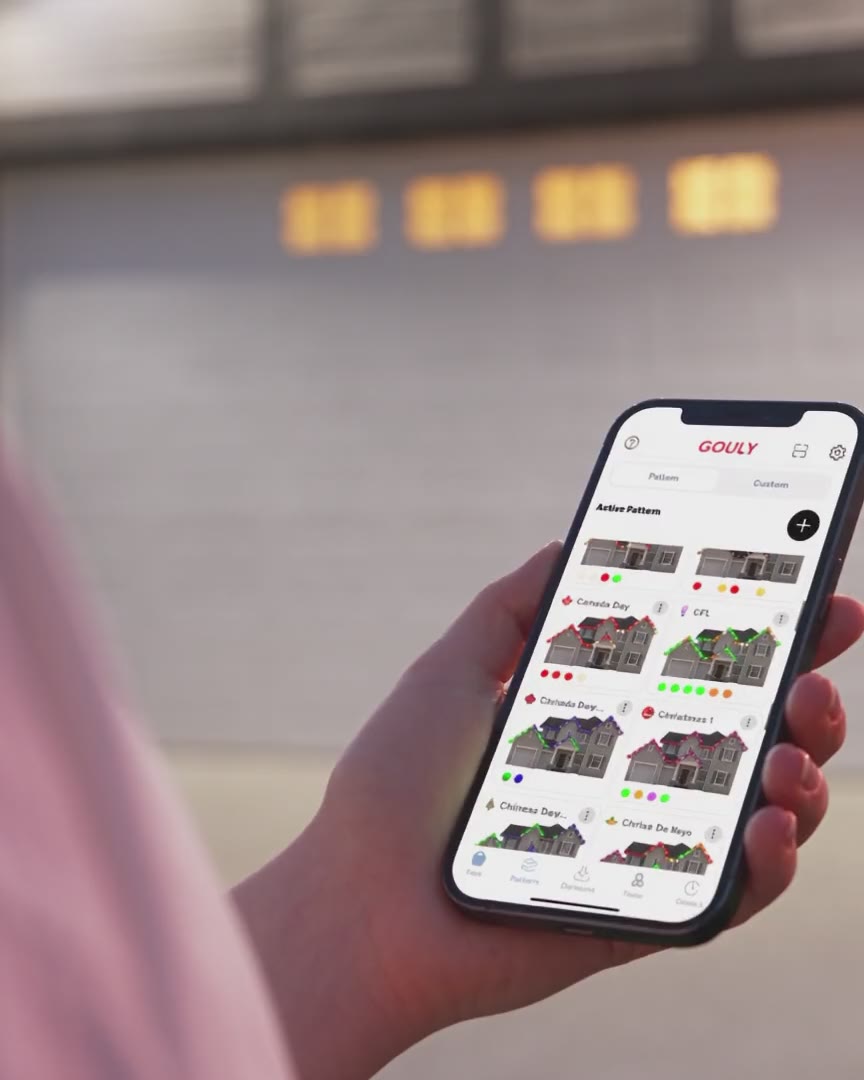
Customize Your Lights
Explore 1000+ designs and 100+ effects, set schedules, and customize your lighting.
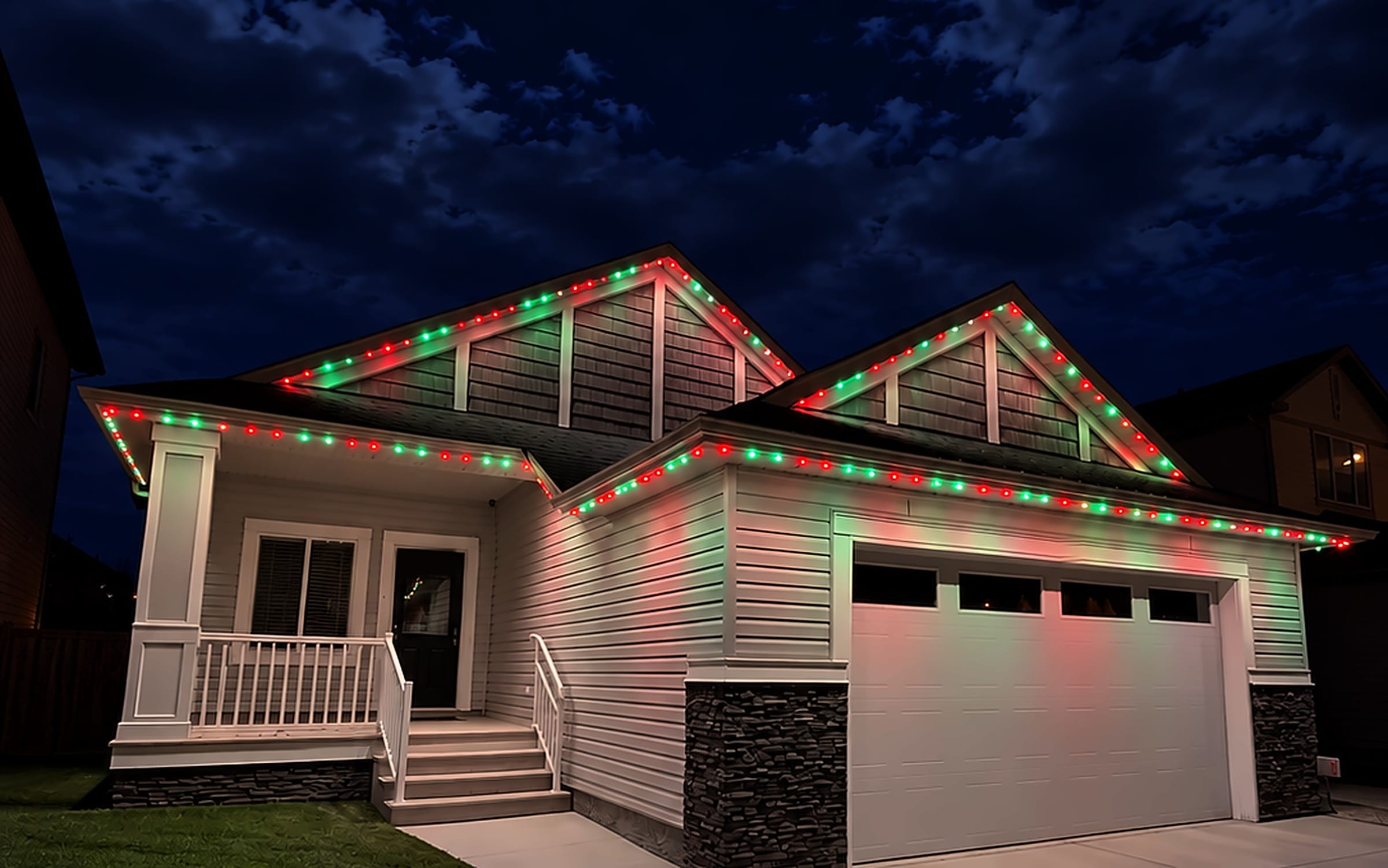
The GOULY app
NewLive Preview
NewDesign Unlimited Patterns
NewMusic Mode
Holiday Lighting
Warm White Diode
Dimmable Lights
Quad-Zones
Architectural White Lighting
100+ Animations
16M+ Colors
Sunset & Sunrise Timer
Fully Customizable
Need a hand with setup?
Our team is here to help with installation, setup, or any questions.
Call (587) 324-7798Not a customer yet?
Ready for a virtual quote? Or just reach out; we're here to help.