Done chasing Gemstone errors?
Upgrade to a permanent GOULY system
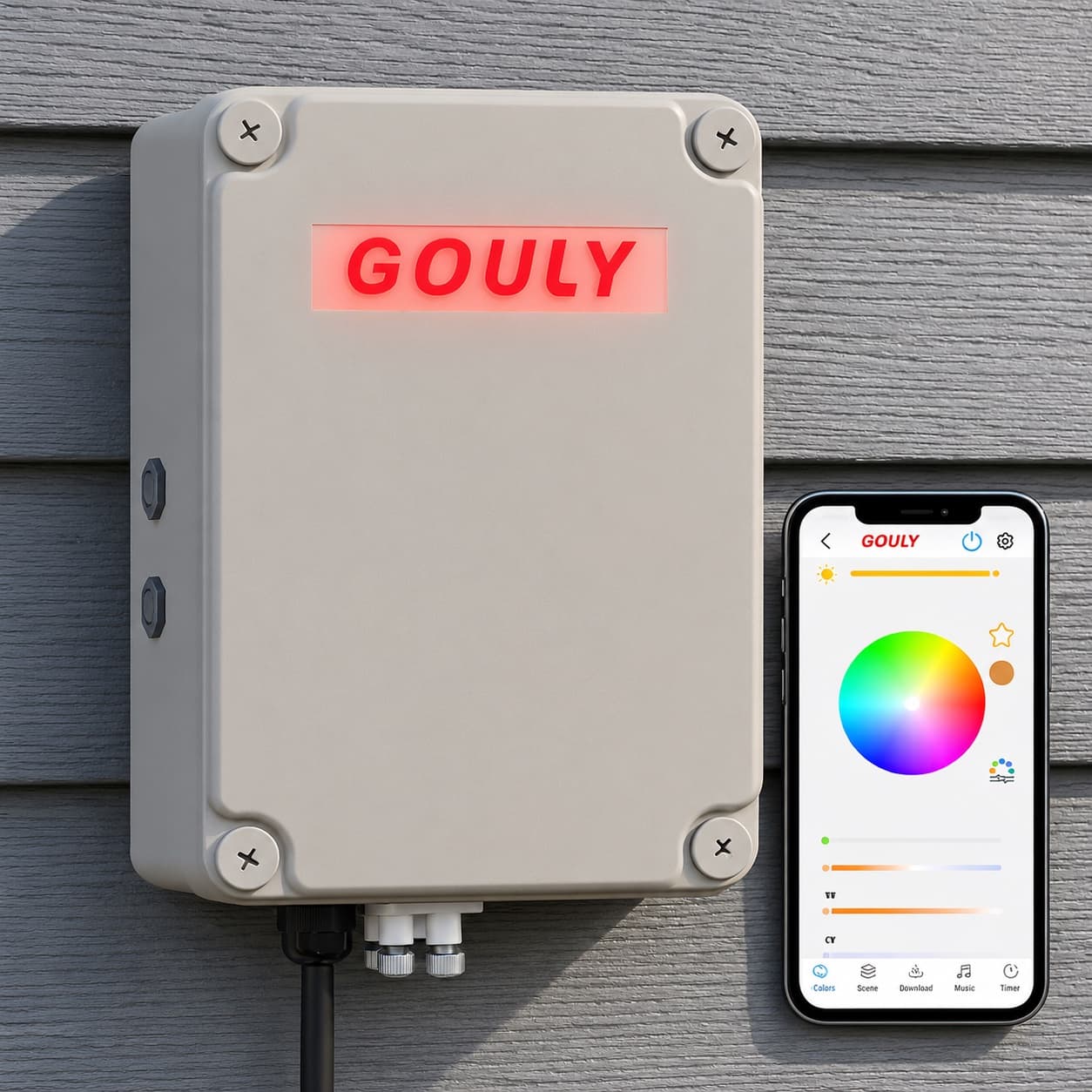
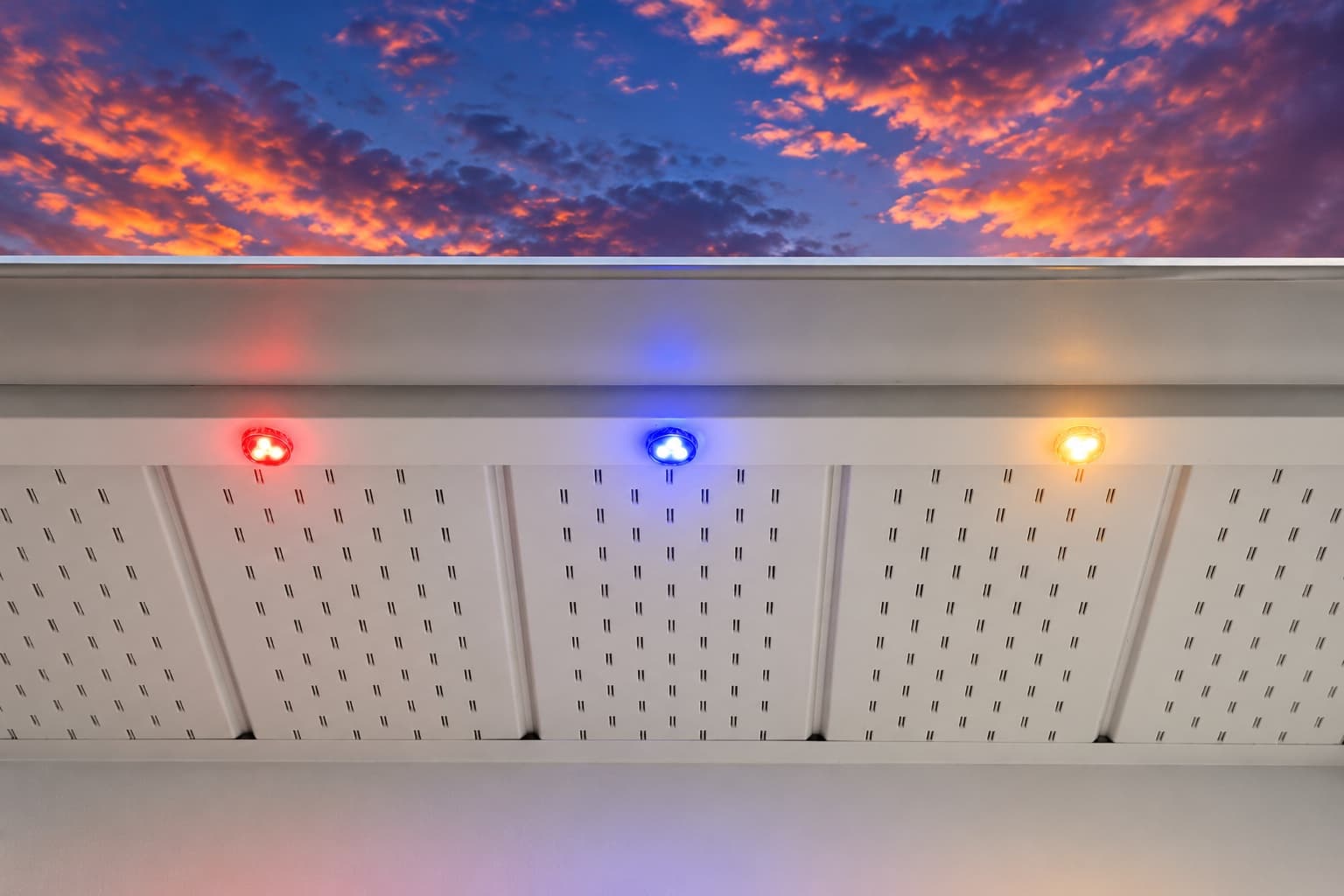
We can assess what you have now, or replace it with a professionally installed GOULY Gen 3 system on one app with 1,000+ designs.
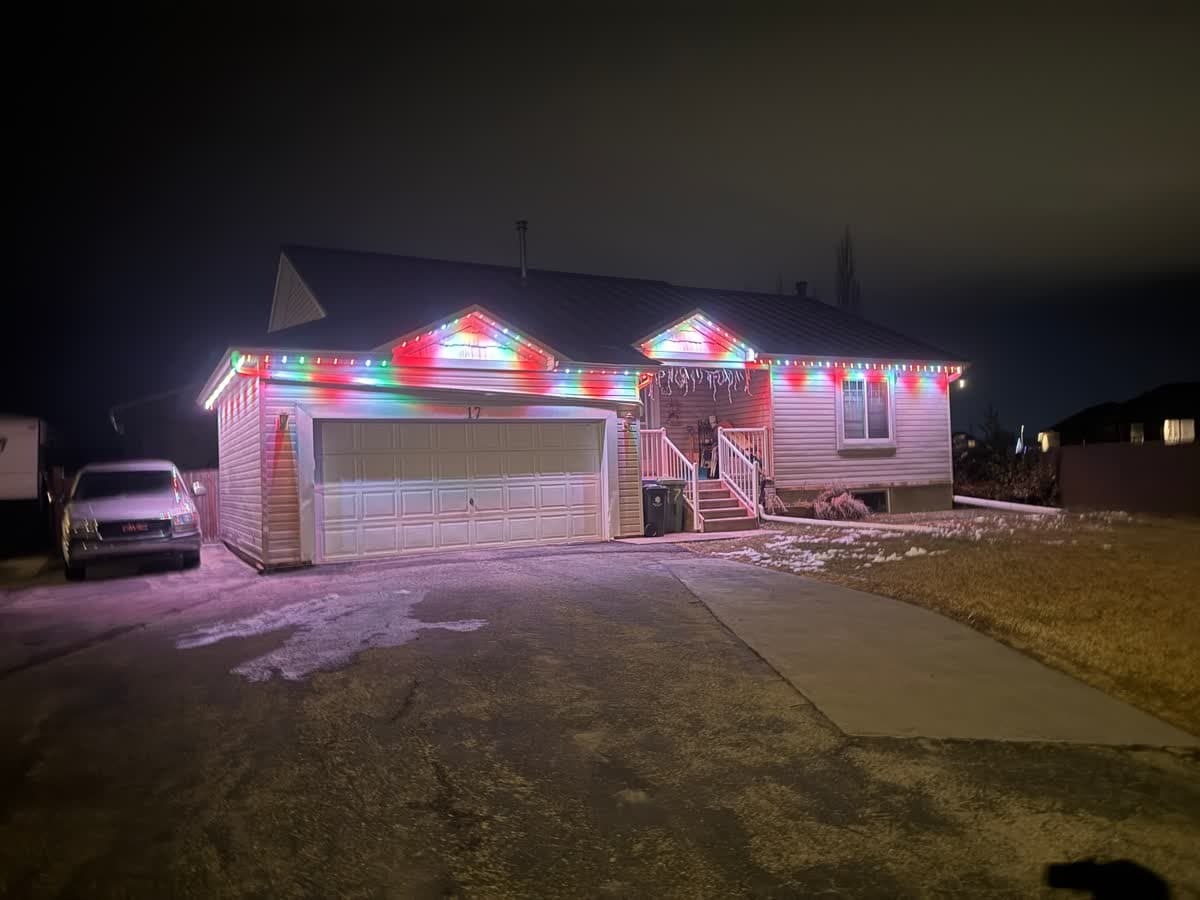
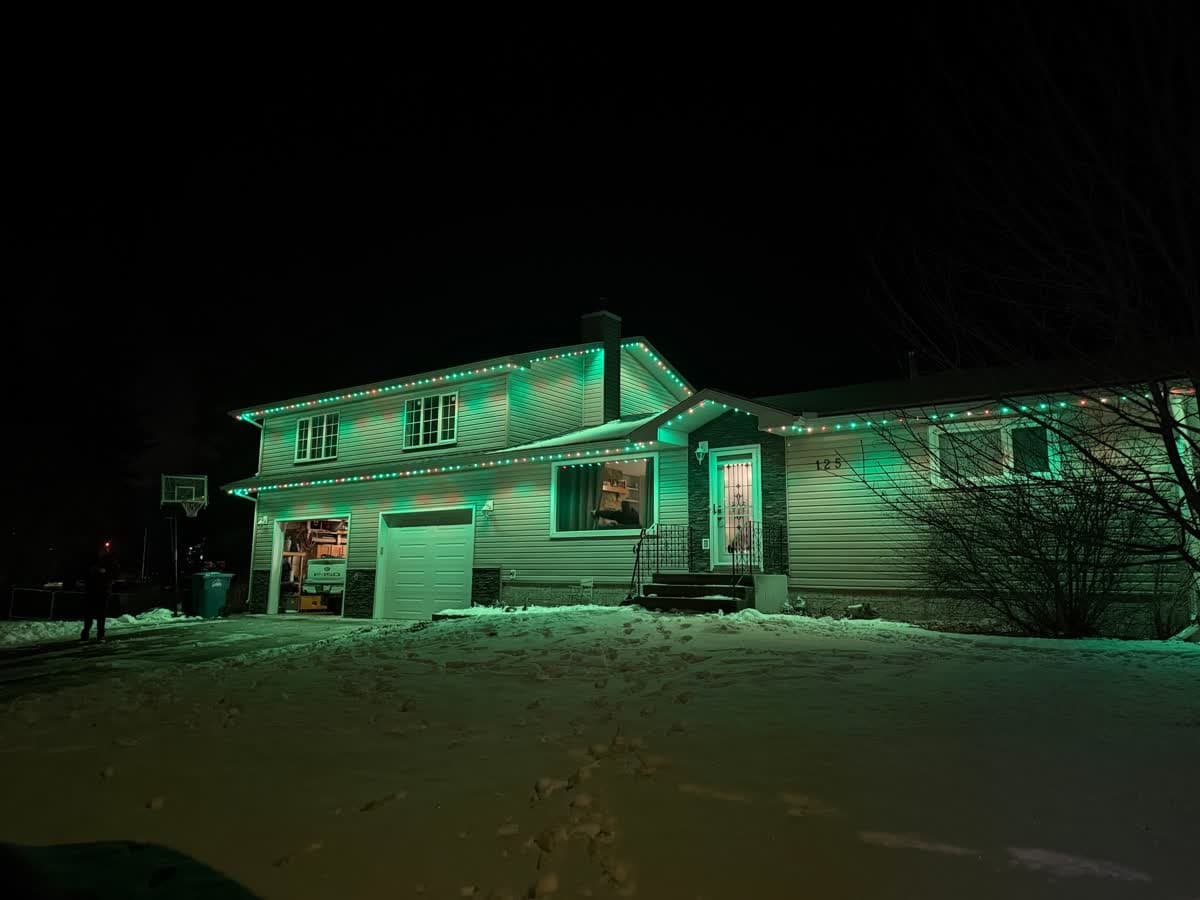
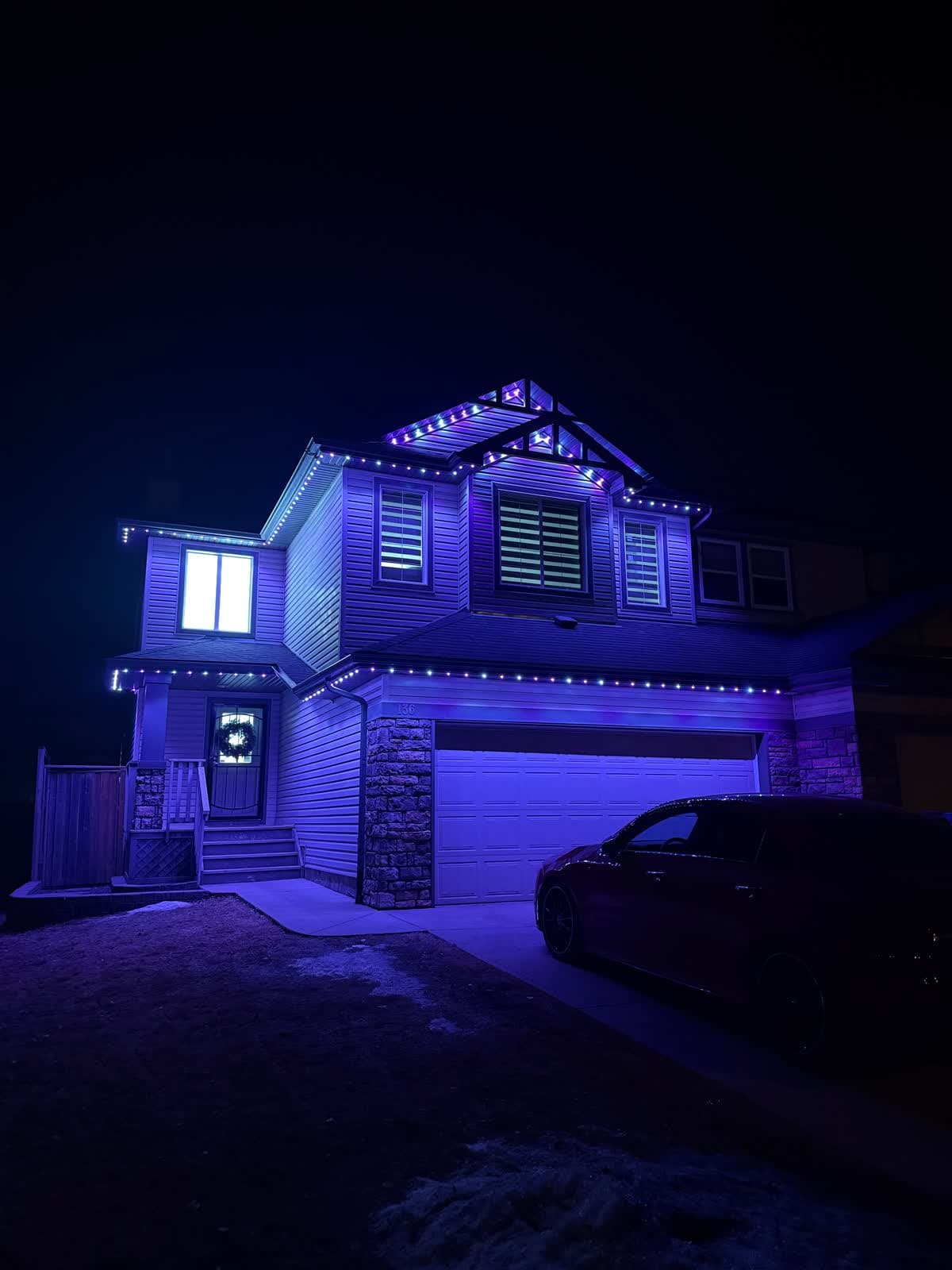
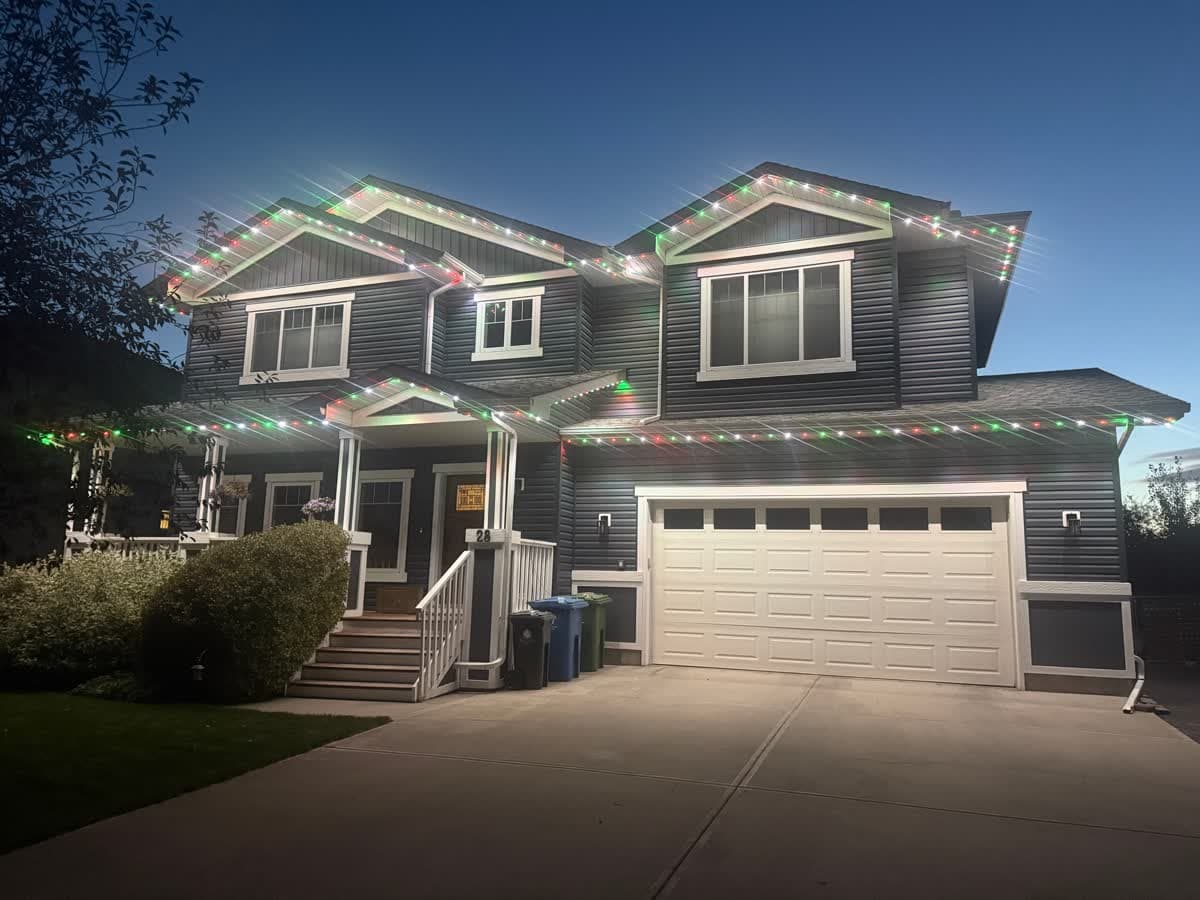
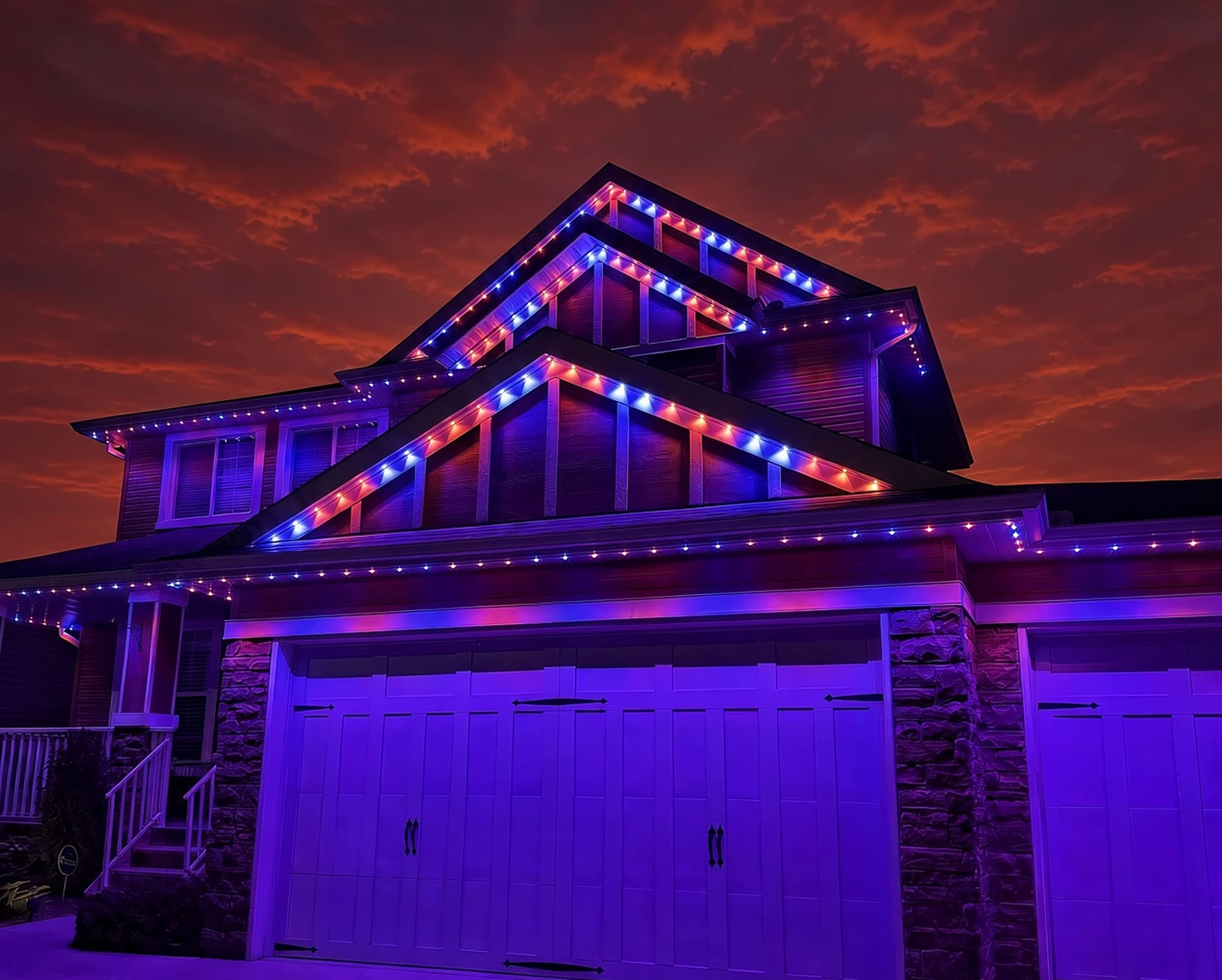
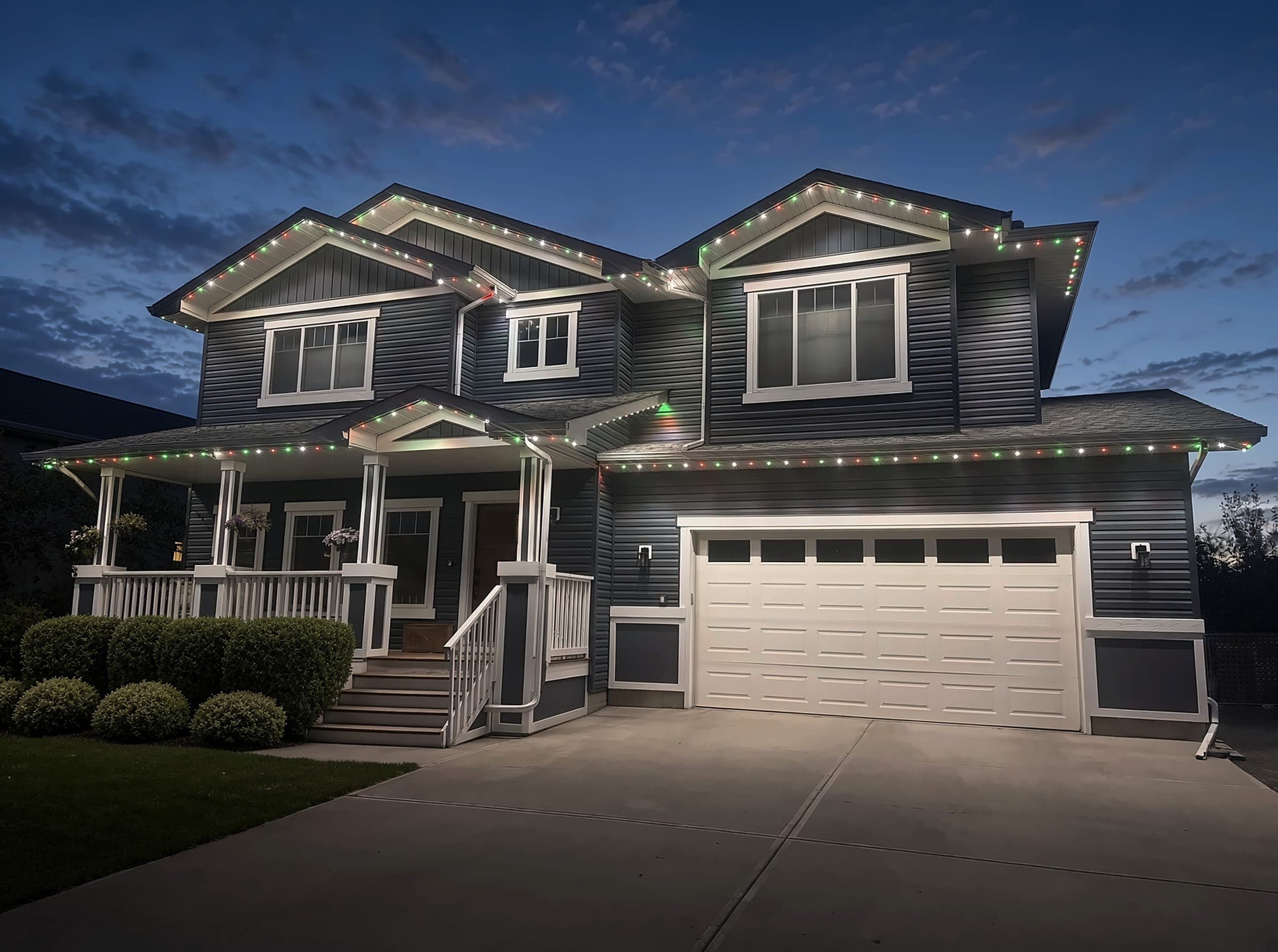
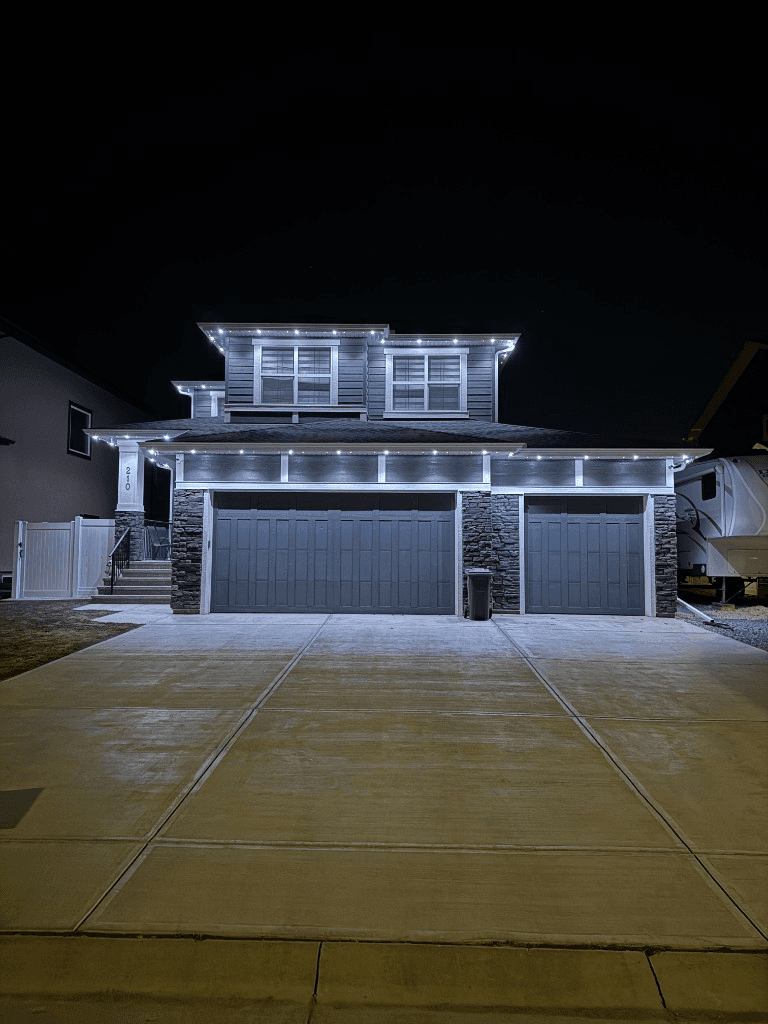 From our gallery
You open the Gemstone Lights app and it says "Device Offline", "Request Timed Out" or "Network error". Or the app shows the lights as online and the roofline stays dark. Gemstone permanent lights are run from a controller hub that talks to the app over your home network, and most of these messages mean that link has broken.
This guide covers the fixes in the order most likely to work, based on Gemstone's own support pages. Where Gemstone does not publish an exact step, we keep it general.
Tired of fighting the app?
Get a free mockup of your house lit up
First, which app and hub do you have?
Gemstone has two apps on the App Store:
- Gemstone Lights is the newer app, for the Hub2 controller.
- Gemstone Lights HUB is the older app, for Hub1 Track and Deck systems.
The developer has said the older app is still supported for Hub1 owners, and an update to the older app let Hub2 owners move their folders and patterns over to the new app. If you have a Hub2 and are still using the old app, or the other way around, that alone can explain a lot of "not working" moments. Your installer can tell you which hub you have.
Quick checklist before you start
- Check power. Gemstone's network error page says to check the outlet, any switch and the breaker. Exterior GFCI outlets also trip after rain.
- After a power outage, wait. Gemstone says the controller takes 30 to 45 seconds to reconnect once power is back.
- Force-close the app and reopen it.
- Update the app from the App Store or Google Play.
- Restart your router if other devices in the house are also having trouble.
Problem #1: Gemstone lights offline ("Device Offline" or "Request Timed Out")
What it means: Gemstone's troubleshooting page says a timed-out request usually means the device is offline. The app cannot reach the controller.
Fixes, in order (Hub2):
- Unplug the control box for about 10 seconds, then plug it back in.
- If that does not work, unplug it for 2 minutes, then plug it back in.
- Give it a minute, then reopen the app and check whether it shows online.
If the controller drops offline again and again, look at Wi-Fi coverage where the control box is mounted. Control boxes often sit in a garage or behind exterior walls, which is a hard place for any device to hold a signal. A mesh node or extender on that side of the house is a common fix.
Problem #2: "Network error" or lights not connecting to Wi-Fi
Gemstone's page for this message says it means the controller has lost its Wi-Fi connection. Work through:
- Power at the outlet, switch and breaker.
- If the power was out, wait 30 to 45 seconds after it comes back.
- If you changed your router, internet provider or Wi-Fi password, the controller is still looking for the old network and needs to be connected again (see Problem #4).
Problem #3: the app says online but the lights stay off
If the app shows the controller as online and the lights still do not respond, the problem is likely past the controller, in the power supply, wiring or the lights themselves. Gemstone's own advice for this case is to ask your dealer for a technician visit. This is not something an app reset will fix.
Problem #4: re-adding the controller after a new router or Wi-Fi password
Hub2 (Gemstone Lights app): Gemstone's troubleshooting page says to tap "+", then "Add a Device", then "Connect with QR Code", and scan the QR code from your installer. If you cannot find that code, your installer should have it on file.
Hub1 (Gemstone Lights HUB app): Gemstone's connection page walks through an "Advanced sync":
- Tap "+" at the top right and pick your controller. The lights flash white.
- Tap "Advanced sync", confirm your Wi-Fi network, enter the password and tap "Next".
- When prompted, join the Wi-Fi network starting with "SmartLife" (it has no password) and wait up to 2 minutes.
- You may be asked for a Bluetooth name starting with "Gem-".
Gemstone says a wrong Wi-Fi password is the most likely reason a sync fails, so type it carefully.
Wi-Fi band: Gemstone's current troubleshooting page does not state a band. An older Gemstone setup sheet points to 2.4 GHz during setup, and most permanent light controllers use 2.4 GHz. If setup keeps failing and your router combines 2.4 GHz and 5 GHz under one name, splitting them and connecting to 2.4 GHz is a safe step. Our 2.4 GHz setup guide explains how.
Problem #5: Gemstone timer or schedule not working
The newer Gemstone Lights app lists sunrise and sunset timers that keep working when the controller is offline, group timers, playlists and an Autopilot feature for holiday and sports scheduling. If a schedule is not doing what you expect:
- Check which zones or group the timer applies to.
- Look for two timers or an Autopilot event that overlap and override each other.
- Delete the timer and recreate it, then test with a time a few minutes away.
Some reviewers of the older HUB app mention limits on the number of timers. If you are on Hub1 and keep running out, that is a question for your installer.
Smart home control
The newer app lists Control4 and ELAN support. We could not confirm current Alexa or Google Home support from Gemstone's own pages, so check with your installer before spending time on it.
Local install and support
Number One Lights installs and supports GOULY permanent lights in Calgary, Chestermere and Strathmore
You get a local warranty and local service from the team that put your lights up. Start with a free mockup of your house lit up.
Getting support
Gemstone's pages point owners to their dealer first, with a contact page and support page on its website as well. Go in with your hub type, app version, the exact error message and what you have already tried.
When troubleshooting is not worth it
If you have power cycled the controller several times, re-synced it, and it still goes offline every few weeks, or the app says online while sections stay dark, the problem is usually not a setting you missed. That is when it makes sense to have someone look at the whole system.
| Feature | Many Competitors | GOULY Gen 3 |
|---|---|---|
| App | Gemstone Lights or Gemstone Lights HUB | GOULY app with 1,000+ designs |
| Mounting | Depends on your install | Aluminum track fastened to your fascia |
| Cold rating | Check your hardware | Rated -40°C to +50°C |
| Install | Varies | Professionally installed |
| Warranty | Depends on your dealer | Transferable Warranty plus workmanship coverage |
| Support | Your dealer | Local team in Calgary with a real phone number |
How Number One Lights can help
We install permanent lights across Calgary, Chestermere, Strathmore and area. If your current system keeps failing, we can come out, look at what is actually there and tell you straight whether it is worth fixing. If it is not, we replace it with the GOULY Gen 3 system:
- Controlled from the GOULY app, with 1,000+ designs and holiday schedules.
- Mounted in aluminum track, fastened to your fascia. See the system.
- Rated for Alberta cold, -40°C to +50°C.
- Professionally installed, with a Transferable Warranty plus workmanship coverage.
For the full side by side, read Number One Lights vs Gemstone.
What to do next
If the fix was small, a tripped breaker, a power outage or a router change, the steps above should have you back up tonight.
If it keeps coming back, get a free quote and a team member will look at your home virtually and send a clear quote. No pressure, no surprises.
Done troubleshooting?
See your house lit up with a free mockup
We design, install and support GOULY permanent lights in Calgary, Chestermere and Strathmore. Get your free mockup and quote, or text or call us with any question.
Frequently asked questions
What does Request Timed Out mean in the Gemstone Lights app?
Gemstone says it usually means the device is offline. Unplug the control box for about 10 seconds and plug it back in. If that does not work, unplug it for 2 minutes.
Which Gemstone app do I need?
Gemstone Lights is the newer app for the Hub2 controller. Gemstone Lights HUB is the older app for Hub1 Track and Deck systems. Using the wrong one for your hub can explain a lot of problems.
Why does my Gemstone app say Network error?
Gemstone says the controller has lost its Wi-Fi connection. Check the outlet, switch and breaker, and after a power outage give it 30 to 45 seconds to reconnect. If your router or password changed, the controller needs to be connected again.
How do I re-add a Gemstone Hub2 controller?
Gemstone's steps are to tap +, then Add a Device, then Connect with QR Code, and scan the QR code from your installer.
Why are my Gemstone lights offline after I changed my router?
The controller is still looking for the old network. If you changed your router, internet provider or Wi-Fi password, the controller has to be connected again. On a Hub2 in the Gemstone Lights app, Gemstone's troubleshooting page says to tap +, then Add a Device, then Connect with QR Code, and scan the QR code from your installer.
The Gemstone app says online but my lights are off. What now?
That points past the controller, to power, wiring or the lights. Gemstone recommends asking your dealer for a technician visit. In Calgary, Chestermere or Strathmore, Number One Lights can also look at it and tell you whether it is worth fixing.
Why is my Gemstone Lights timer not working?
Check which zones or group the timer applies to, and look for two timers or an Autopilot event that overlap and override each other. If that is not it, delete the timer, recreate it and test it with a time a few minutes away.
Questions before you book?
Visit our FAQ page
Get quick answers on Gen 3 Lighting, pricing, install timelines, app setup, warranty, and what to expect on install day.