Done splicing Govee runs?
Upgrade to a permanent GOULY system
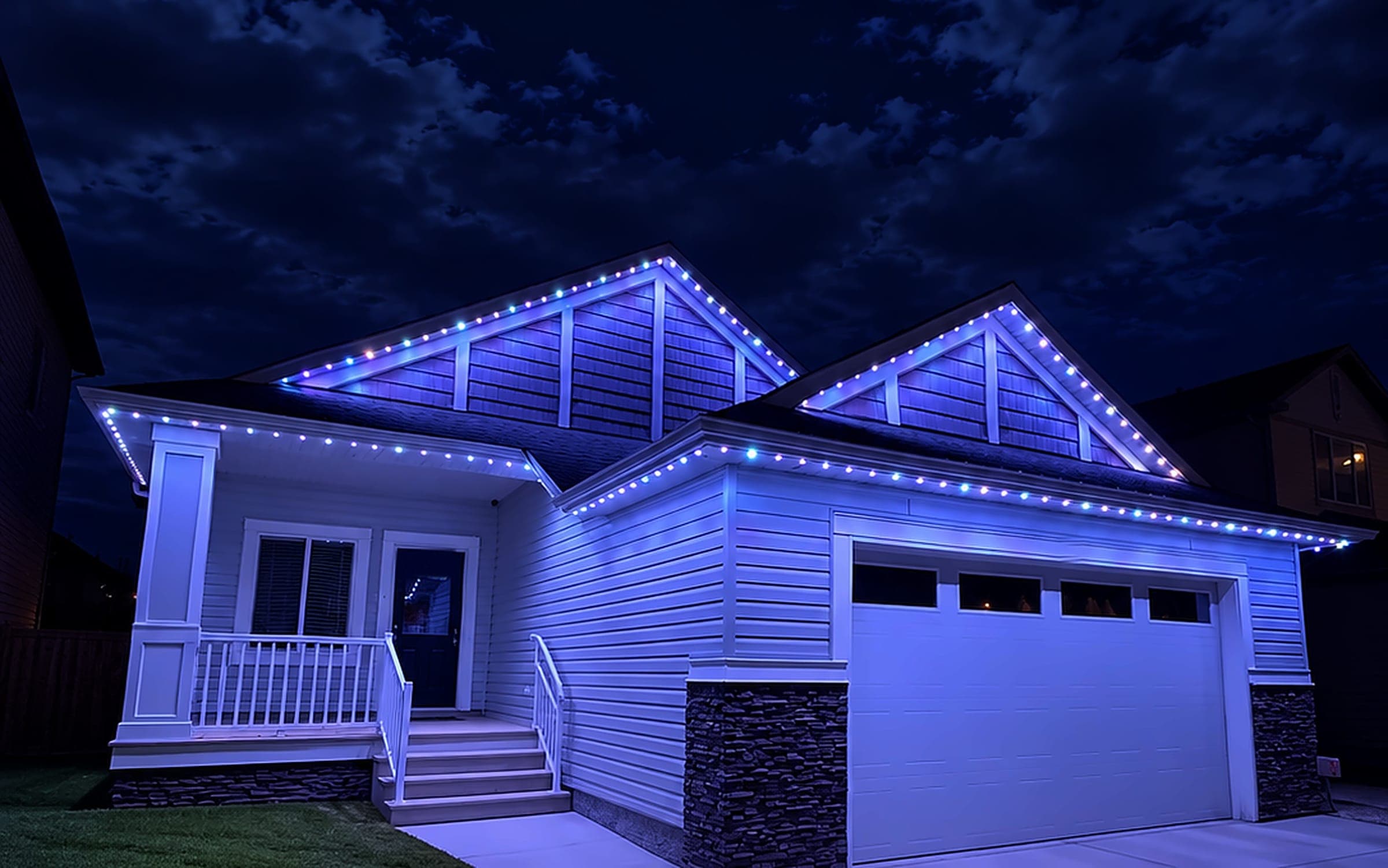
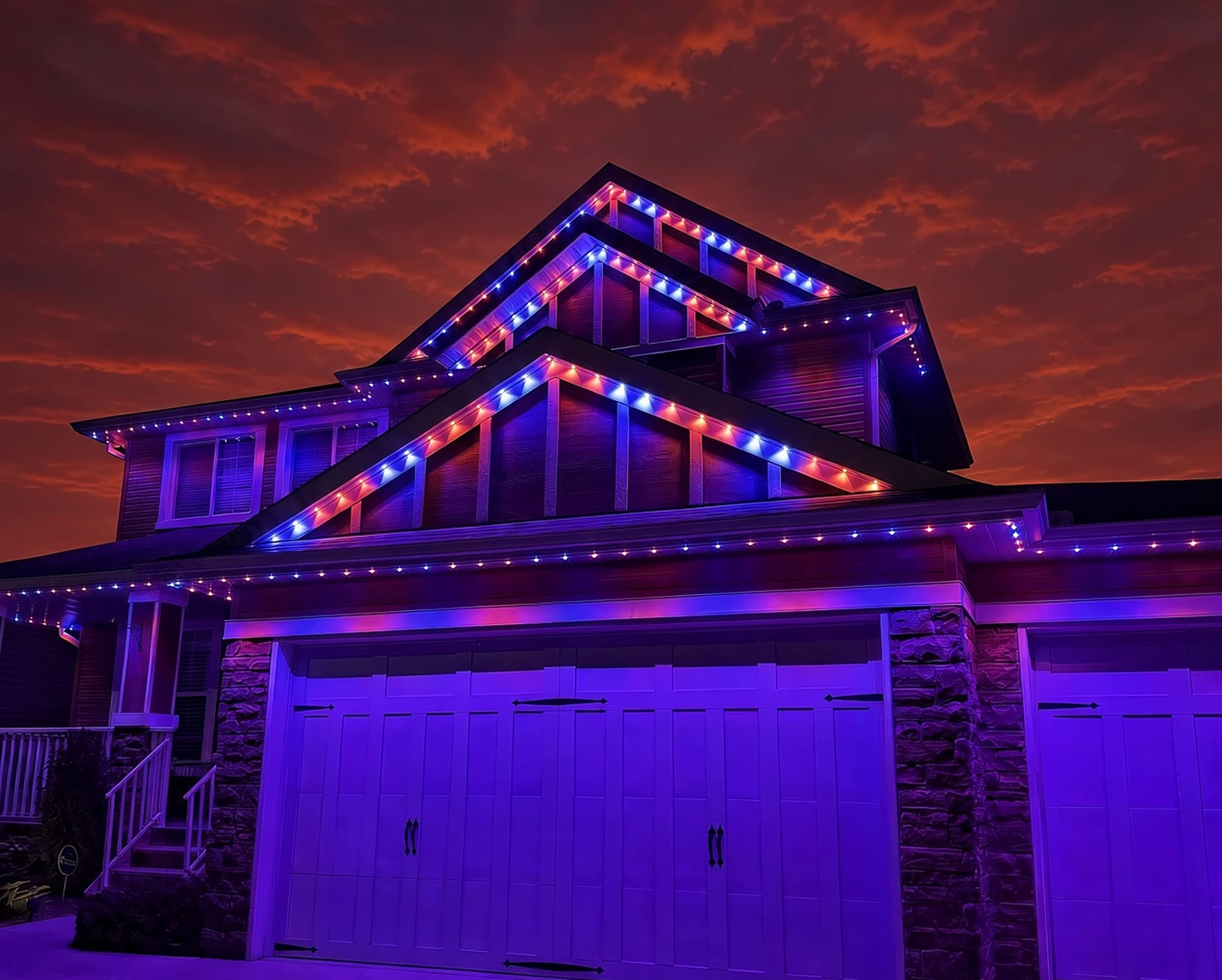
We can assess what you have now, or replace it with a professionally installed GOULY Gen 3 system on one app with 1,000+ designs.
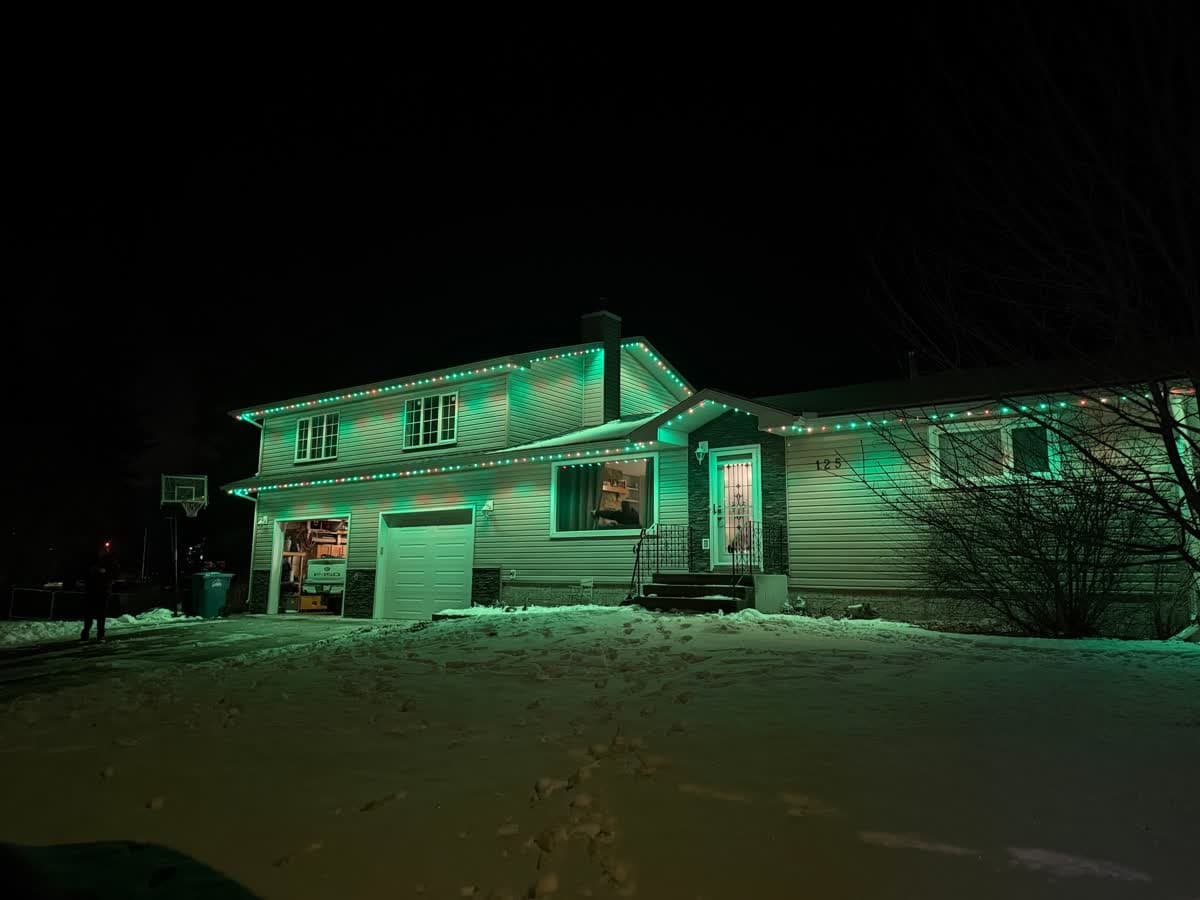
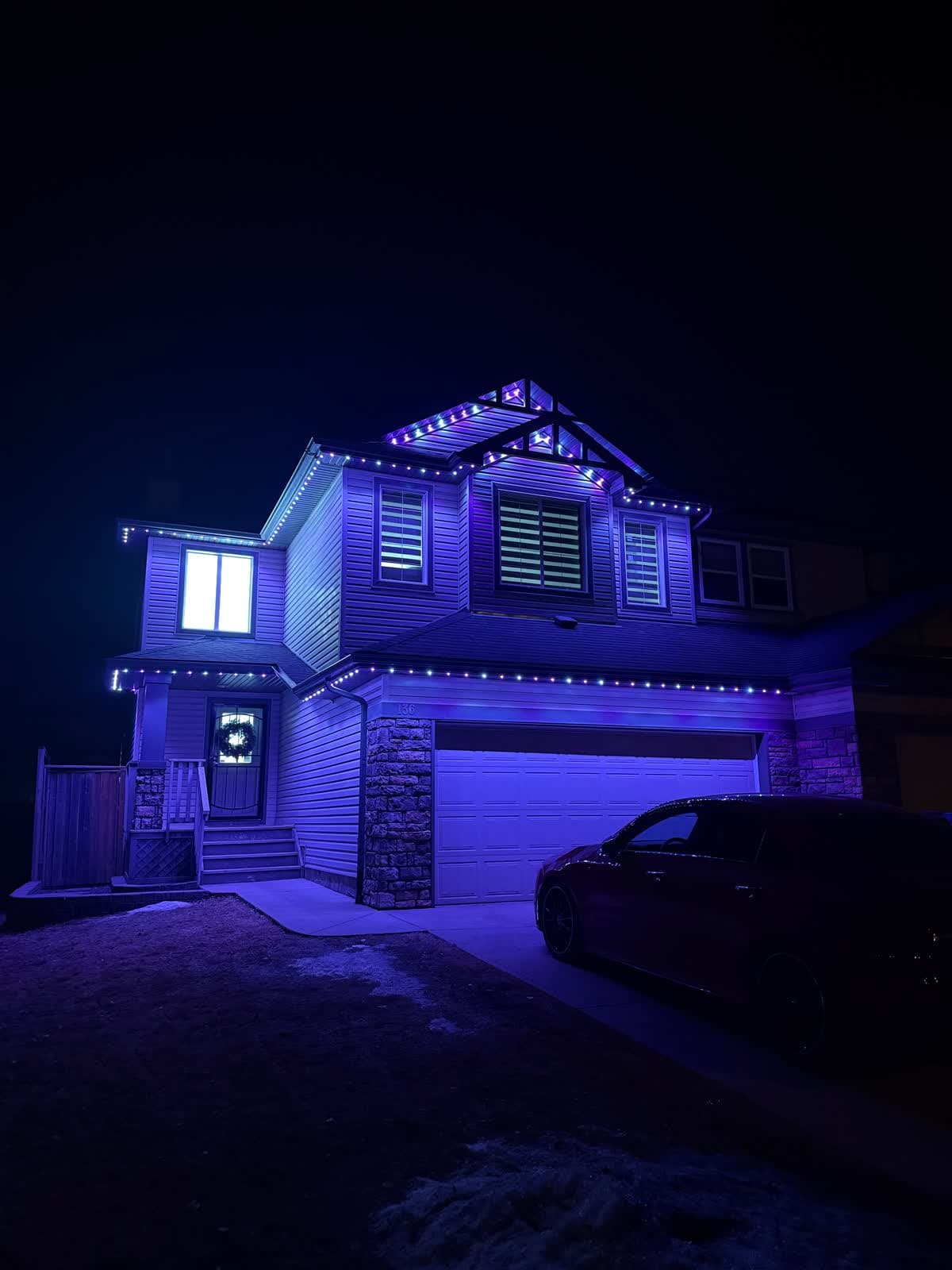
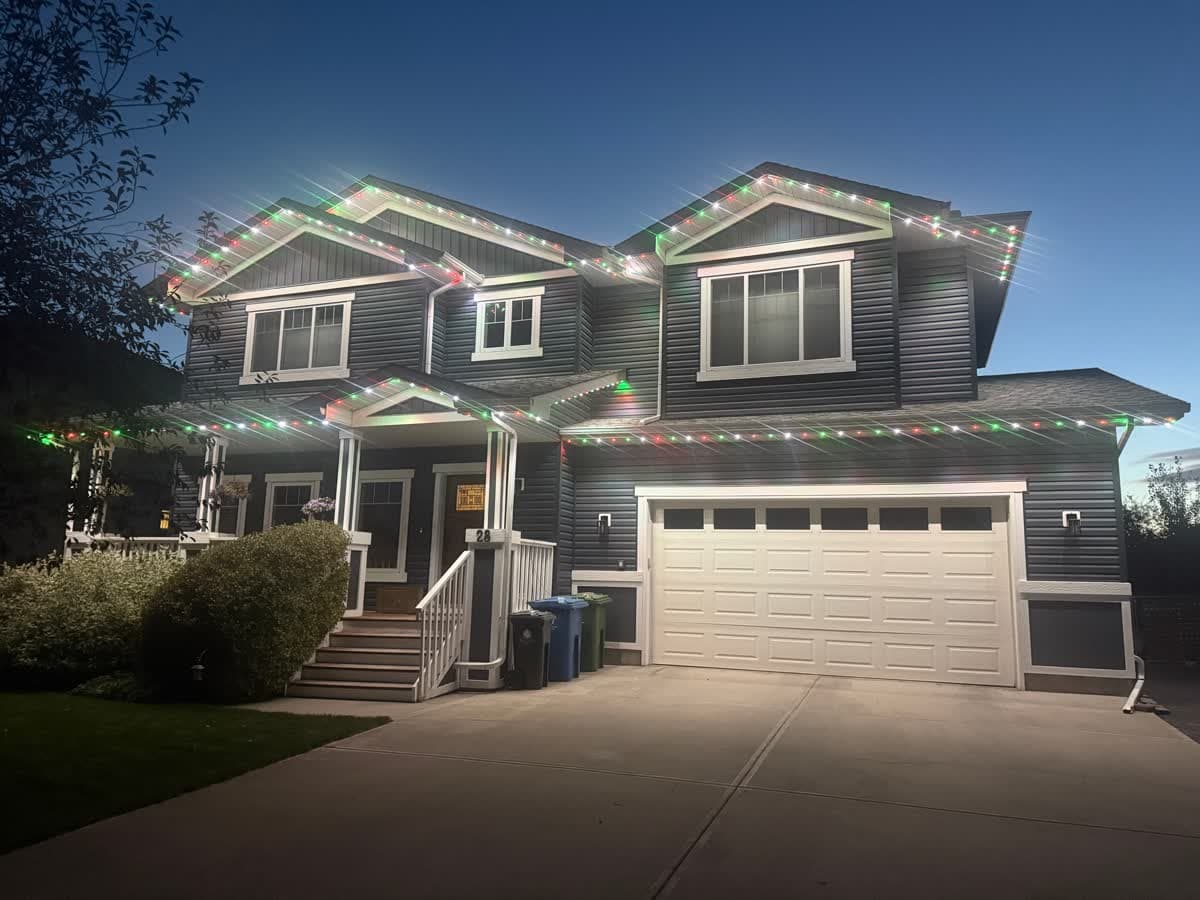
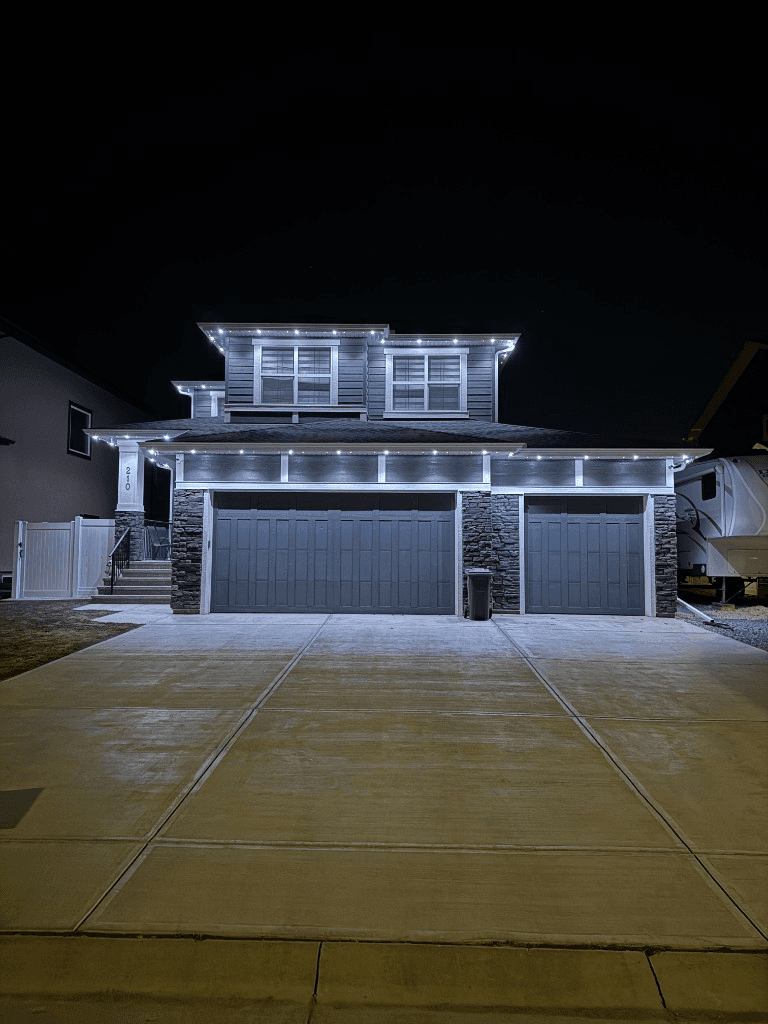
 From our gallery
This is the advanced guide for the Govee Permanent Outdoor Lights Pro and the newer cuttable models. It covers the problems that are specific to these kits: lights that stop after you cut or splice a run, extensions that will not light, parts from different generations that will not work together, schedules, Matter and DreamView sync.
If you have not done the basics yet, start with our two general guides. Govee permanent lights not working covers dead runs, a single dead section, flicker, lights coming off the house and the factory reset. Govee permanent lights not connecting to Wi-Fi covers 2.4 GHz pairing, router settings and lights going offline. This page picks up where those leave off.
Tired of fighting the app?
Get a free mockup of your house lit up
Step 1: confirm which model you have
Most advanced problems come from mixing parts or following steps for the wrong model. Govee's own blog lists the model numbers this way:
- H705A, H705B, H705C: the original Permanent Outdoor Lights. Not cuttable.
- H705D, H705E, H705F: Permanent Outdoor Lights 2, also sold as Elite. Not cuttable.
- H706A, H706B, H706C: Permanent Outdoor Lights Pro. Cuttable and spliceable.
- H707A, H707B, H707C: Prism. Cuttable.
Govee also sells a separate 2 Pro model. The model number is on the control box label and in the device settings in the Govee Home app. Write it down before you order parts or contact support.
Problem #1: Govee Pro splice not working after a cut
Why it happens: The Pro is designed to be cut and spliced, but every splice is a new place for a bad connection or water to get in. Govee warns that faulty splices can cause failure or let water in.
What Govee's cut and splice guide says to do:
- Disconnect power first.
- Cut only between two light beads.
- Strip back to expose the three insulated wires.
- Remove the silicone plug from the supplied connector, insert each wire into its matching slot, screw the connector closed and put the plug back.
Fixes, in order:
- Find the first light past the splice that is dark or the wrong colour. The fault is almost always at that splice.
- Open the connector and check that each wire is in its matching slot and fully seated. Govee notes a loose or misplaced pin can break the circuit.
- Remake the splice with a new connector if the wire ends are damaged or wet.
- Use the supplied waterproof connectors. Govee allows soldering and custom wiring, but says to do it carefully to keep the run waterproof.
Problem #2: run length limits, and a far end that is dim or dark
Why it happens: Every kit has a length limit. Govee states the Pro cannot be extended past 150 ft (45 m) without a driver module, and the 200 ft (60 m) kit includes one. Going past the limit without it leaves the end of the run short of power.
Fixes, in order:
- Add up the total length on that control box, including extensions.
- If you are past 150 ft on a Pro without a driver module, shorten the run or add the module.
- If the house needs more length than one kit supports, use a second control box and group the two in the app so they act as one.
Problem #3: new Govee parts will not work with old ones
Why it happens: Govee says mixing different generations is not advisable and can cause malfunction. It also lists these specific limits:
- H706C chip change. Govee's Pro product page says the upgraded H706C chip is not compatible with older H706C units, current voltage booster modules or control boxes. H706A and H706B stay compatible.
- Permanent Outdoor Lights 2 extension lights are listed as compatible only with H705D and H705E.
Fix: Before ordering extensions, a replacement section or a new control box, match the exact model number, and for H706C, confirm which chip version you have with Govee support. If you already mixed parts and the run misbehaves, separate them back onto their own control boxes and test each one.
Problem #4: one light is dead and you want to replace just that light
Govee's installation and splicing guides do not describe a way to replace an individual light. Owners who reported a single dead light at the end of a run say Govee told them to contact customer service. On a cuttable Pro run, the practical options are a warranty replacement through Govee or the store you bought from, or cutting out the failed part and splicing in a replacement following the steps in Problem #1. We could not confirm whether cutting out a failed light affects the warranty, so ask Govee before you cut.
Problem #5: schedules and sunset timers do not run
Govee's timer guide describes schedules under Automation, with a Schedule tab where you set a start time, an end time and whether it repeats. The action can be a brightness, colour temperature, mode or DIY setting. The same guide describes a sunrise and sunset trigger in Automation.
Fixes, in order:
- Confirm the lights are online in the app. A schedule saved while the control box is offline may never reach it.
- Check the repeat days and the action the schedule runs.
- For sunset timers, make sure the app knows your location, then recreate the automation.
- Remove old automations that overlap the same evening.
- Test with a fixed time a few minutes away. If that runs and the sunset trigger does not, the problem is the trigger, not the lights.
Problem #6: Matter, Alexa and Google Home
Govee lists Matter support for the Pro, the 2 Pro and Permanent Outdoor Lights 2, but not for Prism. Alexa and Google Assistant are listed as well. The Pro connects over 2.4 GHz Wi-Fi and Bluetooth.
Fixes, in order:
- Make sure the lights work in the Govee Home app first.
- If you added the lights through Matter and they show unresponsive, remove them from your smart home app and add them again.
- If the lights show up twice, once through Matter and once through the Govee skill, remove one so they are controlled one way.
- Keep scenes and effects in the Govee Home app. Smart home apps generally only handle on, off, brightness and simple colours.
Problem #7: DreamView or PC sync does not show the lights
Govee lists DreamView as a feature on some of its newer outdoor models. On a computer, sync runs through the Govee Desktop app, and Govee's desktop FAQ says it needs a well-established local network connection, and that if no devices appear you should check its list of devices that support PC control. We could not confirm from Govee's pages that every permanent outdoor model is on that list, so check it for your exact model before spending time on it.
If your model is supported and the lights still do not appear:
- Put the computer and the lights on the same home network.
- Make sure the lights are online in the Govee Home app.
- Restart the Govee Desktop app and the control box.
Ratings worth knowing
Govee lists the Pro lights at IP67, the control box at IP65 and the power adapter for indoor use only. It lists an operating range of -20°C to 60°C. Calgary and area regularly drop below -20°C in winter. Keep the adapter out of the weather, and check that every connector cap is closed before the first freeze.
Local install and support
Number One Lights installs and supports GOULY permanent lights in Calgary, Chestermere and Strathmore
You get a local warranty and local service from the team that put your lights up. Start with a free mockup of your house lit up.
Getting support
Govee handles claims for lights bought from Govee. Lights bought at a retailer are usually handled through that store. Have your exact model number, where you bought it, your order details and photos of the fault ready.
When troubleshooting is not worth it
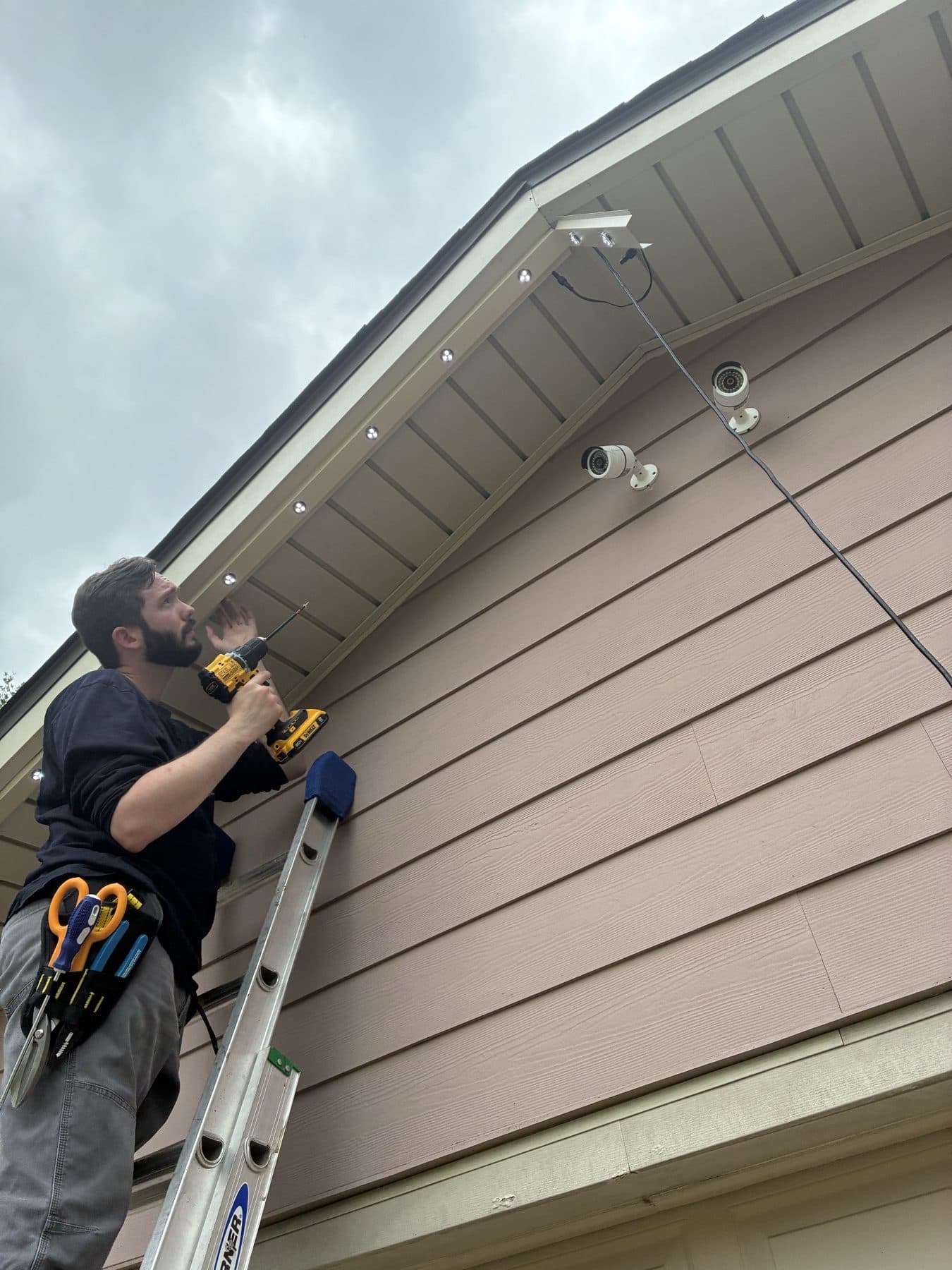
If you have remade the same splice twice, mixed and unmixed parts, and the run still fails after the next rain, the problem is usually not a setting you missed. Every splice, connector and extension on a DIY run is one more place for it to fail, and every repair is a ladder job.
| Feature | Many Competitors | GOULY Gen 3 |
|---|---|---|
| Connections | DIY splices and snap connectors | Installed and sealed by our crew |
| Mounting | Adhesive tape and clips | Aluminum track fastened to your fascia |
| Cold rating | -20°C | Rated -40°C to +50°C |
| Install | DIY | Professionally installed and certified |
| Warranty repairs | Ship, replace and reinstall yourself | Transferable Warranty plus workmanship coverage |
| Support | Govee or the retailer | Local team in Calgary with a real phone number |
How Number One Lights can help
We install permanent lights across Calgary, Chestermere, Strathmore and area. If your Govee run keeps failing, we can come out, look at what is actually there and tell you straight whether it is worth fixing. If it is not, we replace it with the GOULY Gen 3 system:
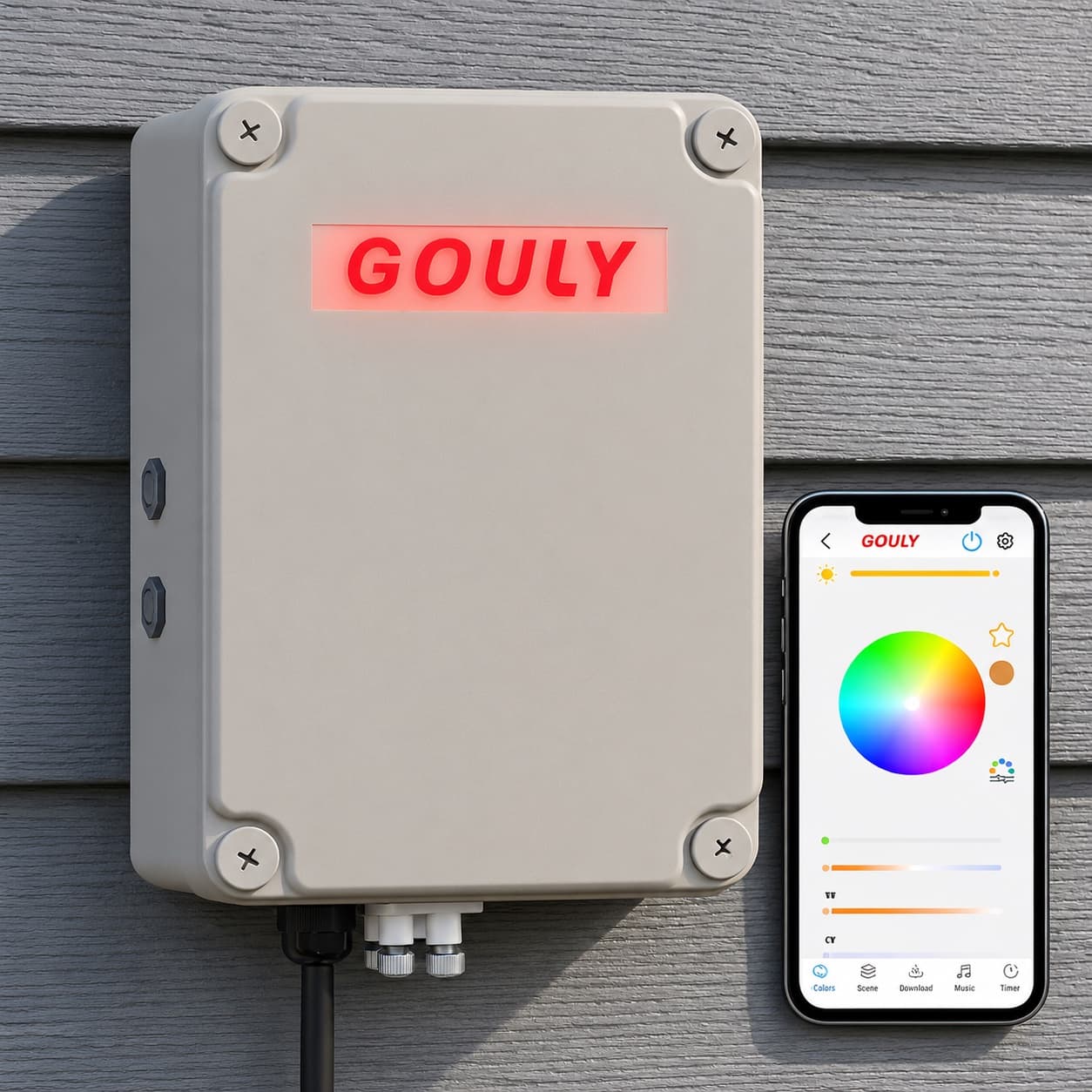
- Controlled from the GOULY app, with 1,000+ designs and holiday schedules.
- Mounted in aluminum track, fastened to your fascia. See the system.
- Rated for Alberta cold, -40°C to +50°C.
- Professionally installed, with a Transferable Warranty plus workmanship coverage.
For the full side by side, read Number One Lights vs Govee permanent outdoor lights.
What to do next
If the fix was a single splice or a run that was too long, you should be back up after an afternoon.
If it keeps coming back, get a free quote and a team member will look at your home virtually and send a clear quote. No pressure, no surprises.
Done troubleshooting?
See your house lit up with a free mockup
We design, install and support GOULY permanent lights in Calgary, Chestermere and Strathmore. Get your free mockup and quote, or text or call us with any question.
Frequently asked questions
What model number is the Govee Permanent Outdoor Lights Pro?
Govee lists the Pro as H706A, H706B and H706C. The original lights are H705A to C, Permanent Outdoor Lights 2 (Elite) is H705D to F, and Prism is H707A to C.
Why did my Govee Pro lights stop working after I cut them?
Usually a bad splice. Govee says to cut only between two light beads, insert each of the three wires into its matching slot in the supplied connector and reseal it. A loose or misplaced pin can break the circuit for every light after it.
How do I reset Govee Permanent Outdoor Lights Pro?
The factory reset is covered in our general guide, Govee permanent lights not working, along with dead runs and flicker. Try the fixes on this page first if the trouble started after a splice, an extension or new parts, since a reset will not fix a wiring or compatibility problem.
How long can a Govee Permanent Outdoor Lights Pro run be?
Govee says the Pro cannot be extended past 150 ft (45 m) without a driver module, and the 200 ft (60 m) kit includes one. For more length, use a second control box and group them in the app.
Can I mix Govee permanent light generations?
Govee says mixing generations is not advisable and can cause malfunction. It also says the upgraded H706C chip is not compatible with older H706C units, current voltage booster modules or control boxes.
Do Govee Pro permanent lights work with Matter?
Govee lists Matter for the Pro, 2 Pro and Permanent Outdoor Lights 2, but not Prism. Make sure the lights work in the Govee Home app before adding them to a Matter controller.
Questions before you book?
Visit our FAQ page
Get quick answers on Gen 3 Lighting, pricing, install timelines, app setup, warranty, and what to expect on install day.