Done fighting the Oelo app?
Upgrade to a permanent GOULY system
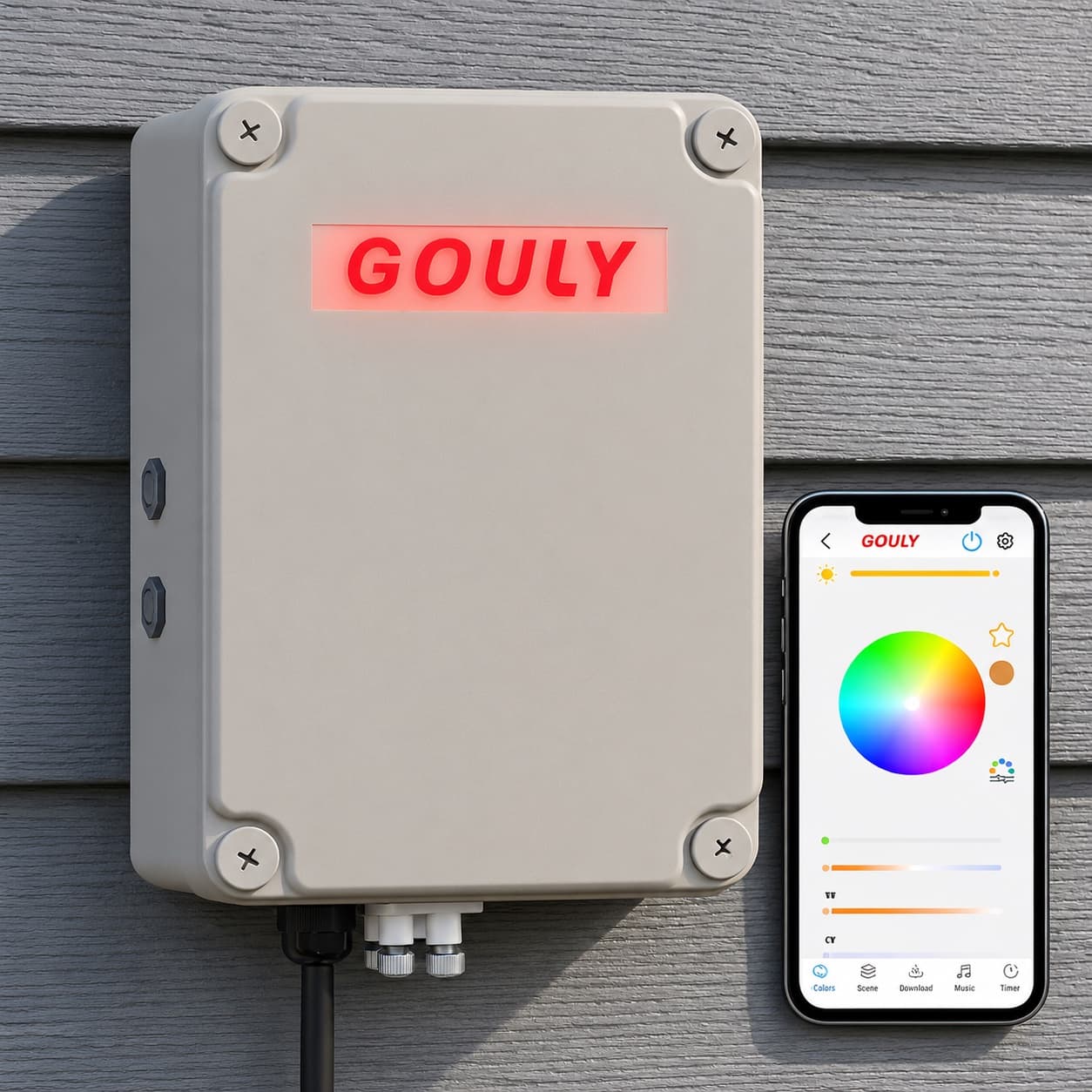
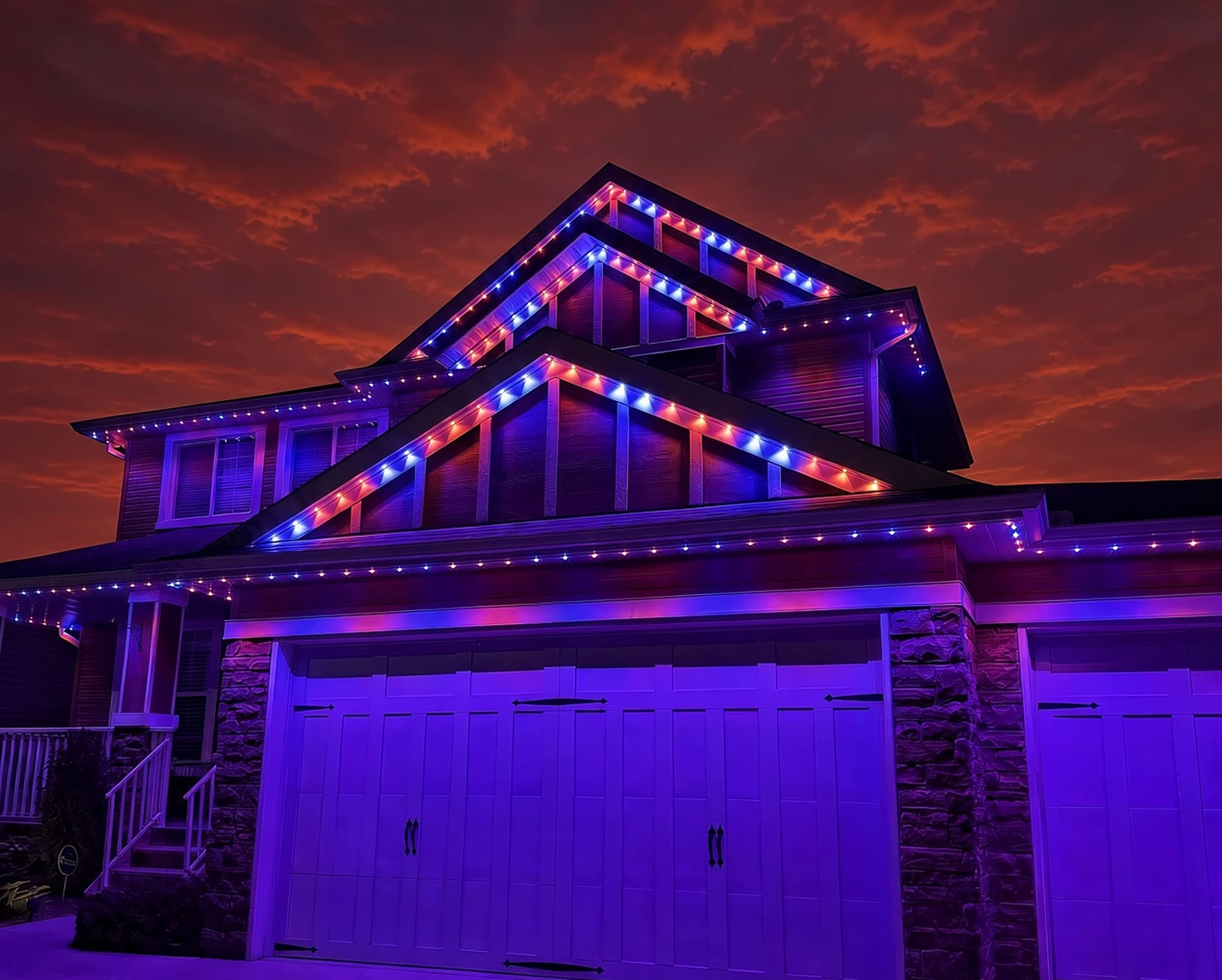
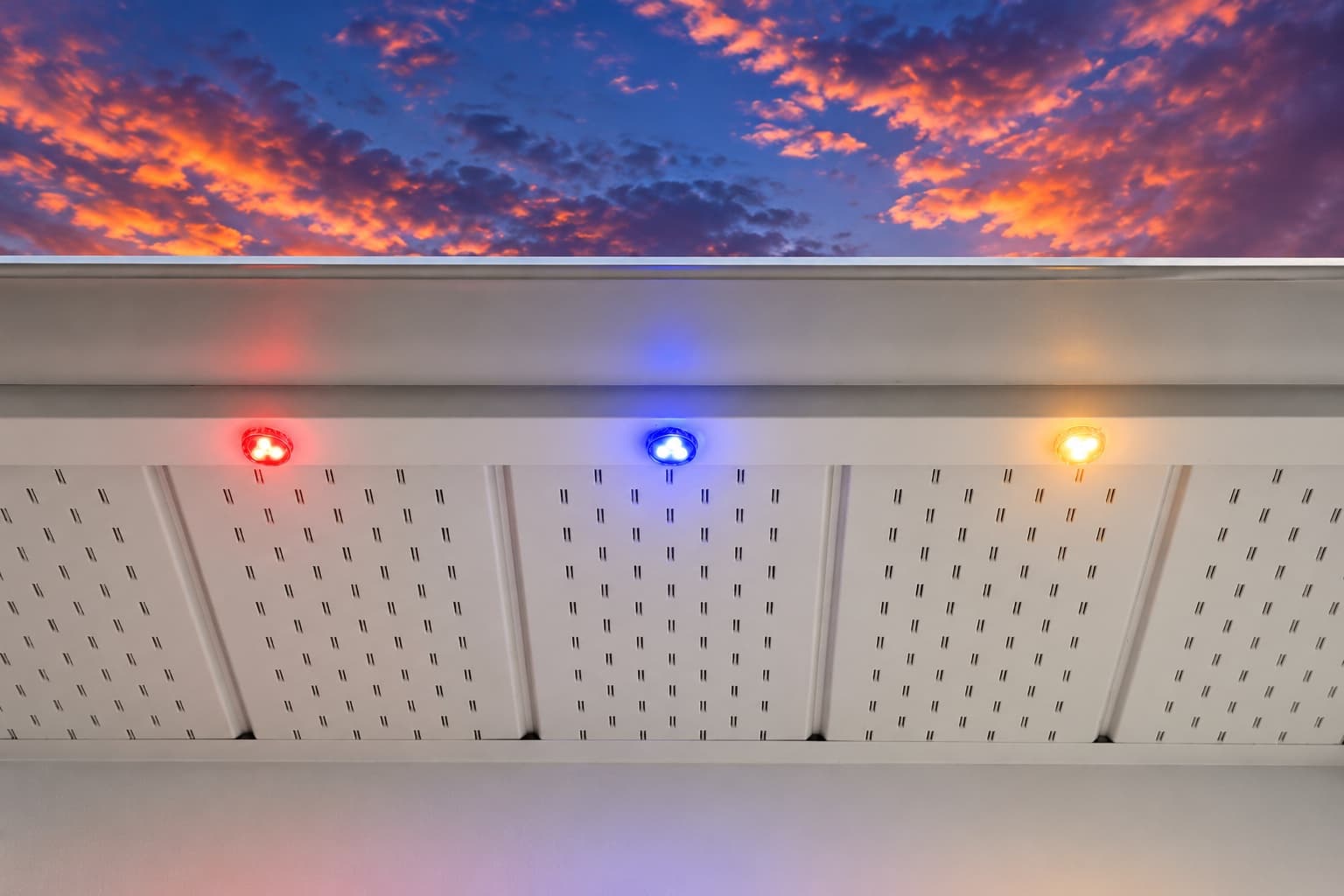
We can assess what you have now, or replace it with a professionally installed GOULY Gen 3 system on one app with 1,000+ designs.
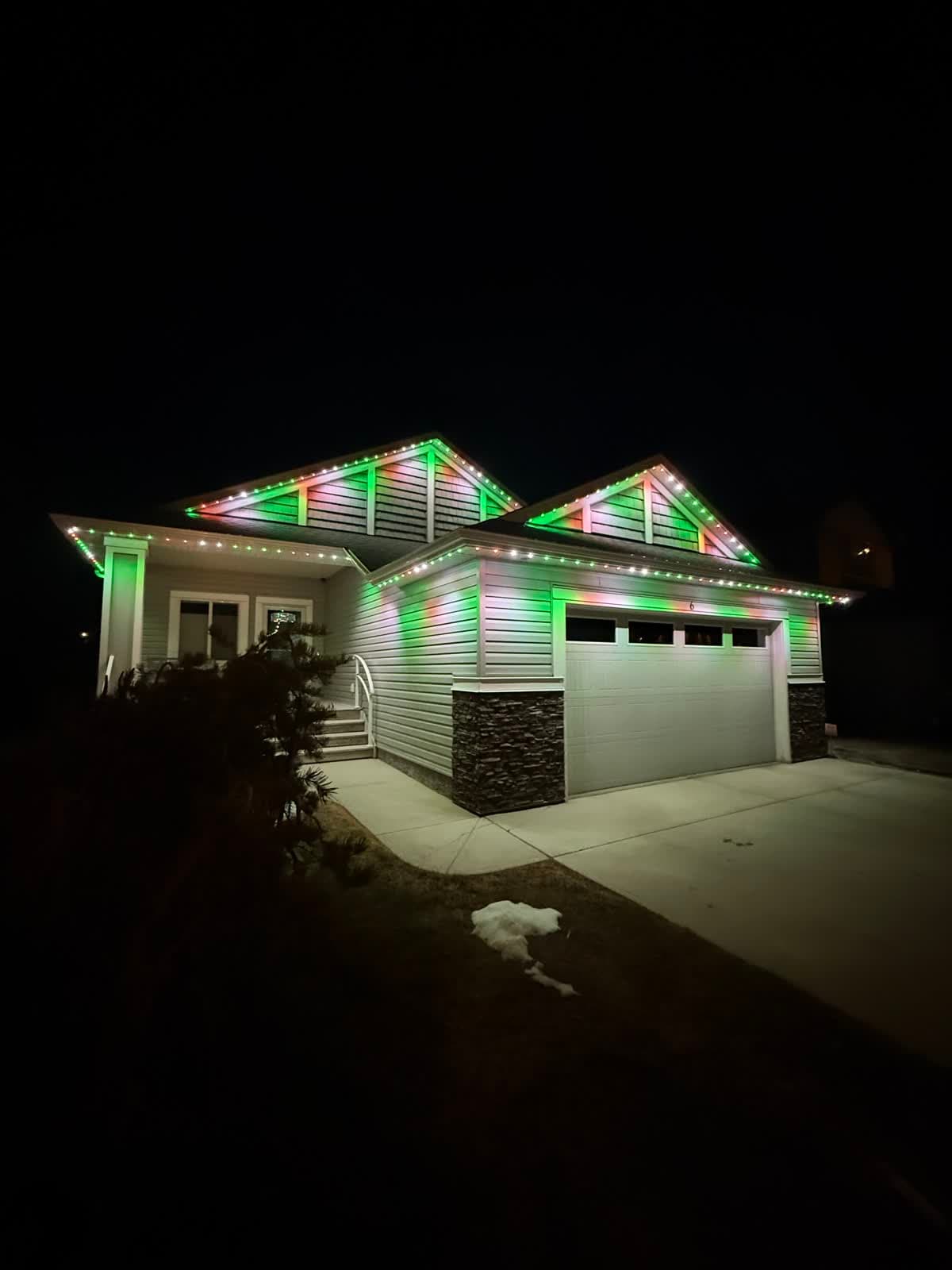
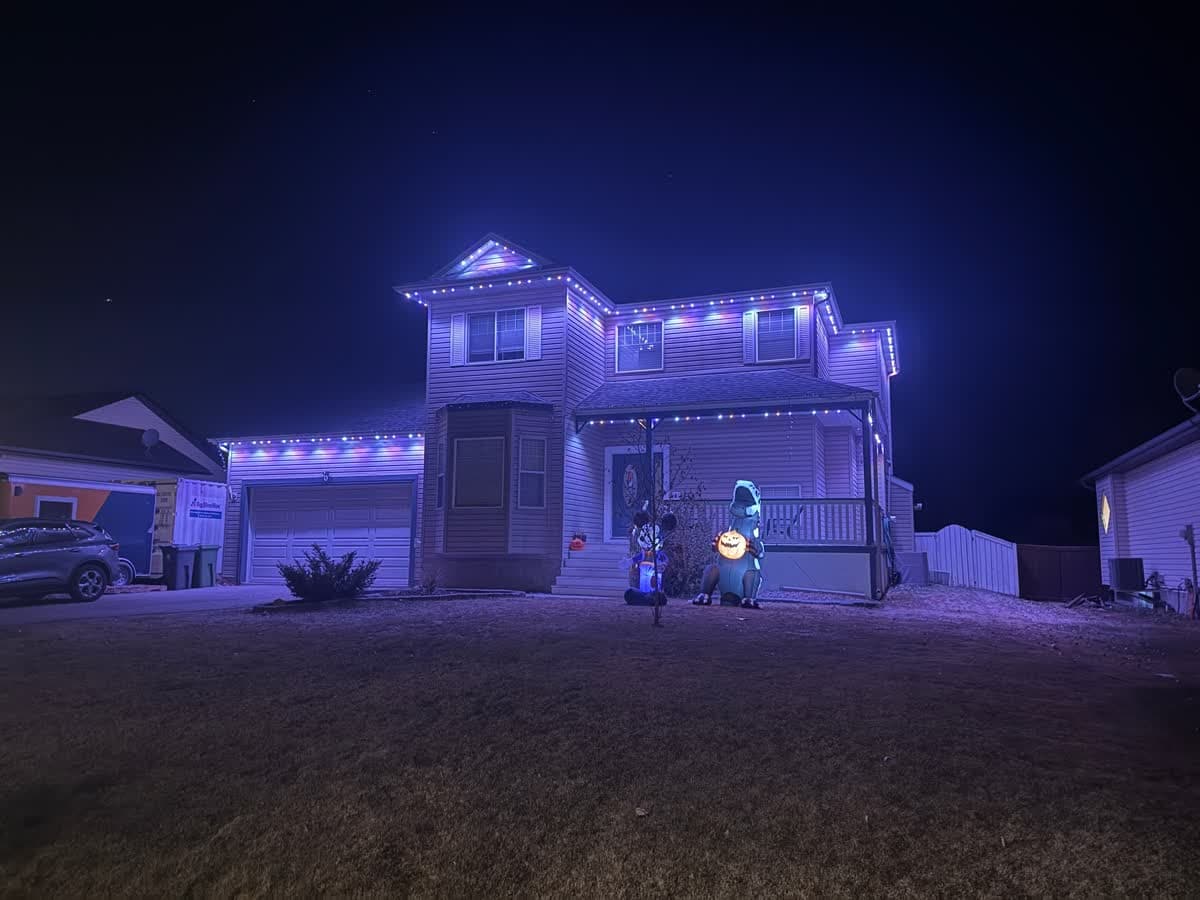
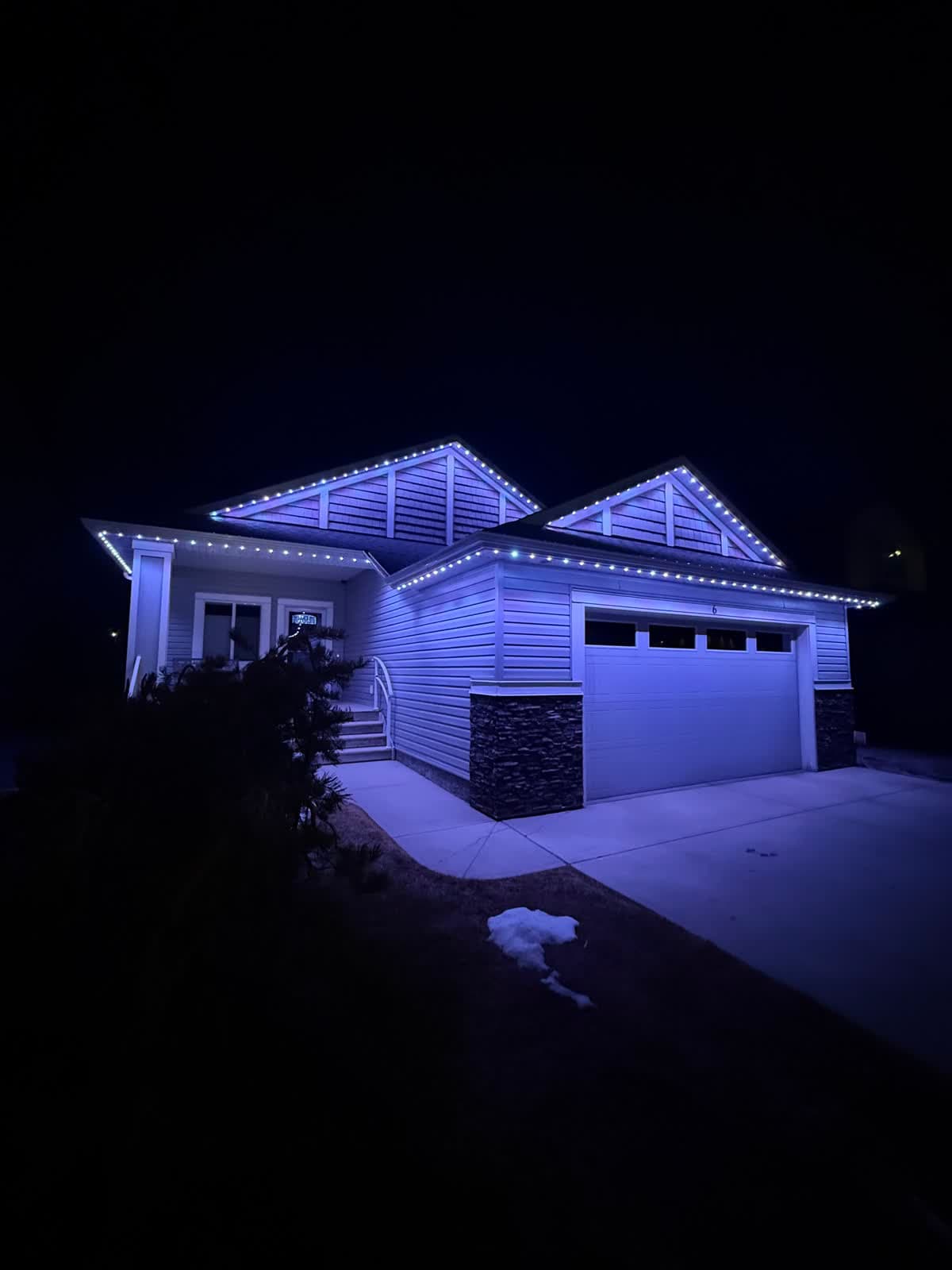
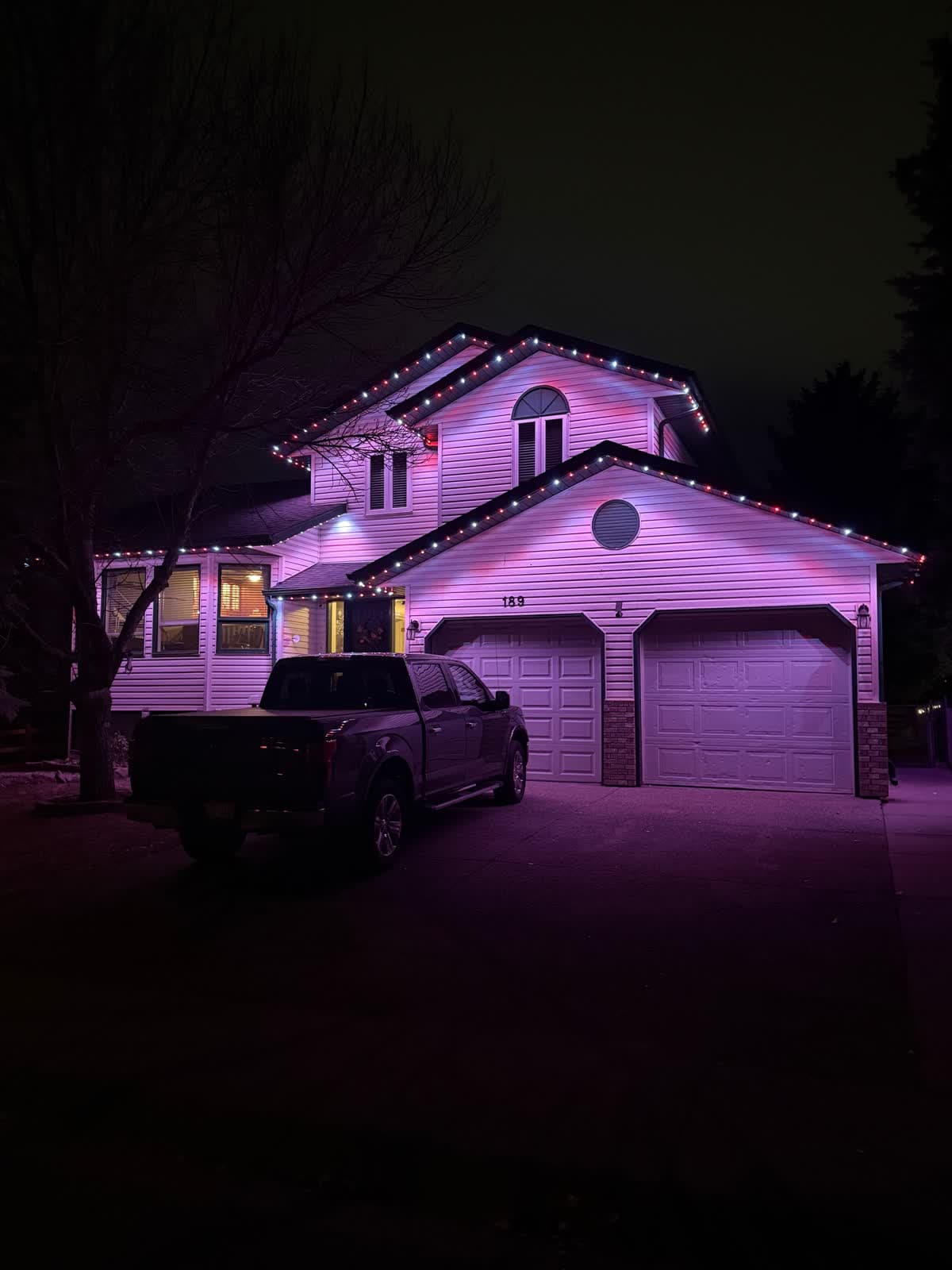
 From our gallery
You open the Oelo app and it says no controller was detected. Or the controller will not join your Wi-Fi, a schedule did not run, or your settings seem to have vanished. Oelo permanent lights are run from a control unit that joins your home network, and most app trouble comes back to that connection or to using the wrong app for your controller.
This guide covers the fixes in the order most likely to work, based on Oelo's own manuals, support pages and app store notes. Where we could not confirm an exact step, we keep it general.
Tired of fighting the app?
Get a free mockup of your house lit up
First, check you have the right Oelo app
Oelo has more than one app, and they are tied to when the controller was made:
- Oelo Evolution is the current app, published by Oelo LLC. Oelo's Evolution manual describes it as the app for controllers bought after mid-March 2024.
- Oelo Lighting Solutions is the older app, used with the Anywhere and Standard controllers.
Oelo's Evolution manual also says you need a new Evolution account, even if you had an account on the older app. If you are logging in with old details or using the old app on a new controller, start there.
Quick checklist before you start
- Check power at the control box. Exterior GFCI outlets trip after rain or snow melt.
- Stand close to the control box while you connect.
- Update the app. Recent Evolution releases list fixes for connecting in AP mode and added the option to remove a controller.
- Force-close the app and reopen it.
- Make sure your router is broadcasting a 2.4 GHz network.
Problem #1: "No Controller Detected"
Oelo's manual for the Anywhere controller gives these steps when the app cannot find the controller:
- Connect your phone to the controller's own Wi-Fi network and tap "Scan Again".
- If that does not work, unplug the control box for 30 seconds.
- Plug it back in and wait another 30 seconds before trying again.
On the Evolution app, setup starts from "FIND MY CONTROLLER". Oelo's manual says a fast-flashing blue light on the controller means it is ready to connect.
Problem #2: the Oelo controller will not connect to Wi-Fi
Why it happens: Oelo's manuals state the controller works on 2.4 GHz only and will not connect to 5 GHz. Many newer routers broadcast both bands under one name, and the controller cannot use the 5 GHz half. A new router, internet provider or Wi-Fi password also means the controller is still looking for the old network.
Fixes, in order:
- If your router lets you, give the 2.4 GHz band its own name. Our 2.4 GHz setup guide explains how.
- On the Evolution app, choose "FIND MY CONTROLLER", stay close to the control box, pick your Wi-Fi network from the list and enter the password carefully.
- On the older Anywhere controller, Oelo's manual has you join the controller's own network (it starts with "OELO_") and choose your home network on the controller's Internet tab. A status light turns on once it connects.
- If the app reports that it cannot find any Wi-Fi networks, Oelo's troubleshooting points to checking the controller's indicator light and making sure the antenna is screwed on tight.
Problem #3: controller unresponsive, and when to factory reset
What users report: Some App Store reviewers say controller settings disappeared or the controller went unresponsive after setup, and that a physical reset was needed.
Fixes, in order:
- Unplug the control box for 30 seconds, plug it back in and wait.
- Update the app, then check the controller again.
- Remove the controller in the app and add it again. Recent Evolution versions added the ability to remove a controller.
- Oelo documents a factory reset using a button on the control unit, followed by a long reboot and a fresh setup. Because the steps depend on the controller, ask your Oelo representative for the exact process before you do it, and note your zones first since you will set them up again.
Problem #4: only part of the house lights up
Oelo's support page for lights that will not respond lists three things to check: re-enter the light count in the app, check the breaker and the LEDs, then contact your representative. A wrong light count can make the app stop short of the end of the run. If the count is right and power is good, the fault is likely in the wiring or a light, and that needs someone on site.
Problem #5: schedules
Oelo's Evolution manual says schedules are made from the "SCHEDULES" calendar icon at the bottom of the screen, and the app listing says you can schedule up to 12 months ahead. If a schedule does not run:
- Confirm the controller is online, then save the schedule again.
- Check which zones the schedule applies to.
- Look for two schedules covering the same night.
- Test with a schedule a few minutes away.
Problem #6: Alexa or Google Home
Oelo's Alexa instructions: open "Skills & Games" in the Alexa app, search for "Oelo Evolution", enable it and link your Oelo account. Oelo notes only a limited set of colours is recognized by voice, so a colour Alexa does not know is not a fault. Oelo also publishes Google Home instructions. In both cases, make sure the controller works in the Oelo app first.
Local install and support
Number One Lights installs and supports GOULY permanent lights in Calgary, Chestermere and Strathmore
You get a local warranty and local service from the team that put your lights up. Start with a free mockup of your house lit up.
Getting support
Oelo's manuals direct owners to their Oelo representative, the dealer who sold or installed the system. Go in with the app you are using, the controller type, what its lights are doing and what you have already tried.
When troubleshooting is not worth it
If you have power cycled, reconnected and re-added the controller and it still loses its settings or drops off every few weeks, the problem is usually not a setting you missed. That is when it makes sense to have someone look at the whole system.
| Feature | Many Competitors | GOULY Gen 3 |
|---|---|---|
| App | Oelo Evolution or Oelo Lighting Solutions | GOULY app with 1,000+ designs |
| Mounting | Depends on your install | Aluminum track fastened to your fascia |
| Cold rating | Check your hardware | Rated -40°C to +50°C |
| Install | Varies | Professionally installed |
| Warranty | Depends on your dealer | Transferable Warranty plus workmanship coverage |
| Support | Your Oelo representative | Local team in Calgary with a real phone number |
How Number One Lights can help
We install permanent lights across Calgary, Chestermere, Strathmore and area. If your current system keeps failing, we can come out, look at what is actually there and tell you straight whether it is worth fixing. If it is not, we replace it with the GOULY Gen 3 system:
- Controlled from the GOULY app, with 1,000+ designs and holiday schedules.
- Mounted in aluminum track, fastened to your fascia. See the system.
- Rated for Alberta cold, -40°C to +50°C.
- Professionally installed, with a Transferable Warranty plus workmanship coverage.
What to do next
If the fix was small, a tripped outlet, the wrong app or a router change, the steps above should have you back up tonight.
If it keeps coming back, get a free quote and a team member will look at your home virtually and send a clear quote. No pressure, no surprises.
Done troubleshooting?
See your house lit up with a free mockup
We design, install and support GOULY permanent lights in Calgary, Chestermere and Strathmore. Get your free mockup and quote, or text or call us with any question.
Frequently asked questions
Which Oelo app should I use?
Oelo Evolution is the current app, which Oelo's manual describes as being for controllers bought after mid-March 2024. Older Anywhere and Standard controllers use the Oelo Lighting Solutions app. Evolution also needs a new account.
Does the Oelo controller work on 5 GHz Wi-Fi?
No. Oelo's manuals say the controller works on 2.4 GHz only. If your router combines both bands under one name, give the 2.4 GHz band its own name and connect to that.
What do I do when the Oelo app says No Controller Detected?
Oelo's steps are to connect your phone to the controller's Wi-Fi and tap Scan Again. If that fails, unplug the control box for 30 seconds, plug it back in and wait another 30 seconds.
How do I factory reset an Oelo controller?
Oelo documents a factory reset using a button on the control unit, followed by a long reboot and a fresh setup. The steps depend on the controller, so ask your Oelo representative for the exact process first, and write down your zones because you will set them up again.
Why does only part of my Oelo system light up?
Oelo's support page says to re-enter the light count in the app, check the breaker and the LEDs, then contact your representative. A wrong light count can stop the pattern short of the end of the run.
Who do I contact for Oelo support?
Oelo's manuals point owners to their Oelo representative. In Calgary, Chestermere or Strathmore, Number One Lights can also assess your system and quote a GOULY Gen 3 replacement if it is not worth fixing.
Questions before you book?
Visit our FAQ page
Get quick answers on Gen 3 Lighting, pricing, install timelines, app setup, warranty, and what to expect on install day.