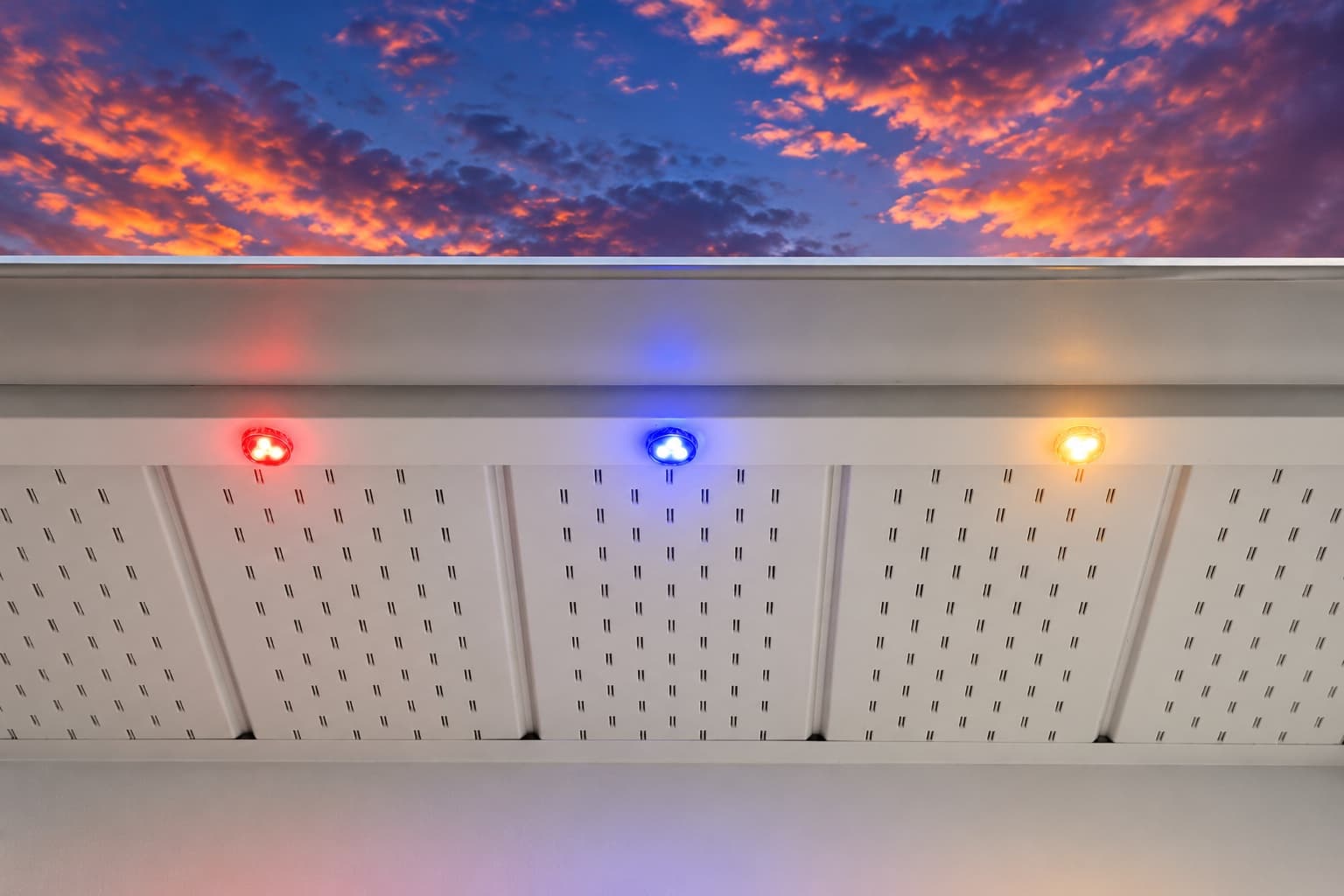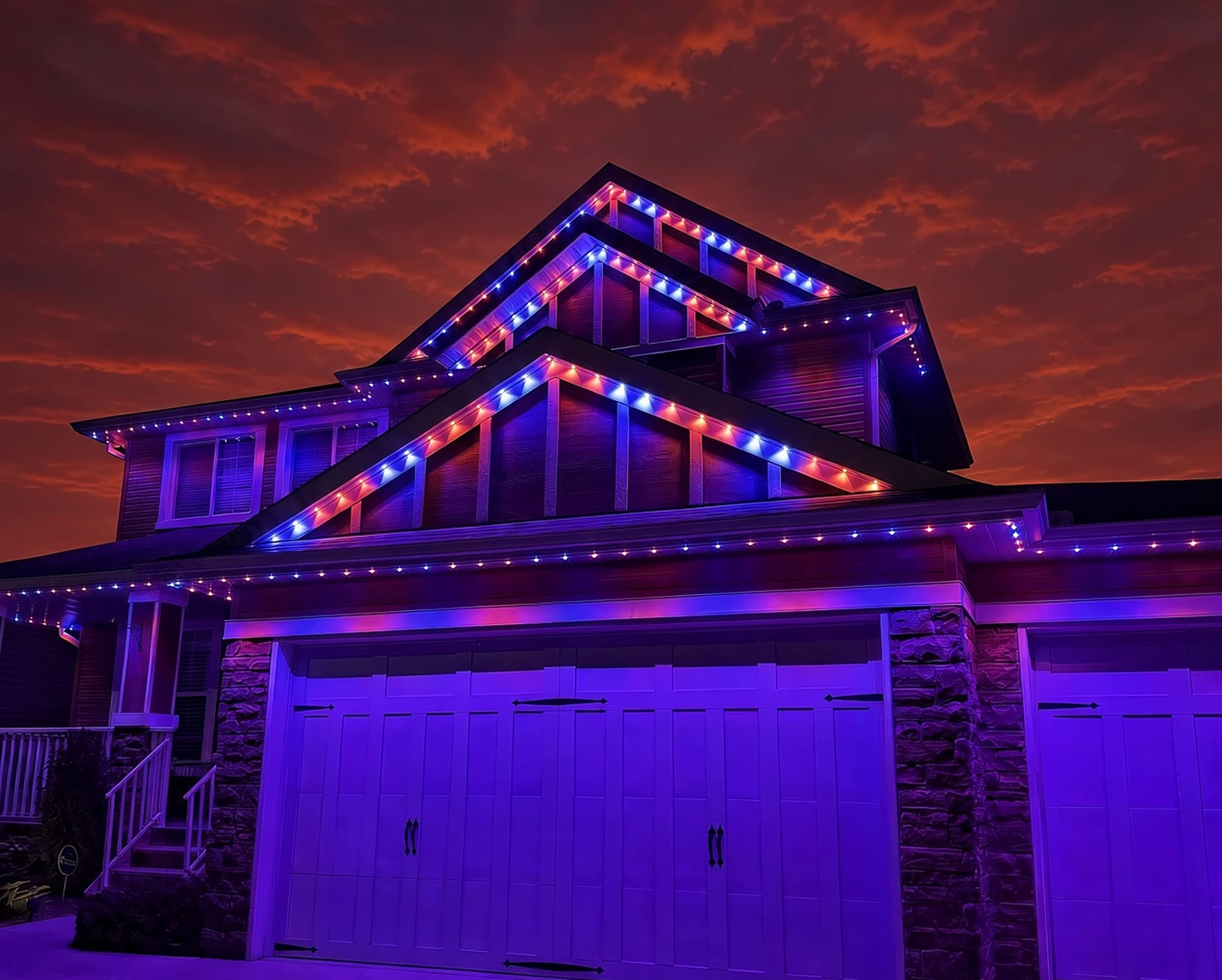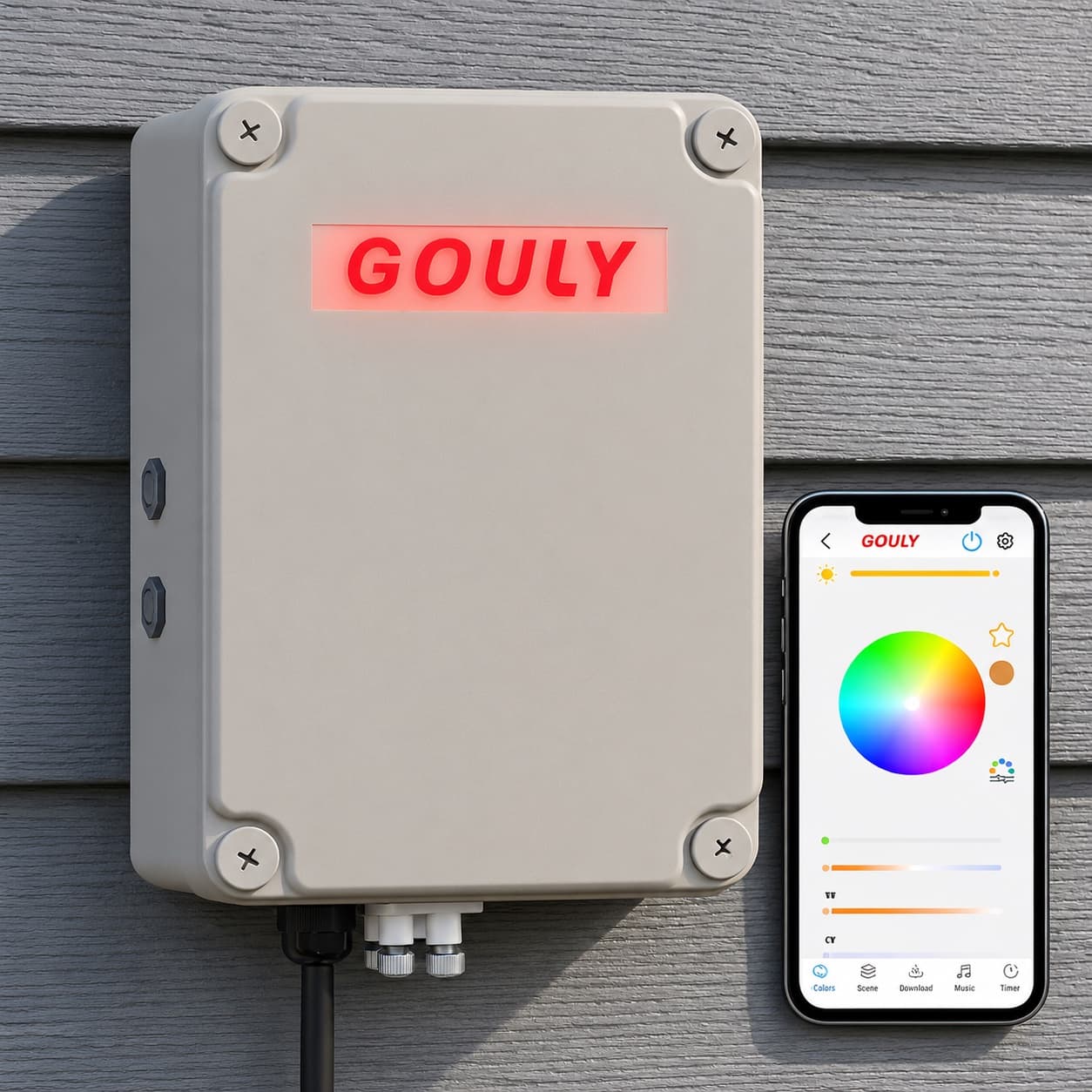
Done re-pairing Smart Life?
Upgrade to a permanent GOULY system
We can assess what you have now, or replace it with a professionally installed GOULY Gen 3 system on one app with 1,000+ designs.
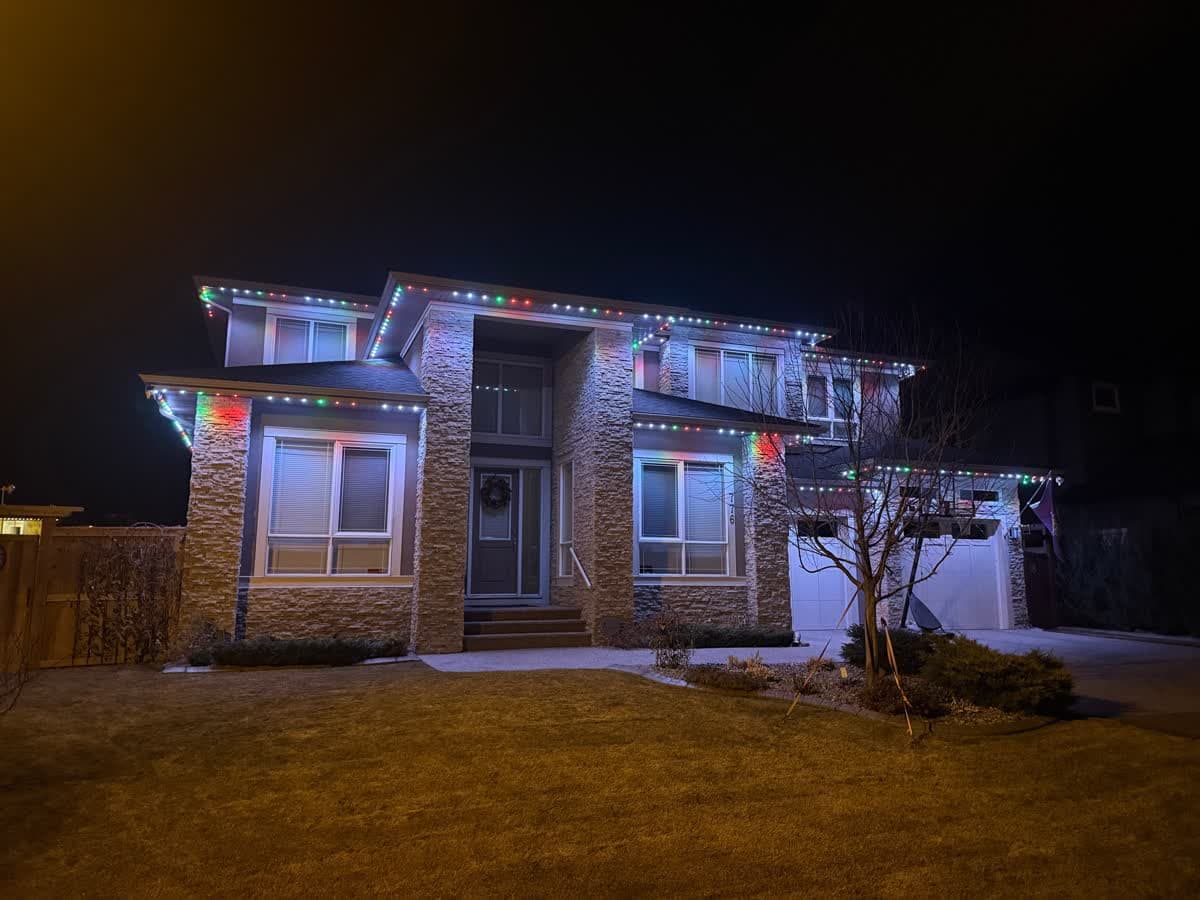
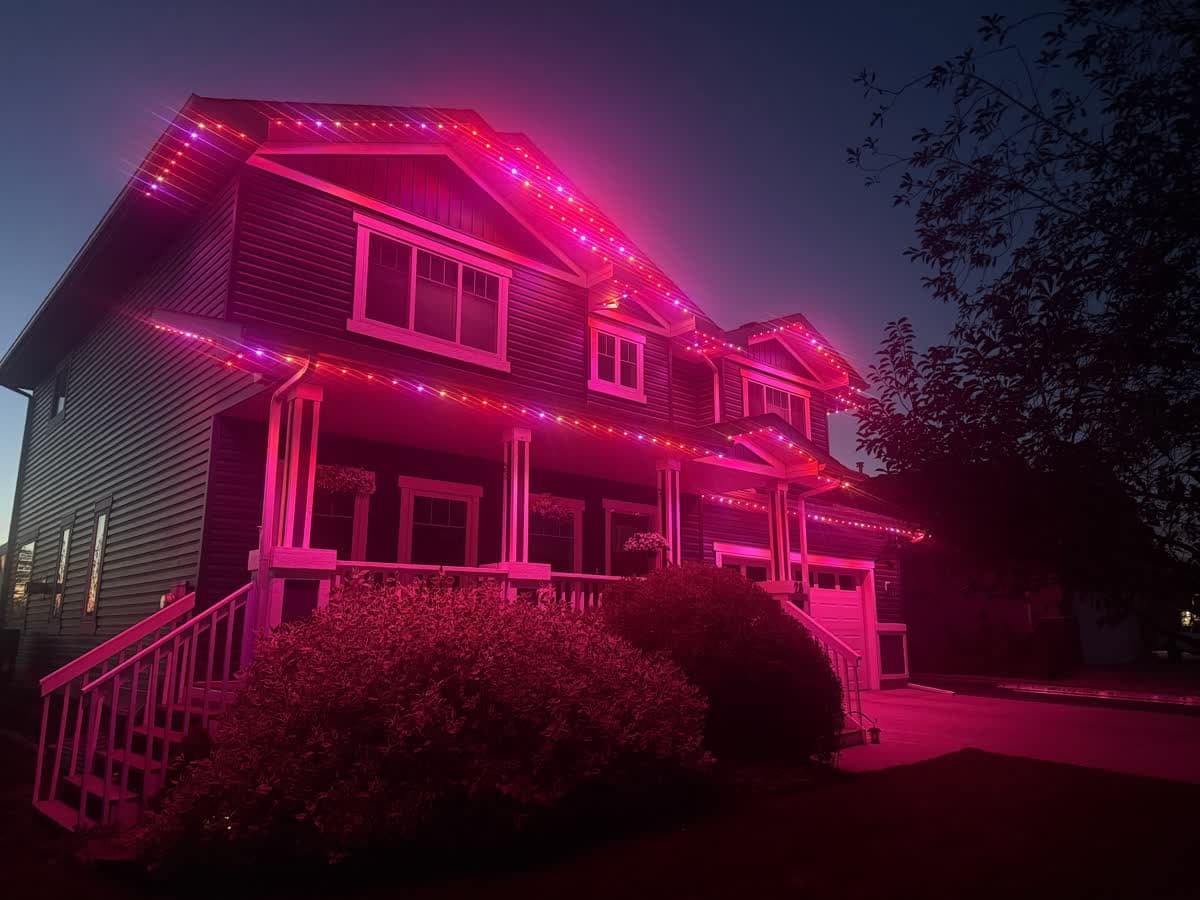
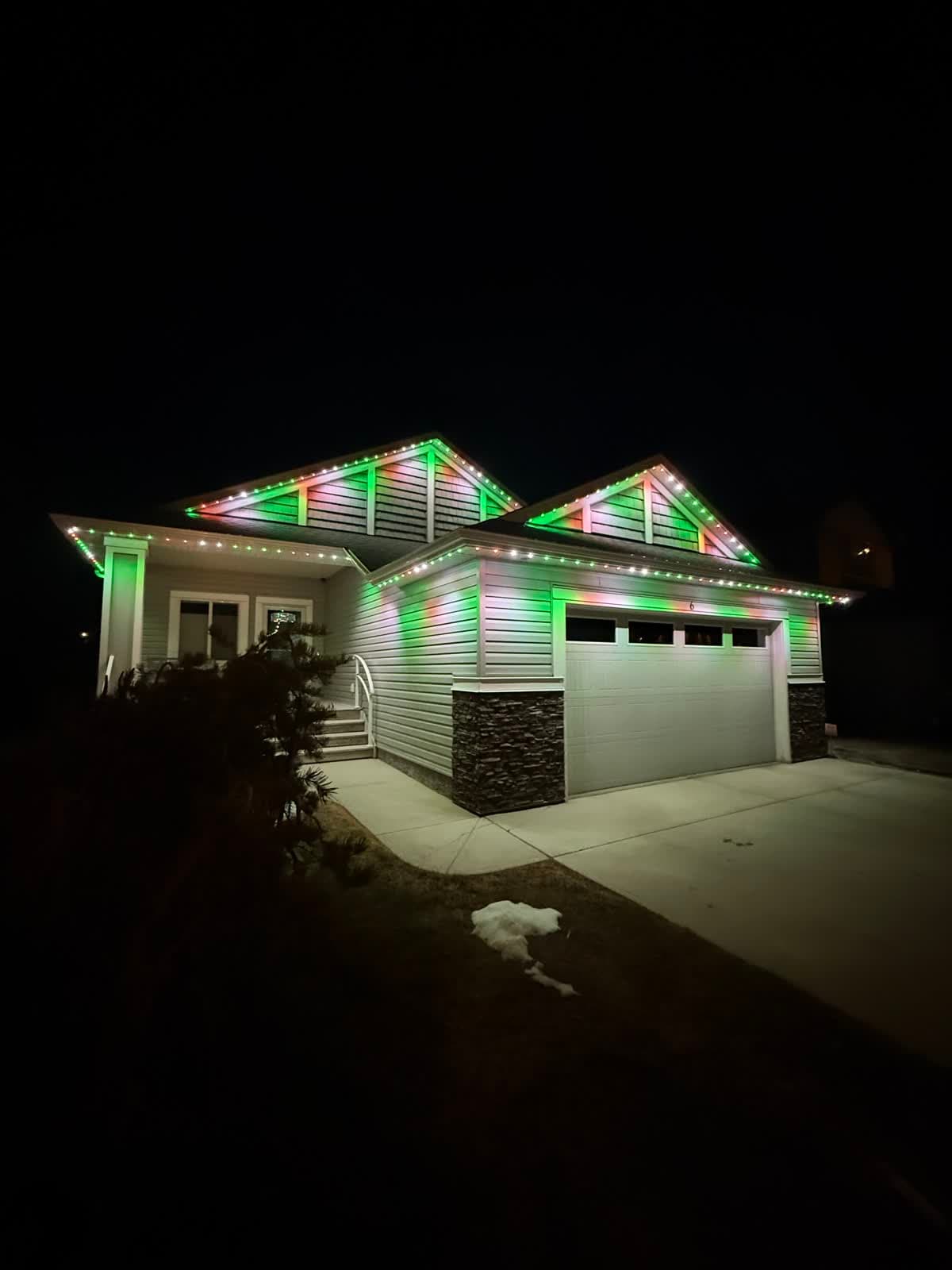
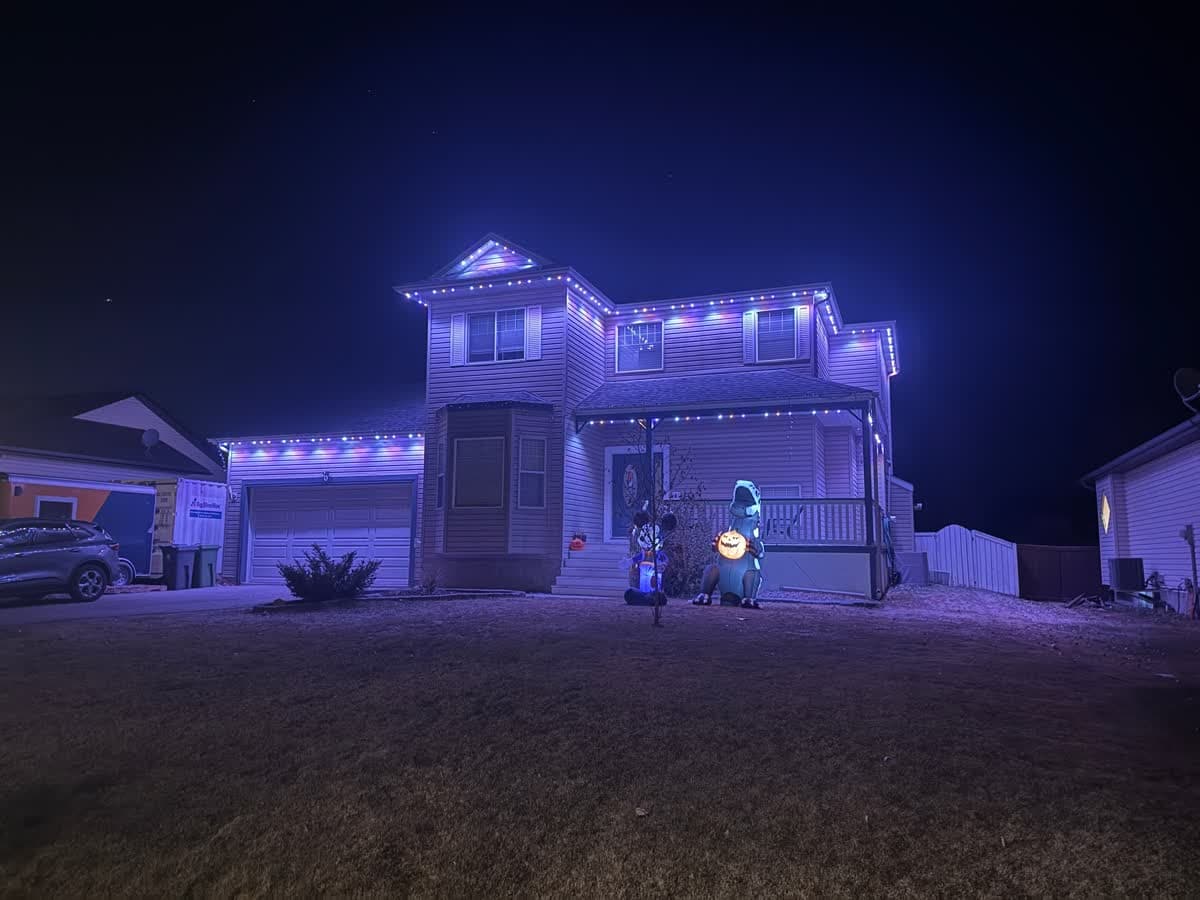
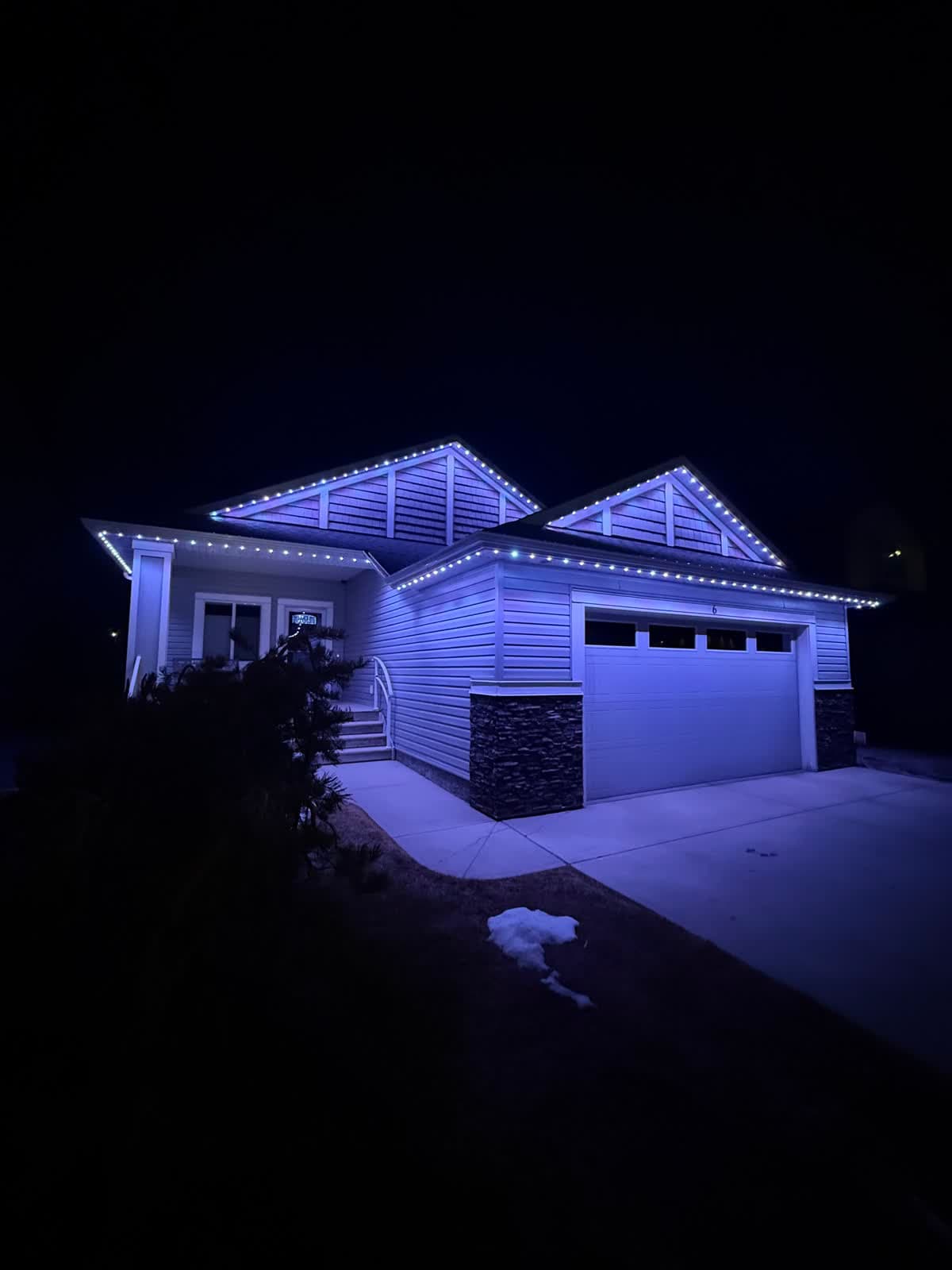 From our gallery
You open Smart Life and your lights say offline. Or the app cannot find a new device, a timer did not run, or everything stopped working the day you changed your router. Smart Life, built on Tuya's platform, runs a huge range of Wi-Fi lights, plugs and strips, and almost all app trouble comes back to the Wi-Fi network, the pairing mode or the phone's settings.
This guide covers the fixes in the order most likely to work, based on Tuya's own pairing failure page and what owners report on support forums. Where we could not confirm an exact step, we keep it general.
Tired of fighting the app?
Get a free mockup of your house lit up
Quick check: is it the app, your Wi-Fi or the device?
Before you change any settings, narrow it down:
- Do other Smart Life devices work? If everything is offline at once, look at your router or internet first.
- Does the light turn on with its switch or remote? If it has no power, the app cannot reach it.
- Did anything change recently? A new router, new internet provider or new Wi-Fi password is the most common reason a working setup suddenly goes offline.
- Update the app and force-close it, then reopen it.
Smart Life and Tuya Smart are separate apps on the same platform. Your devices live in the account you set them up with, so make sure you are logged into the right app and the right account.
Your phone or device is on 5 GHz
Why it happens: Most Tuya-based lights and plugs join 2.4 GHz Wi-Fi. Many newer routers broadcast 2.4 GHz and 5 GHz under one network name. Tuya's own help says a combined name has "a certain probability" of making pairing fail.
Fixes, in order:
- If your router lets you, give the 2.4 GHz band its own name and connect your phone to that name while you pair. Our 2.4 GHz setup guide explains how.
- If you cannot split the bands, try AP mode (below). In AP mode the device picks up the 2.4 GHz network itself.
Router settings Tuya devices need
Tuya's pairing failure page lists the router settings that block devices from joining:
- Security: set to WPA2-PSK with AES encryption, or leave both on auto.
- Wireless mode: not set to 11n only.
- Network name: broadcast, not hidden, and without Chinese characters.
- MAC filtering: turned off, or the device added to the allowed list.
- Device limit: the router has not hit its maximum number of connected devices.
Tuya also lists the simple ones: a wrong Wi-Fi password, a weak signal, or the device sitting too far from the router. Pair the device close to the router first if you can, then move it.
You changed your router or Wi-Fi password
Your devices remember the old network name and password. When those change, the devices cannot reconnect on their own. Remove each device from the app and add it again on the new network. With a whole house of lights and plugs this takes a while, so it helps to know it up front.
EZ mode keeps failing: switch to AP mode
Smart Life offers two ways to pair. EZ mode is the default. When it keeps timing out, owners on support forums report AP mode working instead. In AP mode your phone connects to a temporary network the device creates, then hands it your Wi-Fi details.
Either way, the device must be in pairing mode before each attempt. Tuya's page says to reset the device's Wi-Fi before you try to add it, every time.
Android location, GPS and battery settings
On Android, owners report that pairing will not work when Location or GPS is turned off, because the app uses it to scan for nearby devices. Turn Location on and allow it for Smart Life while you pair.
Battery-saver and battery optimisation settings can also close the app in the background. If notifications or app-based automations stop working, set Smart Life to unrestricted battery use in your phone settings.
Devices keep going offline
If a device pairs fine but drops offline every few days, the usual cause is a weak Wi-Fi signal where it sits. Outdoor lights at a roofline are often the farthest point from the router.
- Check the signal strength at the device, and move the router or add coverage if it is weak.
- Some owners report that reserving a fixed IP address for the device in the router helps it stay connected. Your router's settings page is where you do this.
- Power cycle the device and give it a minute to rejoin.
Schedules and timers not firing
- Confirm the device is online. A timer cannot reach an offline device.
- Check the time zone on your account and phone.
- Look for two timers or automations covering the same time.
- Test with a timer a few minutes away.
Wrong account region
Your Smart Life account is tied to a region, set by the country you chose at signup. Owners on the Home Assistant forum report that the region cannot be changed later, and that only a new account fixes it. For most people using only the app this never matters. It mostly causes trouble when linking Smart Life to another smart home system that expects a different region.
How to reset a Tuya light and pair again
Tuya's help describes resetting most lighting devices by turning them on and off three times, and other devices by holding the reset button for about 5 seconds. The exact pattern can vary by product, so check the device's manual if it has one. After a reset, add the device in the app again.
Local install and support
Number One Lights installs and supports GOULY permanent lights in Calgary, Chestermere and Strathmore
You get a local warranty and local service from the team that put your lights up. Start with a free mockup of your house lit up.
Getting support
Smart Life is used by many different product brands, so the best support usually comes from the company that made your light. Go in with the app you use, the device model, what its lights are doing and what you have already tried.
When it is the hardware, not the app
If you have split your bands, checked the router, re-added the device and reset it, and it still drops off every few weeks, the problem is usually not a setting you missed. That is when it makes sense to have someone look at the whole system.
| Feature | Many Competitors | GOULY Gen 3 |
|---|---|---|
| App | Smart Life or Tuya Smart | GOULY app with 1,000+ designs |
| Mounting | Depends on your install | Aluminum track fastened to your fascia |
| Cold rating | Check your hardware | Rated -40°C to +50°C |
| Install | Varies | Professionally installed |
| Warranty | Depends on the brand | Transferable Warranty plus workmanship coverage |
| Support | The brand that made your device | Local team in Calgary with a real phone number |
How Number One Lights can help
We install permanent lights across Calgary, Chestermere, Strathmore and area. If your current lights keep failing, we can come out, look at what is actually there and tell you straight whether it is worth fixing. If it is not, we replace it with the GOULY Gen 3 system:
- Controlled from the GOULY app, with 1,000+ designs and holiday schedules.
- Mounted in aluminum track, fastened to your fascia. See the system.
- Rated for Alberta cold, -40°C to +50°C.
- Professionally installed, with a Transferable Warranty plus workmanship coverage.
What to do next
If the fix was small, a combined network name, a router change or a missed pairing mode, the steps above should have you back up tonight.
If it keeps coming back, get a free quote and a team member will look at your home virtually and send a clear quote. No pressure, no surprises.
Done troubleshooting?
See your house lit up with a free mockup
We design, install and support GOULY permanent lights in Calgary, Chestermere and Strathmore. Get your free mockup and quote, or text or call us with any question.
Frequently asked questions
Why does Smart Life say my device is offline?
Usually the device has lost its Wi-Fi connection. Common causes are a weak signal where the device sits, a router restart, or a new router or Wi-Fi password. Check the signal, power cycle the device, and if your network changed, remove the device and add it again.
Why won't Smart Life find my device?
Tuya's pairing page lists the usual causes: the device is not in pairing mode, the Wi-Fi password is wrong, the signal is weak, or router settings block it. Reset the device's Wi-Fi before each attempt, pair close to the router, and try AP mode if EZ mode keeps failing. On Android, turn Location on.
Does Smart Life work on 5 GHz Wi-Fi?
Most Tuya-based lights and plugs join 2.4 GHz Wi-Fi. Tuya says a network name shared by both bands can make pairing fail, so give the 2.4 GHz band its own name if your router allows it, or use AP mode.
Do I need to re-add devices after changing my router?
Yes. Your devices remember the old network name and password and cannot switch on their own. Remove each device from the app and add it again on the new network.
Is Smart Life the same as Tuya Smart?
They are separate apps built on Tuya's platform and work in much the same way. Your devices stay in the account and app you set them up with, so log into that one.
Why is the Smart Life schedule or timer not working?
First confirm the device is online, since a timer cannot reach an offline device. Then check for overlapping timers or automations and test with a timer a few minutes away. On Android, battery-saver settings can also close the app in the background.
Is the Smart Life app safe?
Smart Life is a widely used app from the major app stores. As with any connected device, use a strong unique password for your account and keep the app and your router up to date.
Questions before you book?
Visit our FAQ page
Get quick answers on Gen 3 Lighting, pricing, install timelines, app setup, warranty, and what to expect on install day.