Tired of re-pairing Trimlight?
Upgrade to a permanent GOULY system
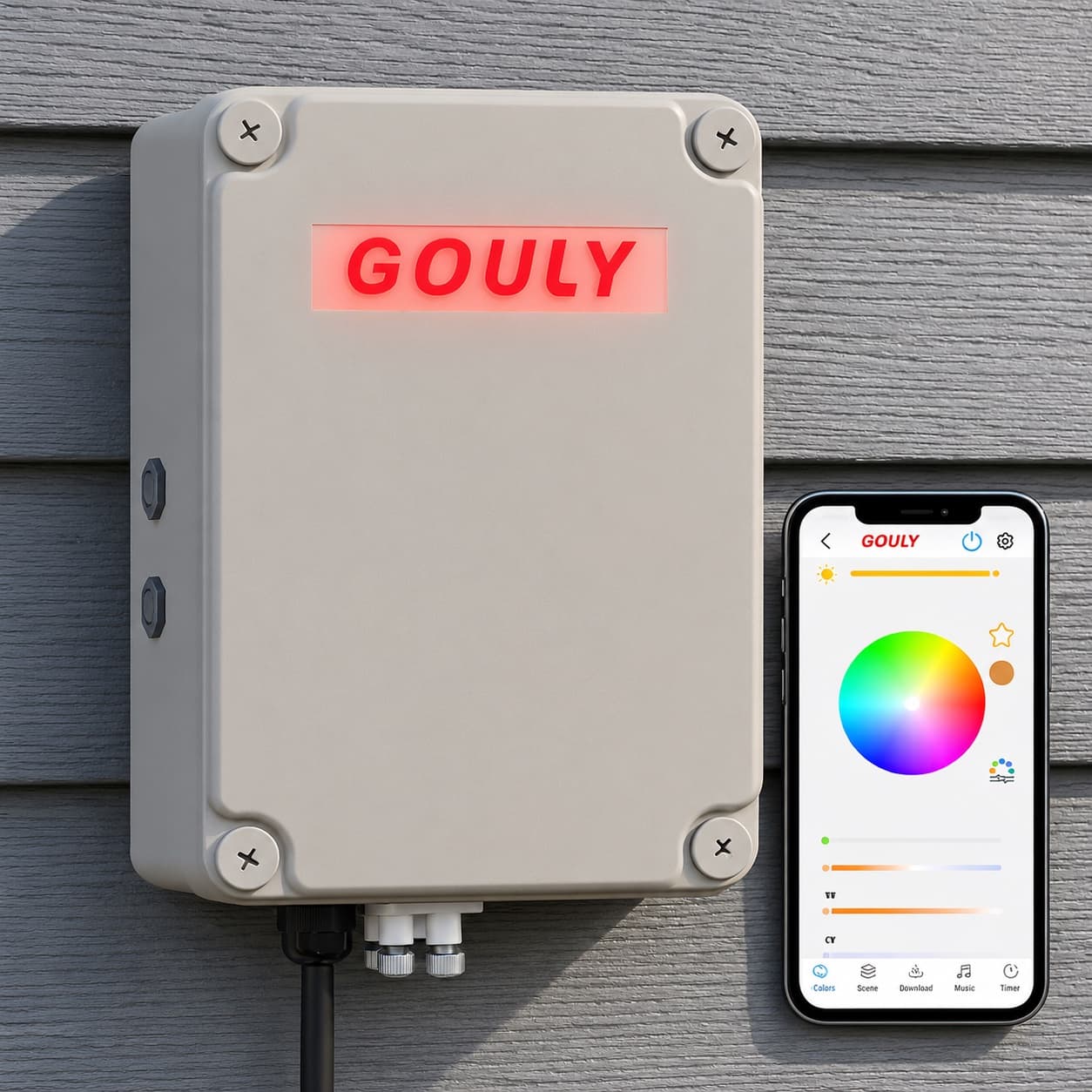
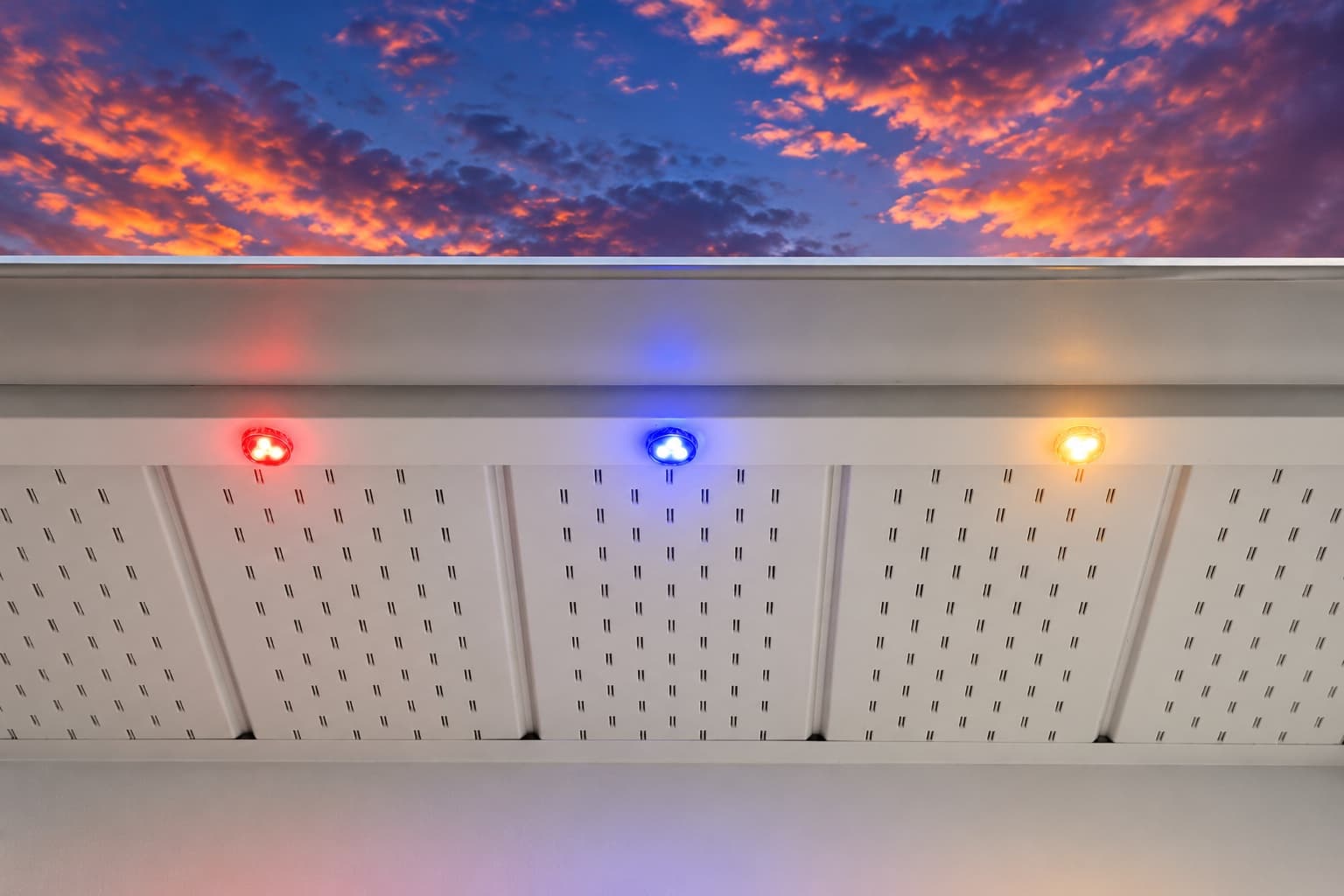
We can assess what you have now, or replace it with a professionally installed GOULY Gen 3 system on one app with 1,000+ designs.
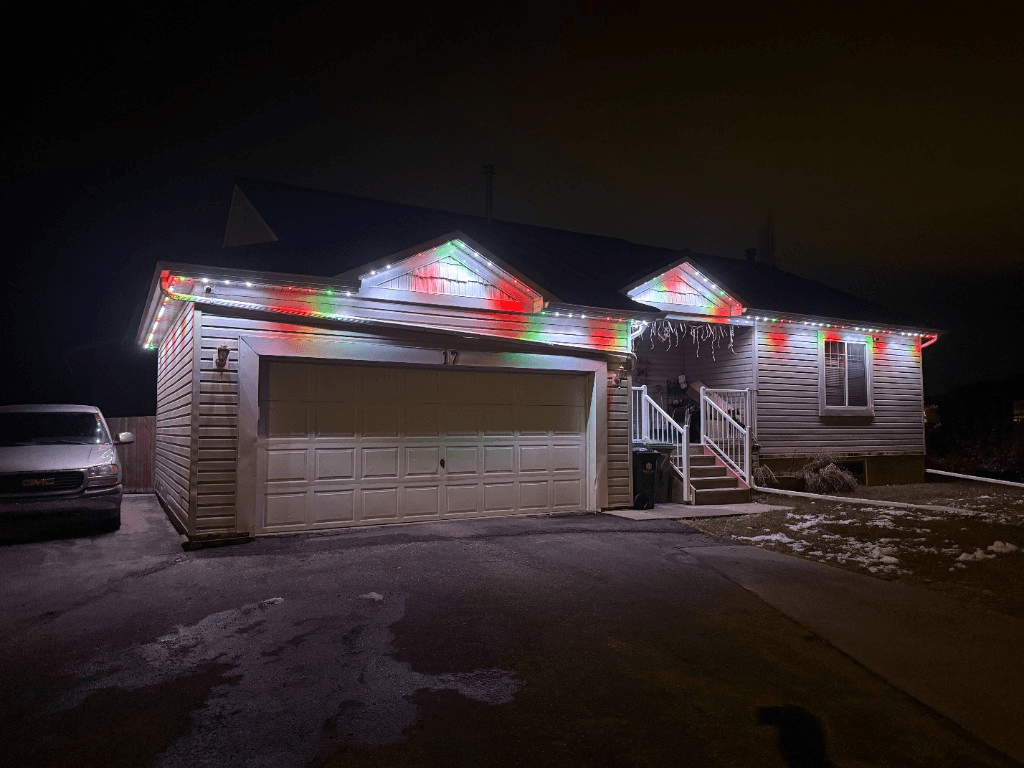
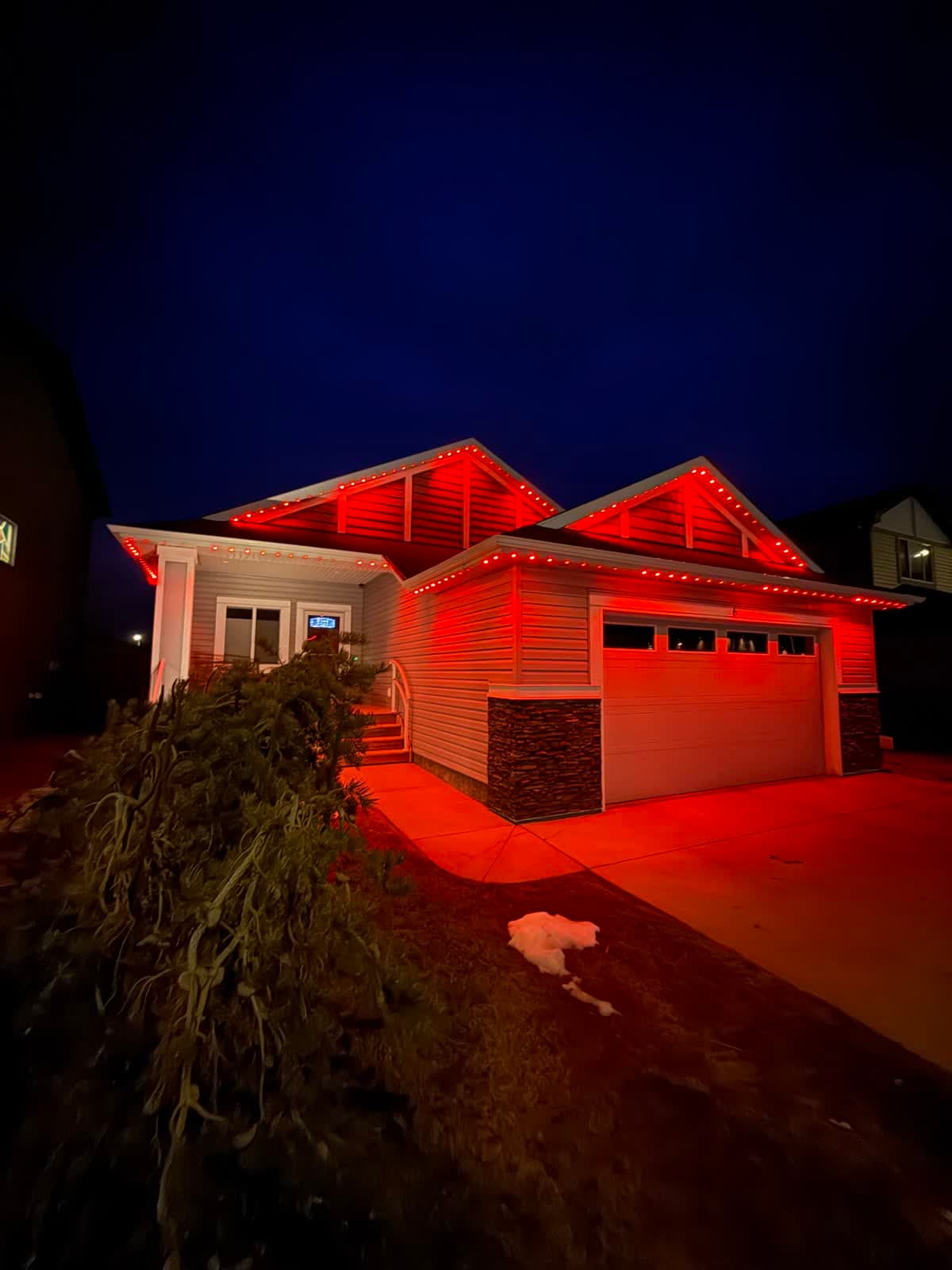
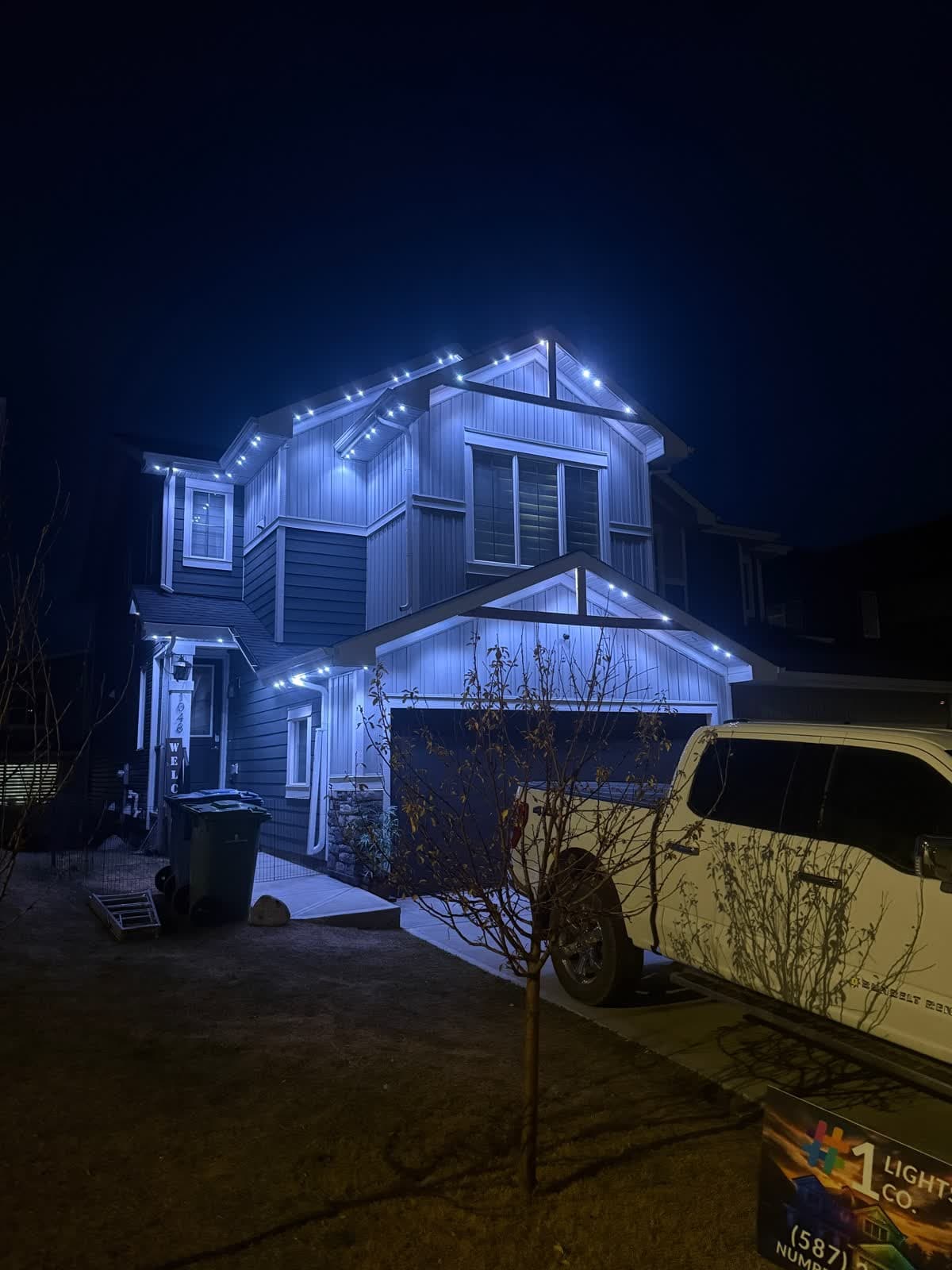
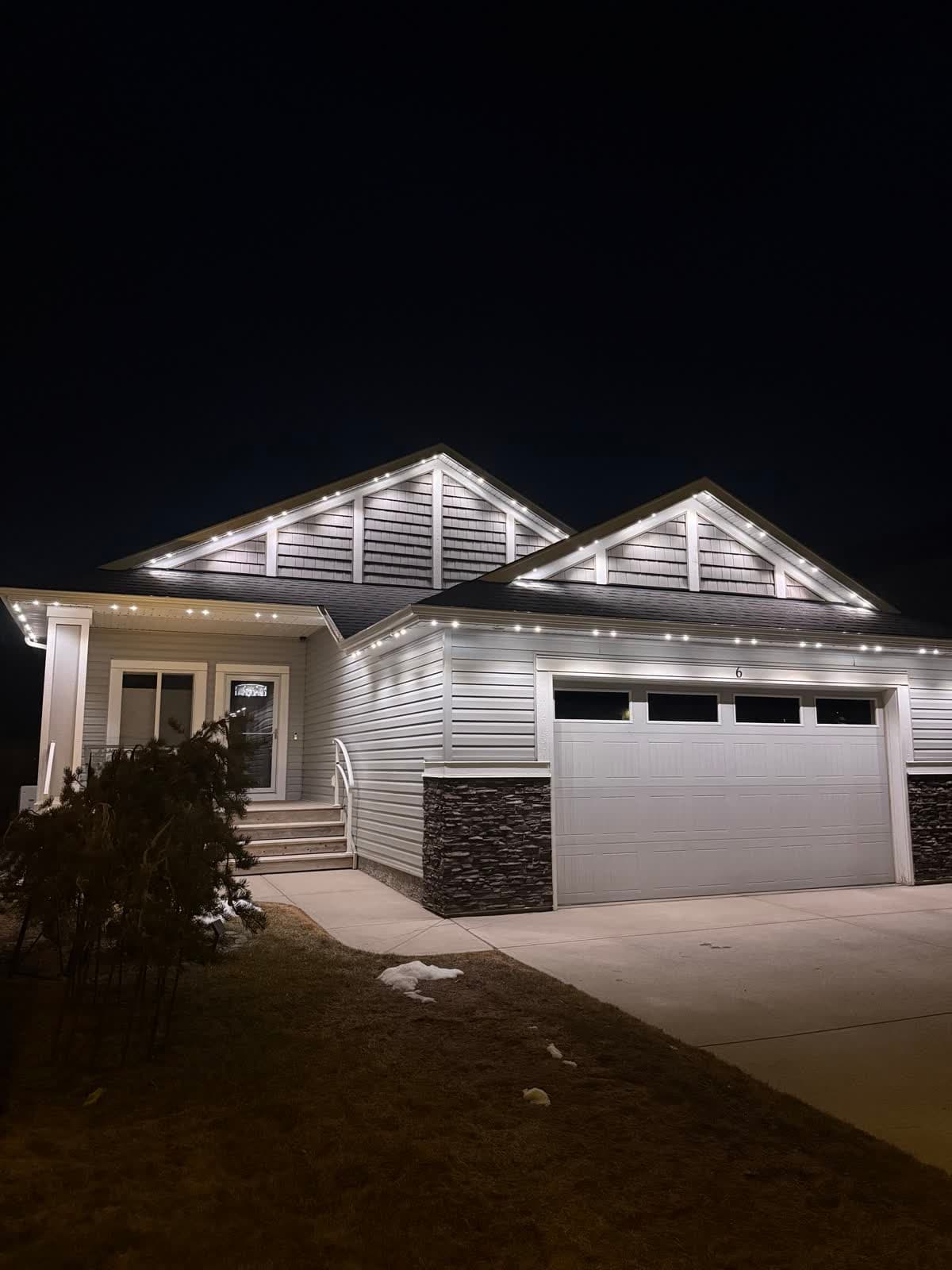
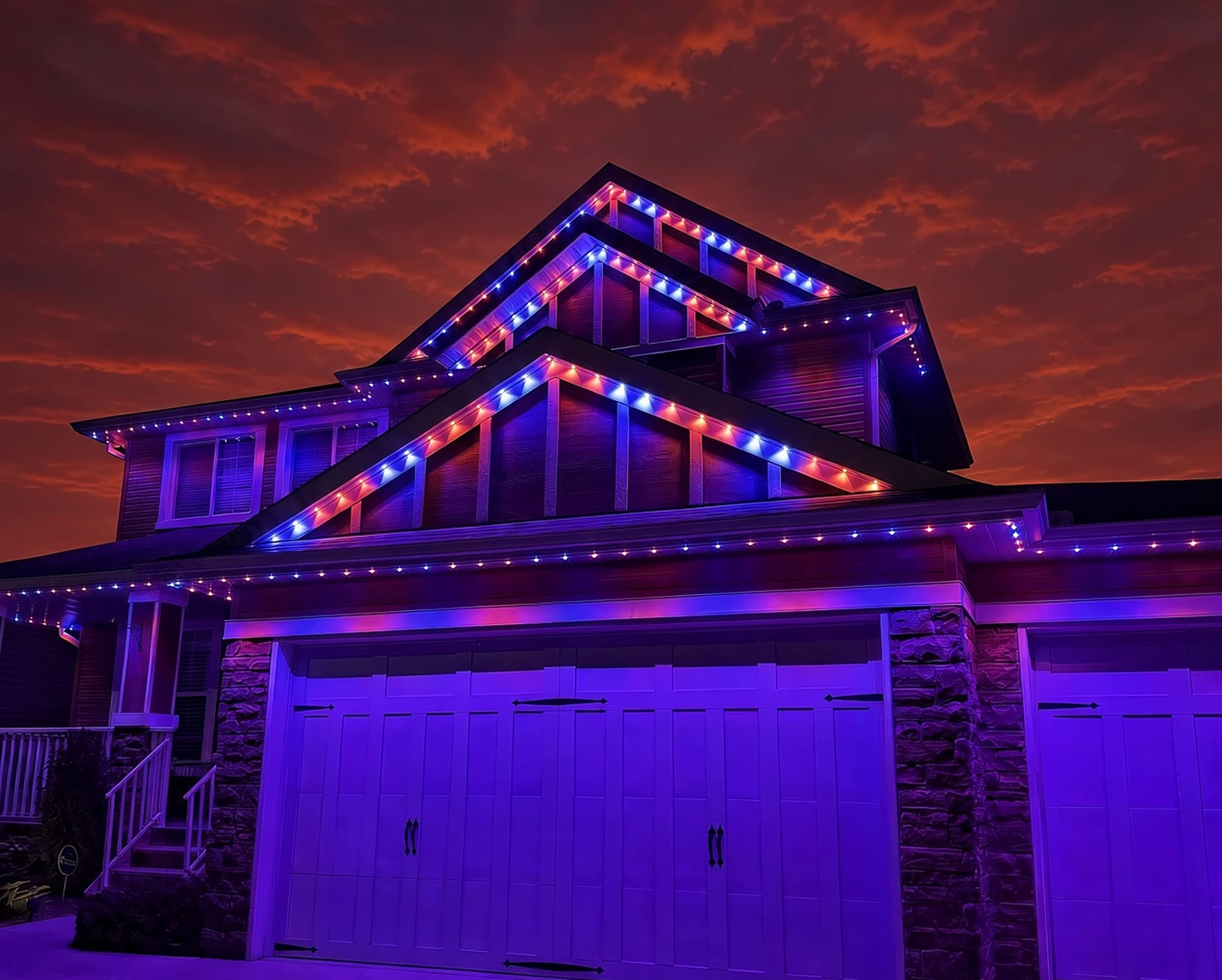
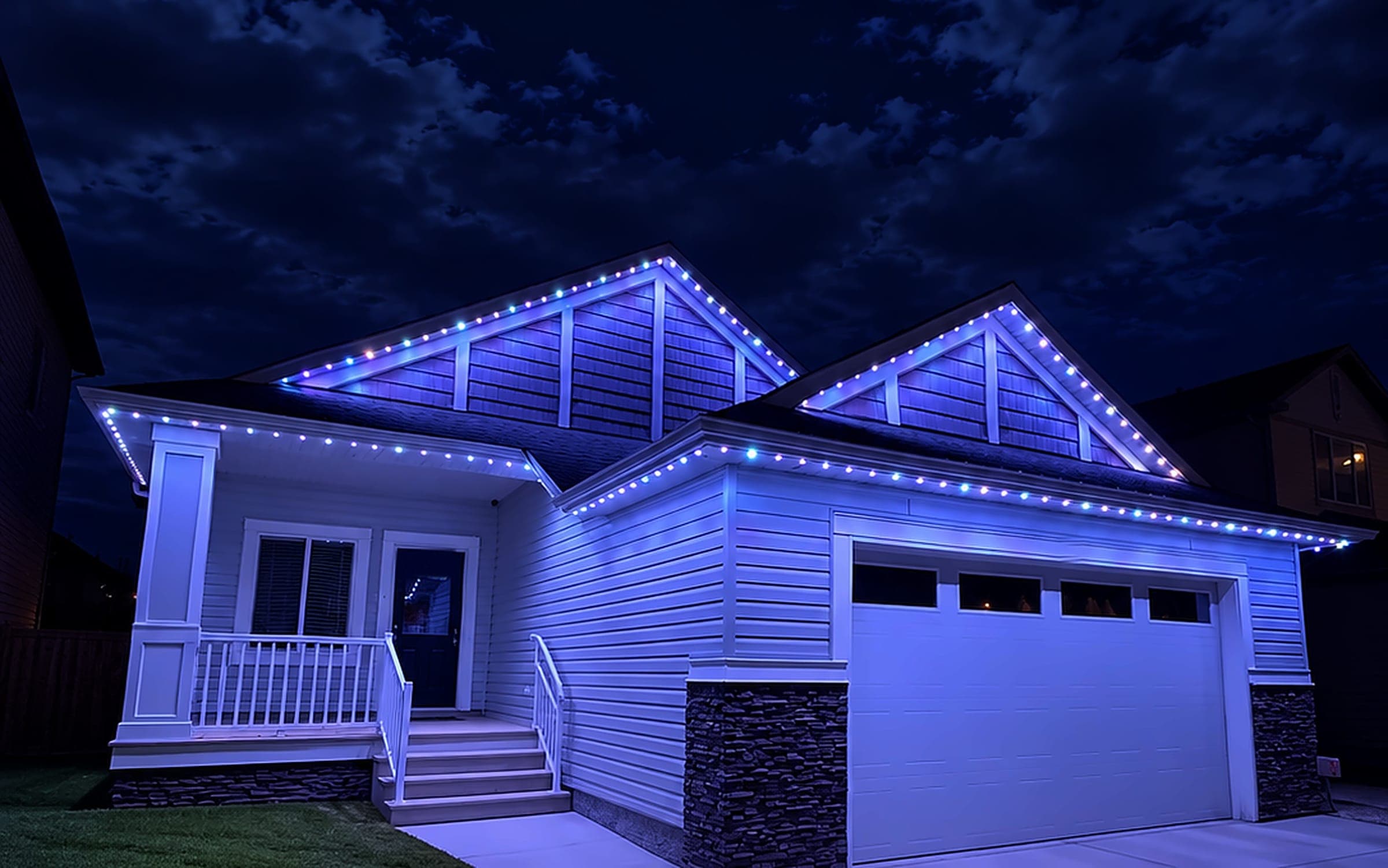
 From our gallery
You open the Trimlight Edge app and the controller shows offline. Or it will not pair, the schedule did not run last night, or music mode does nothing. Trimlight permanent lights are run from a controller that has to stay on your home Wi-Fi, and most app problems trace back to that link rather than to the lights.
This guide covers the fixes in the order most likely to work, based on Trimlight's own support pages and blog. Where Trimlight does not publish an exact step, we keep the advice general instead of guessing at menu names.
Tired of fighting the app?
Get a free mockup of your house lit up
Check which controller you have
Trimlight sorts its controllers into three generations: Edge (2021 to present), Select Plus (2018 to 2021) and Wi-Fi 104 (2015 to 2018). The Trimlight Edge app is for the Edge controller, and the older controllers use different procedures. If the steps you found online do not match what you see, check the controller first.
The Trimlight Edge app is listed on the App Store under Shenzhen Sperll Optoelectronic Technology Co., Ltd.
Quick checklist before you start
- Check power at the outlet. Exterior GFCI outlets trip after rain or snow melt.
- Look at the controller light. Trimlight says green means the controller is on your home Wi-Fi. Blue means it is broadcasting its own Wi-Fi network instead.
- Fully close the app and reopen it.
- Make sure your phone is on your home network, not a guest network or a neighbour's.
- Update the app from the App Store or Google Play.
Problem #1: Trimlight says offline
Symptoms: The app says the controller is offline, or changes you send never reach the lights.
Why it happens: Trimlight's own troubleshooting says an offline controller is usually a break between the router and the controller, not a hardware fault. The causes it lists:
- a new router or internet provider,
- a changed Wi-Fi name or password,
- a weak signal where the controller is mounted,
- a brief power loss,
- or the controller having been paired over 5 GHz.
Fixes, in order:
- Press the plus or minus button on the controller a few times to wake it.
- Restart your router and modem, then fully close and reopen the app.
- Do a soft reset (steps below).
- If it is still offline, re-add the controller in the app the same way you first added it.
Problem #2: Trimlight not connecting to Wi-Fi or pairing
Symptoms: Setup fails partway, or the controller never appears.
Common causes:
- 5 GHz. Trimlight states pairing needs a 2.4 GHz network. Some routers merge 2.4 GHz and 5 GHz under one name, so check which band your phone is actually on.
- A mistyped password. Trimlight points out passwords are case sensitive, and pasted text can carry hidden characters. Type it by hand.
- The wrong network, such as a guest network.
Fixes, in order:
- Join your main home network and confirm the phone is on the 2.4 GHz band.
- Type the Wi-Fi password by hand.
- If automatic pairing keeps failing on a combined network, Trimlight's advice is to use its official manual pairing method rather than changing router settings. Your dealer can walk you through it for your controller.
How to reset a Trimlight Edge controller (soft vs factory reset)
Trimlight describes a soft reset that keeps your patterns, schedules and settings:
- Find the small green power connector at the top of the controller.
- Grip the green connector and disconnect it.
- Wait 30 seconds to 1 minute.
- Reconnect it firmly and let the controller restart.
- Fully close and reopen the app.
A factory reset is a last resort. Trimlight notes it may mean setting the controller up again from scratch, and directs owners to its official Edge reset instructions or their dealer. We have seen button combinations posted online that we could not confirm against an official source, so we are not repeating them here.
Problem #3: Trimlight schedule or timer not working
Symptoms: The lights did not come on at the time you set, or they ran the wrong pattern.
Common causes:
- The controller was offline when the schedule was saved, so the change never reached it.
- A manual change took over. If you picked a pattern by hand, check that the controller is back on its schedule afterward. Trimlight has a support page on setting up timers for Edge that is worth following step by step.
- Daylight saving time. Some App Store reviewers mention schedule trouble around the clock change. Recheck your on and off times after each change.
Fixes, in order:
- Confirm the controller shows online, then save the schedule again.
- Open the schedule and check the days, times and pattern it uses.
- Test with a schedule a few minutes from now so you can watch it run.
Problem #4: features missing or not working after an update
Trimlight's blog says a red dot on the Settings icon means a firmware update is available. You install it from Settings by scrolling to "Version", selecting it and choosing "Update". Keep the controller powered and online until it finishes. If a feature is missing, check for both an app update and a firmware update before anything else.
Problem #5: music mode does nothing
Trimlight says the music feature needs a local connection, the right app permissions and microphone access for Trimlight Edge. Check your phone's settings to make sure the app is allowed to use the microphone, stay on the same Wi-Fi as the controller and keep the phone near the sound.
Problem #6: Alexa does not respond
Trimlight's Alexa steps: in the Alexa app, open "Skills & Games", search for Trimlight, tap "Enable to Use", sign in with your Trimlight account, and ask Alexa to discover devices if needed. The controller must show online in the Edge app first, so fix any offline problem before relinking Alexa.
Local install and support
Number One Lights installs and supports GOULY permanent lights in Calgary, Chestermere and Strathmore
You get a local warranty and local service from the team that put your lights up. Start with a free mockup of your house lit up.
When to call your dealer
Trimlight's own guidance is to contact your original or local dealer when:
- the outlet has power but the controller shows no lights,
- the controller keeps going offline even with stable Wi-Fi,
- a soft reset or re-adding the controller does not fix it,
- or wiring and electrical parts may be involved.
Go in with your controller generation, app version, what the controller light is doing and what you have tried.
When troubleshooting is not worth it
If you have reset the controller more than once, rebuilt the same schedules and still see it drop offline every few weeks, the problem is usually not a setting you missed. It is time to have someone look at the controller location, the Wi-Fi path to it and the wiring as a whole.
| Feature | Many Competitors | GOULY Gen 3 |
|---|---|---|
| App | Trimlight Edge | GOULY app with 1,000+ designs |
| Mounting | Depends on your install | Aluminum track fastened to your fascia |
| Cold rating | Check your hardware | Rated -40°C to +50°C |
| Install | Varies | Professionally installed |
| Warranty | Depends on your dealer | Transferable Warranty plus workmanship coverage |
| Support | Your dealer | Local team in Calgary with a real phone number |
How Number One Lights can help
We install permanent lights across Calgary, Chestermere, Strathmore and area. If your current system will not stay connected, we can come out, look at what is actually there and tell you straight whether it is worth fixing. If it is not, we replace it with the GOULY Gen 3 system:
- Controlled from the GOULY app, with 1,000+ designs and holiday schedules.
- Mounted in aluminum track, fastened to your fascia. See the system.
- Rated for Alberta cold, -40°C to +50°C.
- Professionally installed, with a Transferable Warranty plus workmanship coverage.
See the full side by side in Number One Lights vs Trimlight, or read our 2.4 GHz Wi-Fi setup guide for router tips that apply to any controller.
What to do next
If the fix was small, a tripped outlet, a router restart or a soft reset, you should be back up tonight.
If it keeps coming back, get a free quote and a team member will look at your home virtually and send a clear quote. No pressure, no surprises.
Done troubleshooting?
See your house lit up with a free mockup
We design, install and support GOULY permanent lights in Calgary, Chestermere and Strathmore. Get your free mockup and quote, or text or call us with any question.
Frequently asked questions
Why does my Trimlight Edge controller show offline?
Trimlight says it is usually a break between the router and the controller, not a hardware fault. Common causes are a new router or provider, a changed Wi-Fi name or password, weak signal at the controller, a brief power loss, or pairing over 5 GHz.
What does the light on a Trimlight Edge controller mean?
Trimlight says green means the controller is connected to your home Wi-Fi. Blue means it is broadcasting its own Wi-Fi network instead.
How do I soft reset a Trimlight Edge controller?
Disconnect the small green power connector at the top of the controller, wait 30 seconds to a minute, reconnect it firmly and let it restart, then fully close and reopen the app. Trimlight says this keeps your patterns, schedules and settings.
Should I factory reset my Trimlight controller?
Only as a last resort. Trimlight notes a factory reset may mean setting the controller up again from scratch, and directs owners to its official Edge reset instructions or their dealer. Try the soft reset first, since Trimlight says it keeps your patterns, schedules and settings.
Does Trimlight Edge work on 5 GHz Wi-Fi?
No. Trimlight says pairing needs a 2.4 GHz network. If your router combines both bands under one name, check which band your phone is on, or use Trimlight's manual pairing method.
When should I call my Trimlight dealer?
Trimlight recommends calling your dealer if the outlet has power but the controller shows no lights, it keeps going offline on stable Wi-Fi, a soft reset does not help, or wiring may be involved. In Calgary, Chestermere or Strathmore, Number One Lights can also assess the system and quote a GOULY Gen 3 replacement if it is not worth fixing.
Questions before you book?
Visit our FAQ page
Get quick answers on Gen 3 Lighting, pricing, install timelines, app setup, warranty, and what to expect on install day.