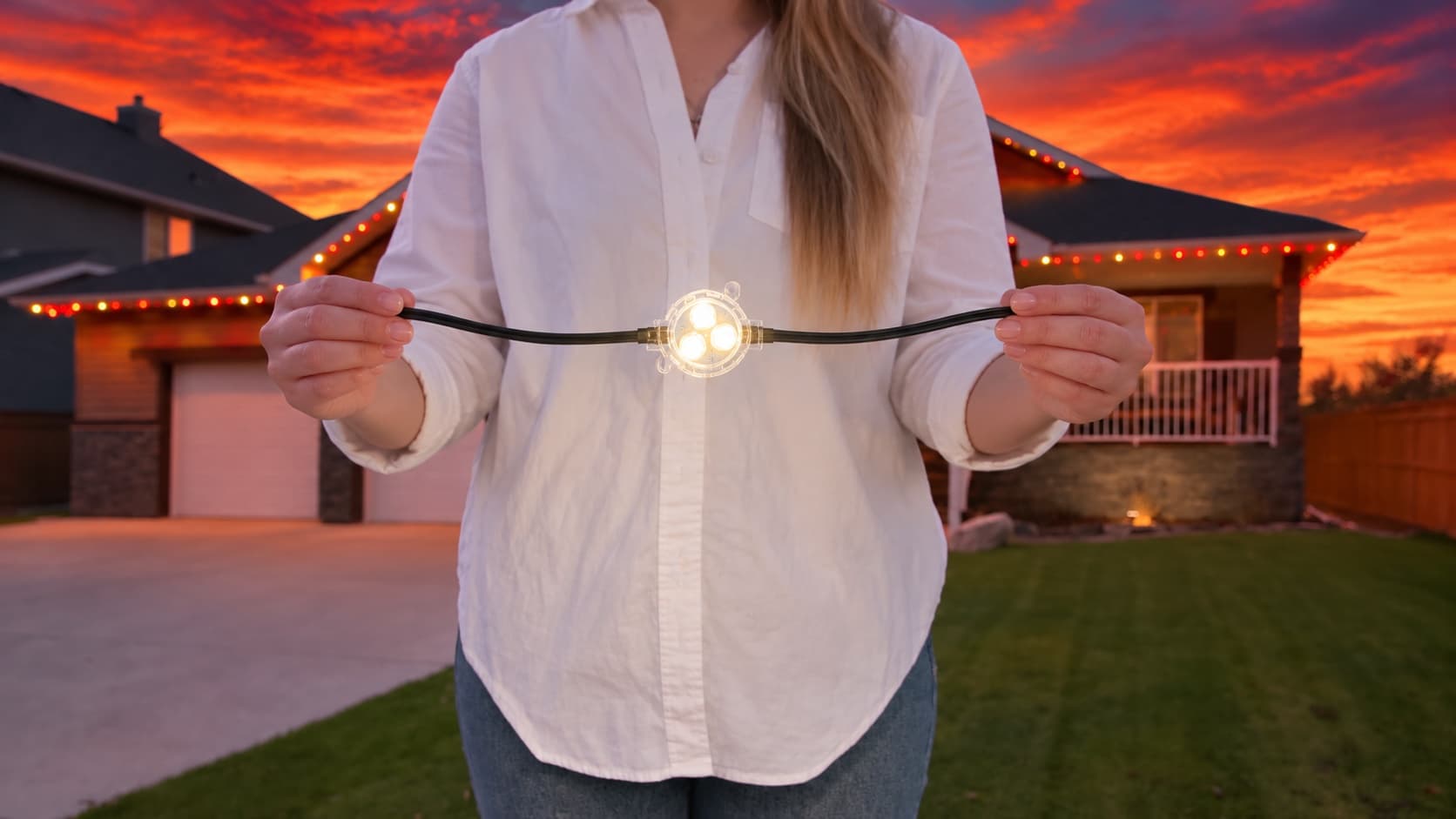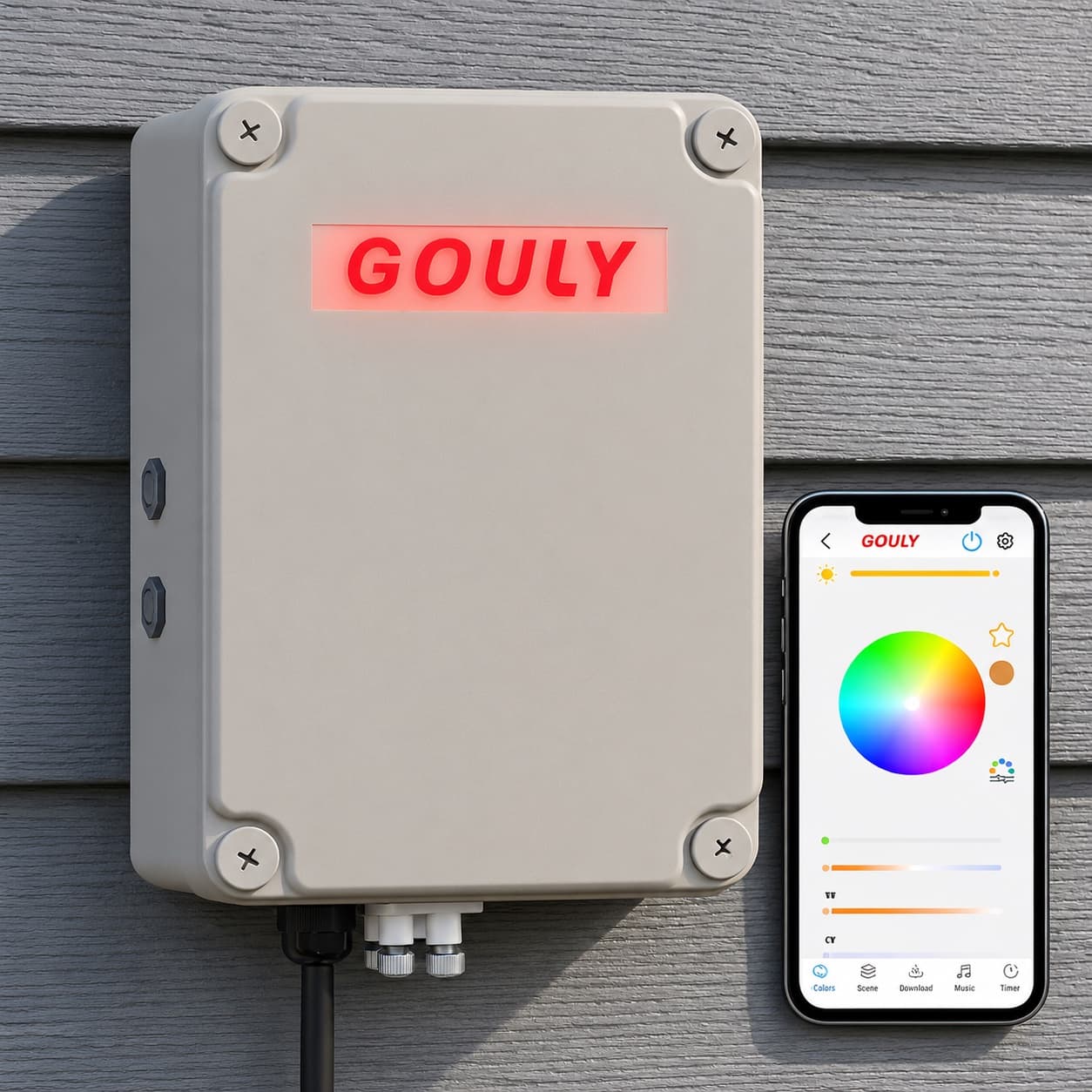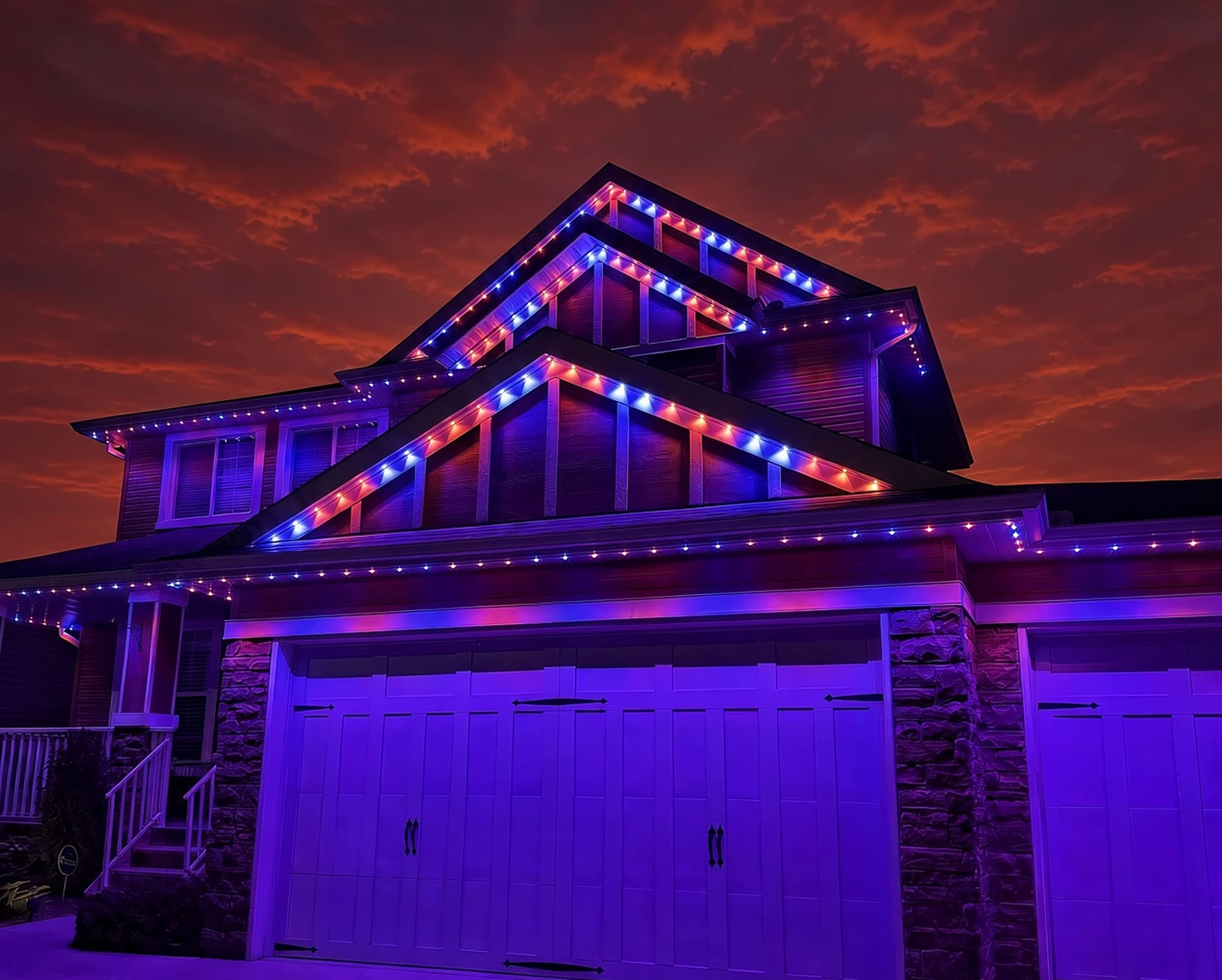
Tired of re-pairing your strip?
Upgrade to a permanent GOULY system
We can assess what you have now, or replace it with a professionally installed GOULY Gen 3 system on one app with 1,000+ designs.
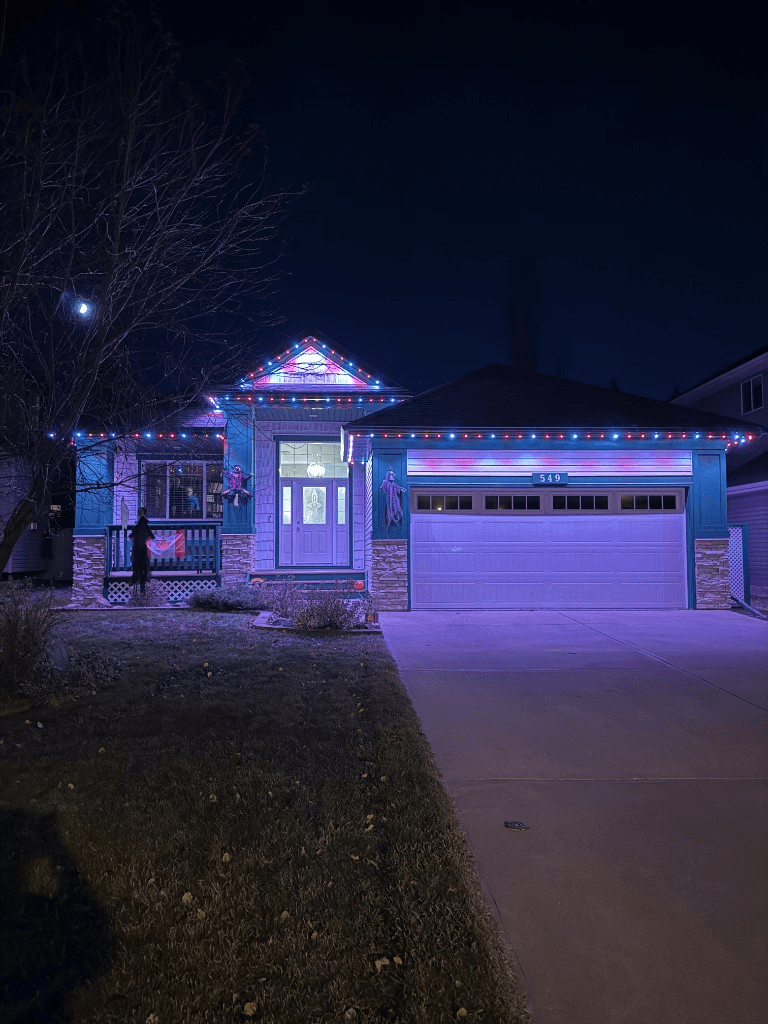
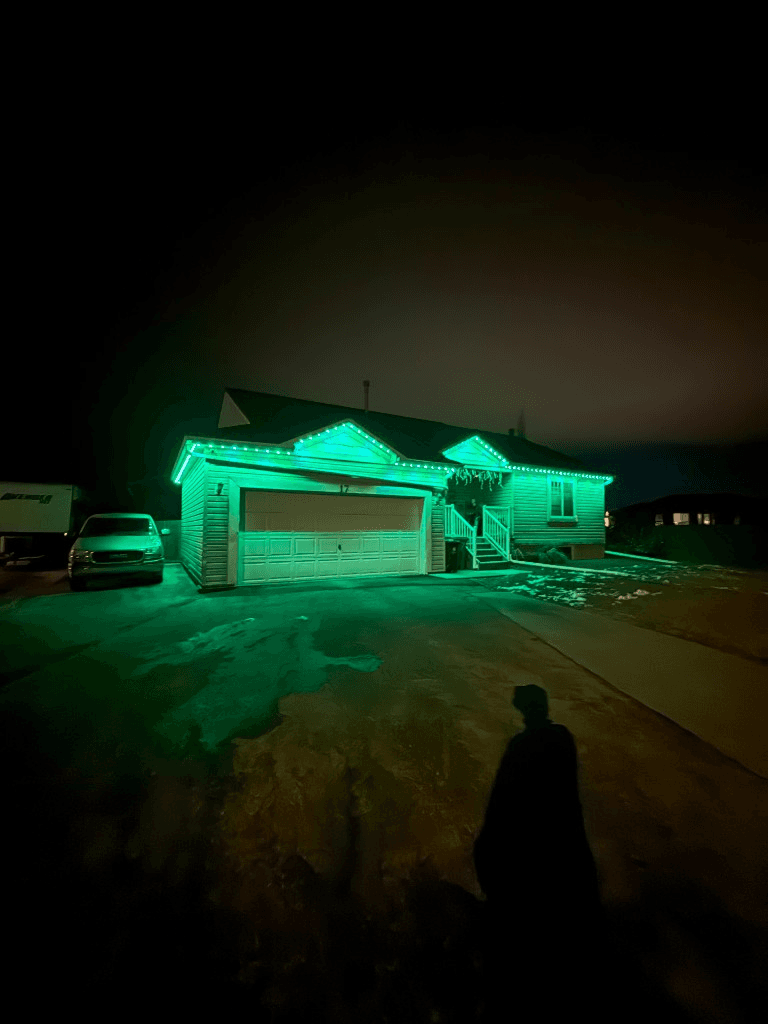
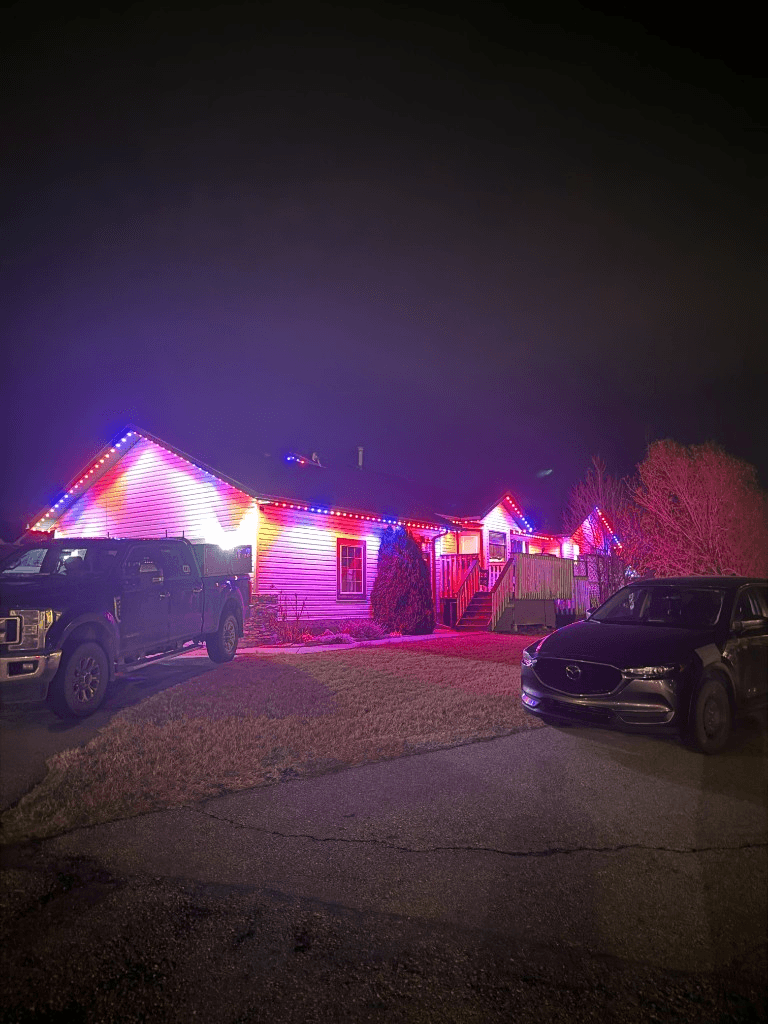

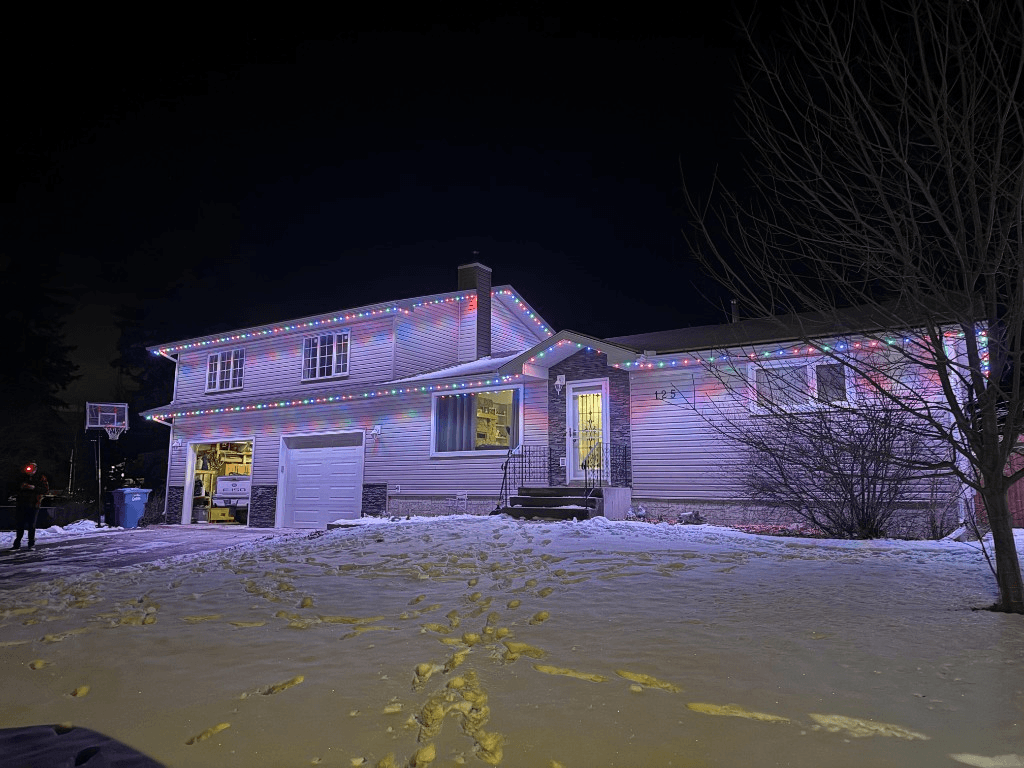 From our gallery
You open Lotus Lantern and your LED strip never shows up. Or it connected the first night and has refused ever since, even though the little remote still works. Lotus Lantern is a Bluetooth app used with a lot of low-cost LED strip controllers, and most of the trouble comes back to that Bluetooth link, phone permissions or another phone holding the connection.
This guide covers the fixes in the order most likely to work. Lotus Lantern does not publish an official support page, so we lean on what the App Store listing and its reviewers report, plus how Bluetooth controllers generally behave. Where we could not confirm a step, we say so.
Tired of re-pairing your strip?
Get a free mockup of your house lit up
Make sure it is the real Lotus Lantern app
On the App Store, the Lotus Lantern app is published by Shenzhen ELK Technology. There is also a lookalike app with a very similar name that asks for a subscription. If the app you installed wants you to pay before it will control your lights, check the seller name on the listing. Delete the lookalike and install the one from Shenzhen ELK Technology.
Your lights should show up as "ELK-BLEDOM"
Many controllers that work with Lotus Lantern advertise themselves over Bluetooth with a name starting with ELK-BLEDOM. Developer projects that work with these controllers list that name as the one to look for.
That name is useful as a quick check. If your strip shows up in a Bluetooth scan under a completely different name, it may be built for a different app, and Lotus Lantern may never find it. Check the box or the controller label for the app it was sold with.
It is Bluetooth, not Wi-Fi
Some troubleshooting pages tell you to put your phone and lights on the same Wi-Fi network. For a Bluetooth controller, that advice does nothing. Lotus Lantern talks to the strip directly from your phone, so what matters is:
- Bluetooth is on.
- The phone is close to the controller box, ideally in the same room.
- No walls, metal or appliances sit between the phone and the controller.
Your home Wi-Fi, router and internet connection are not part of the picture.
Quick checklist before you start
- Check the strip has power. Use the remote if you have one. If the remote turns it on, the strip and power supply are fine.
- Stand close to the controller box while you connect.
- Update the app from the App Store or Google Play.
- Force-close the app and reopen it.
- Turn Bluetooth off and back on on your phone.
Bluetooth and Location permissions on Android and iPhone
Why it happens: If the app does not have permission to use Bluetooth, it cannot see the controller at all, and the strip simply never appears. On Android, scanning for Bluetooth devices has also required Location permission on many versions, and users report the strip not being detected until that was allowed.
Fixes, in order:
- On iPhone, open Settings, find Lotus Lantern and make sure Bluetooth is allowed.
- On Android, open Settings, Apps, Lotus Lantern, Permissions. Allow Bluetooth or "Nearby devices", and allow Location.
- On Android, make sure Location is switched on for the phone itself, not just allowed for the app.
- Reopen the app and scan again.
Do not pair the strip in your phone's own Bluetooth settings. Connect from inside the app.
Lights show up but will not connect: close the app on other phones
Why it happens: Bluetooth strip controllers generally accept one connection at a time. If someone else in the house has Lotus Lantern open and connected, your phone can see the strip but cannot take control.
Fixes, in order:
- Ask everyone else to fully close Lotus Lantern, or turn off Bluetooth on their phones for a minute.
- Force-close the app on your phone and reopen it.
- Try connecting again.
Worked once, never again: power-cycle and retry
What users report: A common complaint in reviews is that the lights connected the first time and afterwards show up in the app but will not connect. Some reviewers say the app worked for a couple of days, then never again, while the remote kept working.
Fixes, in order:
- Close the app fully.
- Unplug the strip's power supply for several seconds, then plug it back in.
- Reopen the app and connect while standing next to the controller.
- Try a different phone. If a second phone connects, the problem is on the first phone's side, often permissions or a stuck Bluetooth cache, and restarting that phone is worth a try.
Physical button and remote conflicts
Some reviewers report that after using the button on the strip or the included remote, the app stopped controlling the lights. We could not find an official explanation. If this happens to you, power-cycle the strip as above, then use only the app while you test, and see whether control comes back.
Music mode and schedule not working
Music mode: the app listens through your phone's microphone, so it needs microphone permission. Check that in your phone's settings, keep the phone near the music, and keep the app open on the music screen.
Schedules: with a Bluetooth controller, how a timer behaves when your phone is out of range depends on the controller, and we could not confirm it for every model. If a schedule does not run, set it again while connected and test it with a time a few minutes away while you stay nearby.
How to reset a Lotus Lantern controller
Lotus Lantern does not publish an official reset procedure, and controllers vary by model. Third-party pages suggest unplugging for a short time or switching the power on and off several times quickly, but we could not verify those steps, so treat them with caution.
The safe general step is a full power-cycle: unplug the power supply for several seconds, plug it back in, then reconnect from inside the app. If your controller came with a manual or a reset button, follow that first.
Is the Lotus Lantern app safe?
We cannot vouch for any third-party app's data handling. What you can do is check that the seller is Shenzhen ELK Technology, read the privacy details on the App Store or Google Play listing, and only allow the permissions it needs to work: Bluetooth, Location on Android for scanning, and the microphone if you use music mode.
Local install and support
Number One Lights installs and supports GOULY permanent lights in Calgary, Chestermere and Strathmore
You get a local warranty and local service from the team that put your lights up. Start with a free mockup of your house lit up.
Getting support
Because there is no official Lotus Lantern support site, your best contacts are the seller you bought the strip from and the developer contact on the app listing. Go in with your phone model, the name the strip shows in a Bluetooth scan, what the controller is doing and what you have already tried.
When troubleshooting is not worth it
If you have checked permissions, closed the app on every other phone, power-cycled the strip and tried a second phone, and it still will not stay connected, the controller itself may be the weak link. Bluetooth strip controllers are made to be cheap, and that is when it makes sense to think about something built to last.
| Feature | Many Competitors | GOULY Gen 3 |
|---|---|---|
| App | Lotus Lantern over Bluetooth | GOULY app with 1,000+ designs |
| Mounting | Adhesive strip | Aluminum track fastened to your fascia |
| Cold rating | Check your strip | Rated -40°C to +50°C |
| Install | Do it yourself | Professionally installed |
| Warranty | Depends on the seller | Transferable Warranty plus workmanship coverage |
| Support | App listing contact | Local team in Calgary with a real phone number |
How Number One Lights can help
We install permanent lights across Calgary, Chestermere, Strathmore and area. If you are done fighting a Bluetooth strip and want lights on your home that just work, we can design and install the GOULY Gen 3 system:
- Controlled from the GOULY app, with 1,000+ designs and holiday schedules.
- Mounted in aluminum track, fastened to your fascia. See the system.
- Rated for Alberta cold, -40°C to +50°C.
- Professionally installed, with a Transferable Warranty plus workmanship coverage.
What to do next
If the fix was small, a missing permission, another phone holding the connection or a quick power-cycle, the steps above should have your strip back tonight.
If you want something permanent outside, get a free quote and a team member will look at your home virtually and send a clear quote. No pressure, no surprises.
Done troubleshooting?
See your house lit up with a free mockup
We design, install and support GOULY permanent lights in Calgary, Chestermere and Strathmore. Get your free mockup and quote, or text or call us with any question.
Frequently asked questions
Why is my Lotus Lantern app not connecting?
The usual causes are a missing Bluetooth or Location permission, standing too far from the controller, or another phone already connected to the strip. Bluetooth strip controllers generally take one phone at a time. Close the app on other phones, power-cycle the strip and connect from inside the app while standing next to the controller.
How do I connect Lotus Lantern to my LED lights?
Install the Lotus Lantern app from Shenzhen ELK Technology, turn on Bluetooth, allow the app's Bluetooth permission (and Location on Android), then stand near the controller and add the strip from inside the app. Many compatible controllers show up with a name starting with ELK-BLEDOM. Do not pair it in your phone's own Bluetooth settings.
Is the Lotus Lantern app safe?
We cannot vouch for any third-party app's data handling. Check the seller is Shenzhen ELK Technology, since a lookalike subscription app exists, read the privacy details on the listing, and only allow the permissions it needs: Bluetooth, Location on Android for scanning, and the microphone for music mode.
Does Lotus Lantern work over Wi-Fi?
No. Lotus Lantern controls the strip over Bluetooth, directly from your phone. Advice to put your phone and lights on the same Wi-Fi network does not apply. What matters is that Bluetooth is on and the phone is close to the controller.
How do I reset Lotus Lantern lights?
There is no official Lotus Lantern reset procedure, and controllers vary by model. The safe general step is to unplug the power supply for several seconds, plug it back in and reconnect from inside the app. If your controller came with a manual or reset button, follow that first.
Why is the Lotus Lantern schedule not working?
With a Bluetooth controller, how timers behave when your phone is out of range depends on the controller. Set the schedule again while connected, and test it with a time a few minutes away while you stay nearby.
Questions before you book?
Visit our FAQ page
Get quick answers on Gen 3 Lighting, pricing, install timelines, app setup, warranty, and what to expect on install day.