Done chasing unreachable lights?
Upgrade to a permanent GOULY system
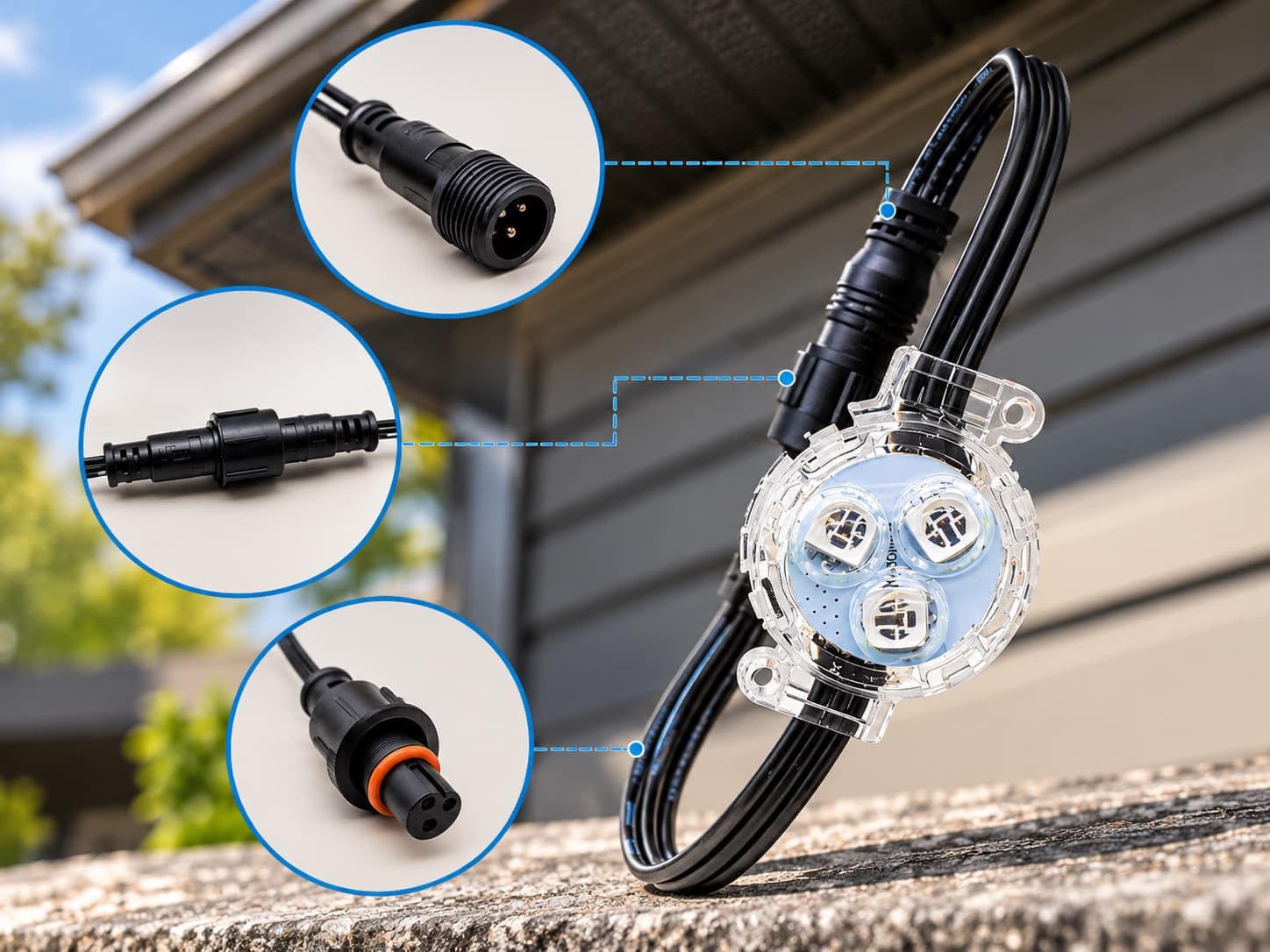
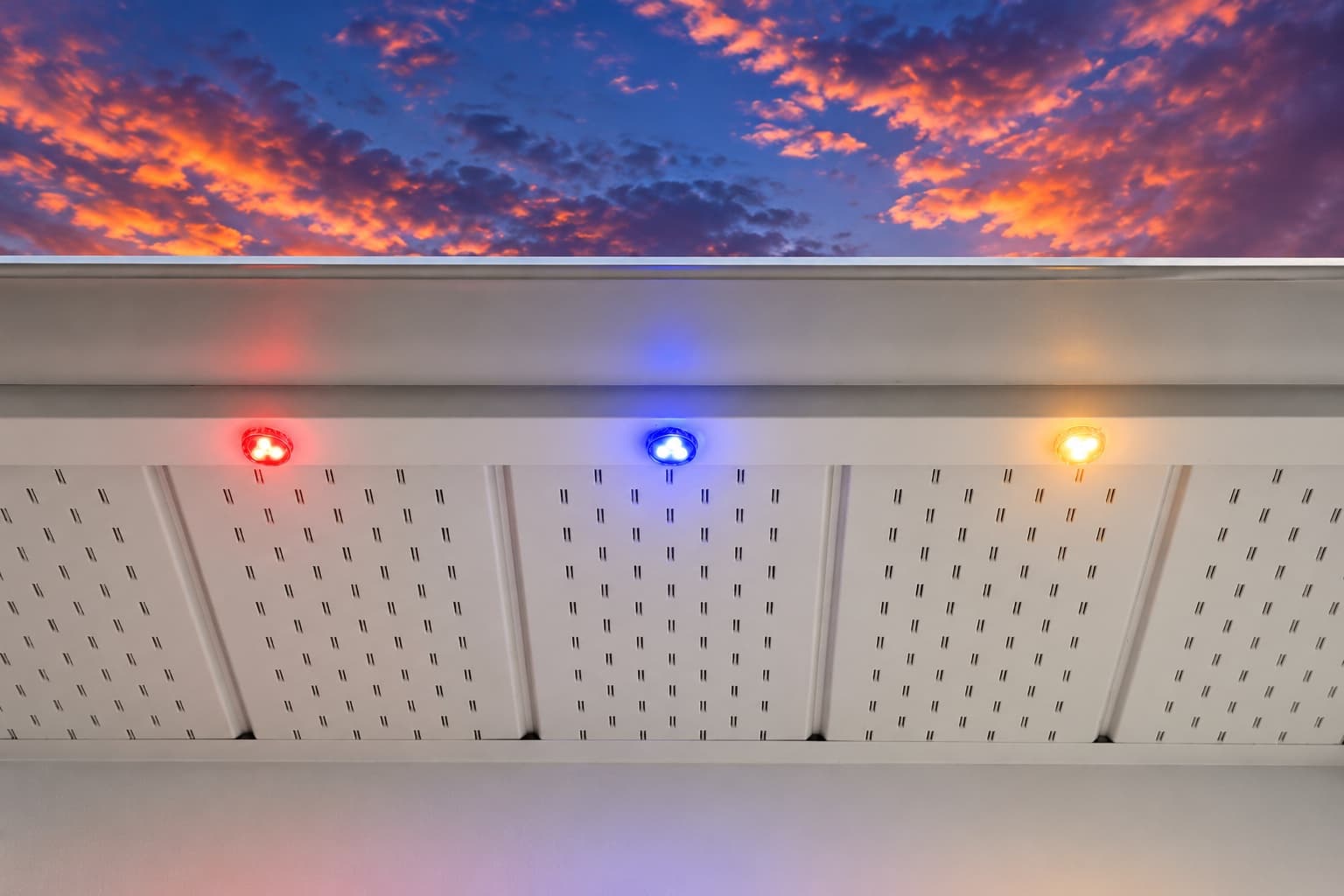
We can assess what you have now, or replace it with a professionally installed GOULY Gen 3 system on one app with 1,000+ designs.
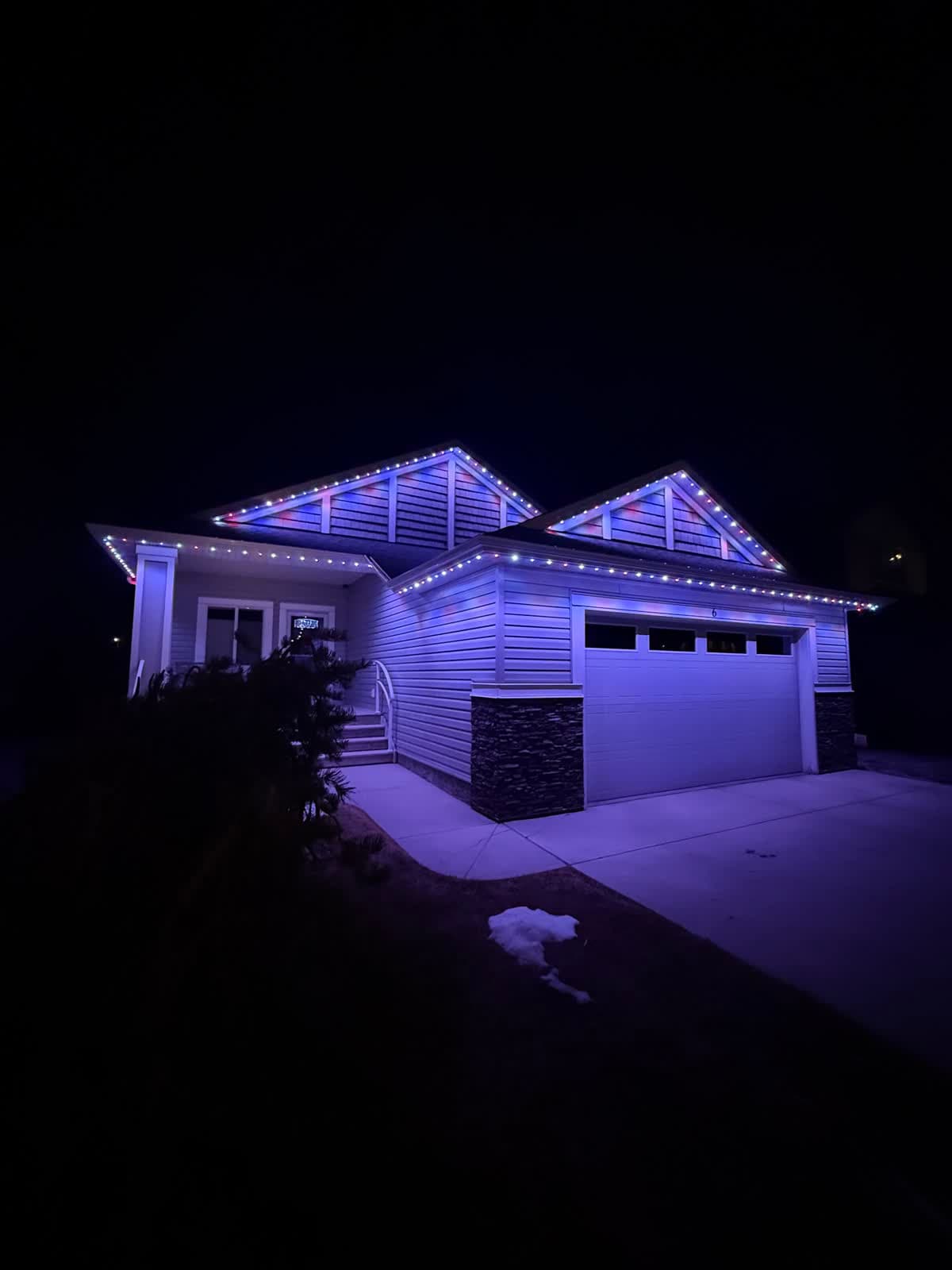
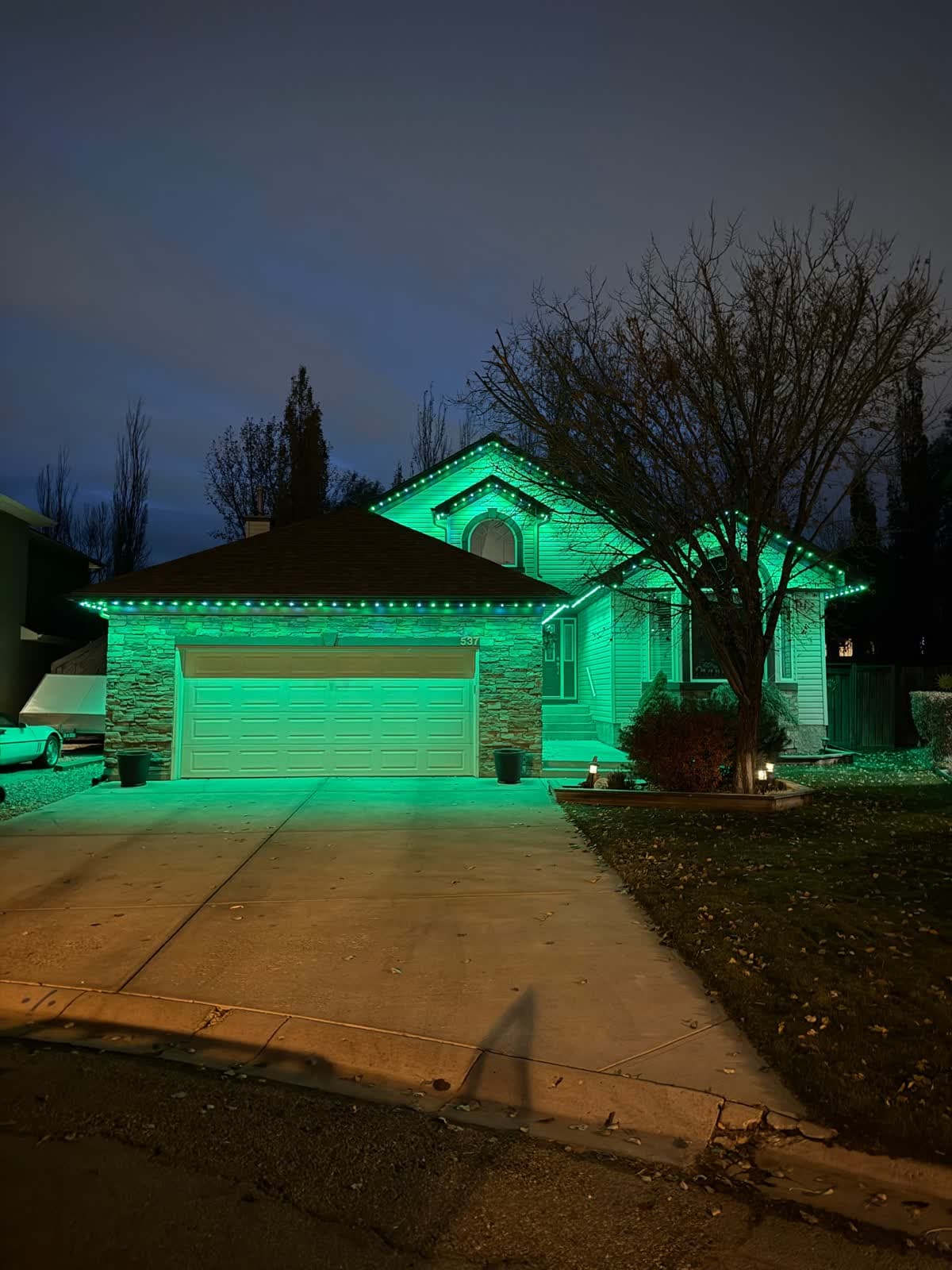
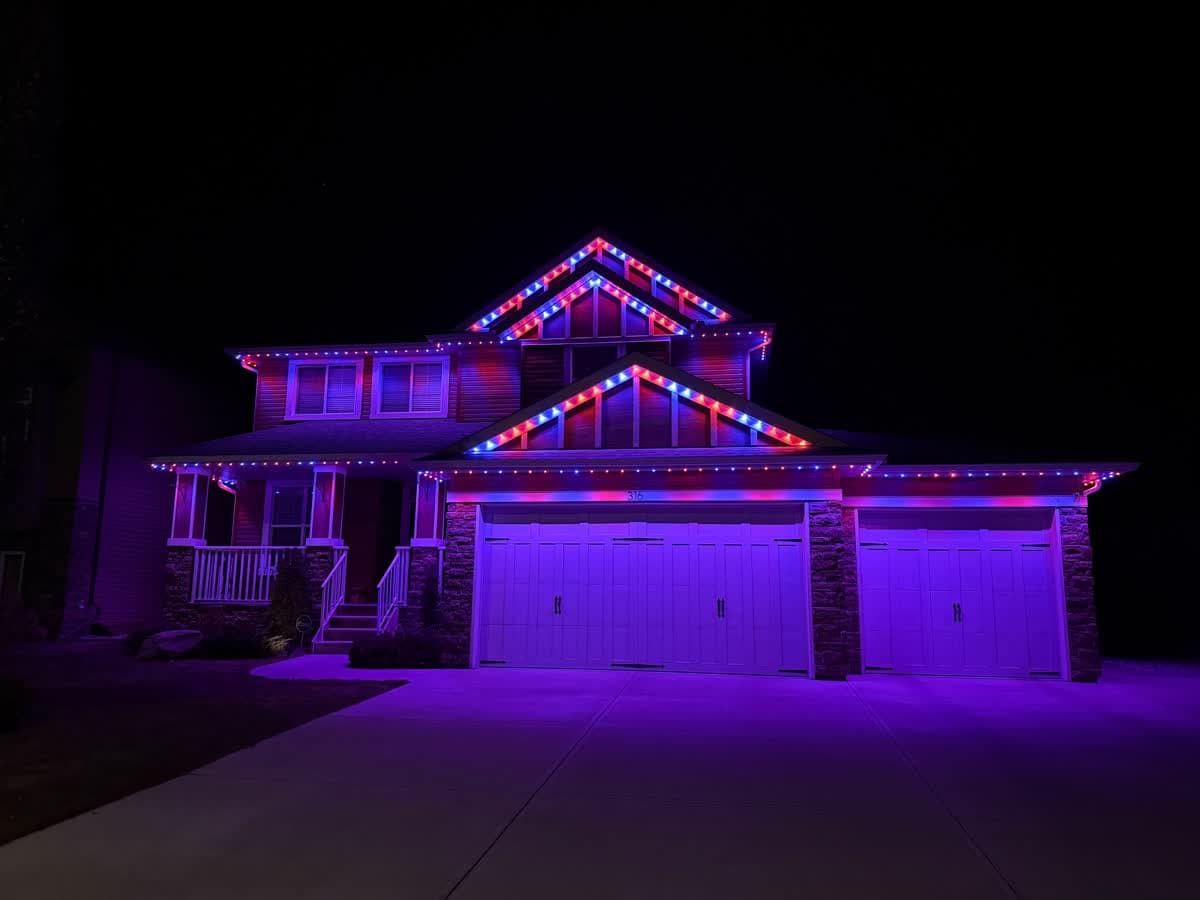
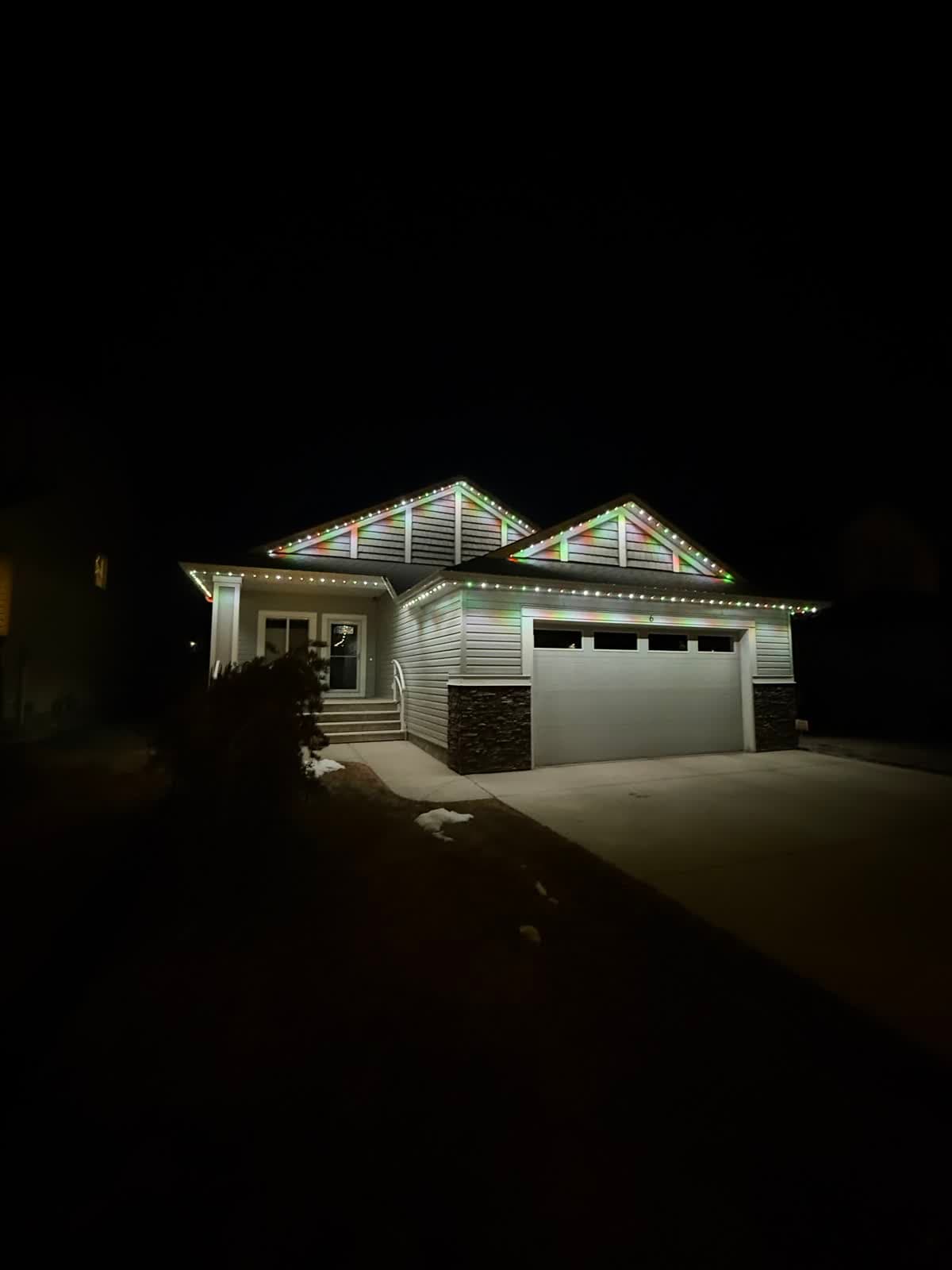
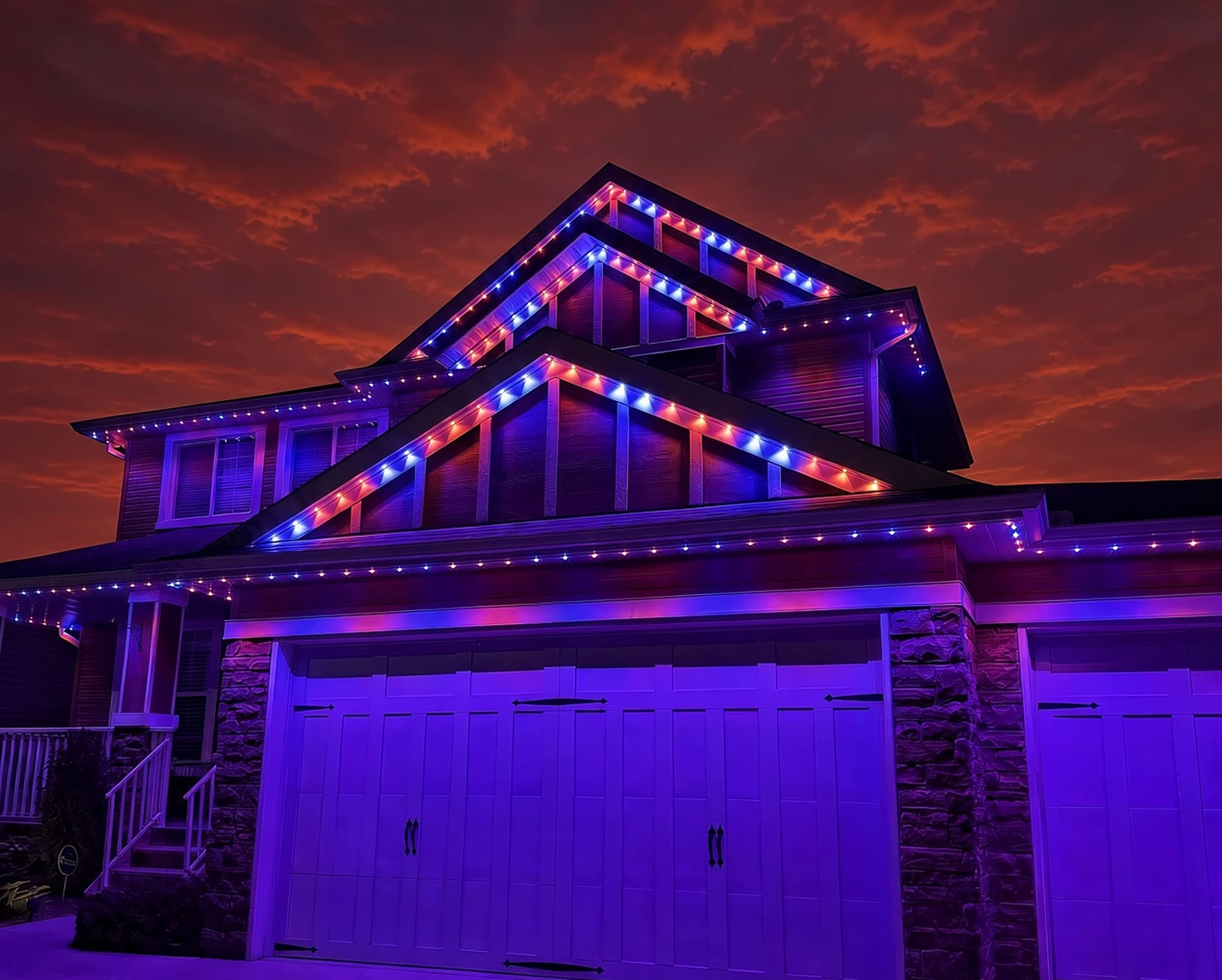
 From our gallery
Your Philips Hue outdoor lights show as unreachable in the app. Or they flicker, a few lamps stay dark while the rest work, or nothing turns on at all. Hue outdoor lights talk to the Hue Bridge inside your house over Zigbee, and they run off an outdoor power supply. Most outdoor trouble comes back to one of three things: the power, the distance to the Bridge, or water getting into a connection.
This guide covers the fixes in the order most likely to work, based on Philips Hue's own outdoor support pages and what owners and Hue specialists report. Where we could not confirm an exact step, we keep it general.
Tired of fighting the app?
Get a free mockup of your house lit up
Unreachable vs off vs flashing: what each means
Start by working out which problem you have, because each one points somewhere different:
- Unreachable in the app means the Bridge cannot talk to the light. Philips Hue's outdoor support FAQ has a whole entry on this. In practice it is usually power to the light being off, or the light being too far from the Bridge.
- Off and dark, but showing as online points to the wiring or a connector between the power supply and the lamp, not the app.
- Flickering or flashing on outdoor lamps is most often reported alongside water in a plug connection or a failing power supply.
Quick checklist before you start
- Check the outdoor switch or GFCI outlet. Exterior GFCI outlets trip after rain or snow melt, and a light on a switched outlet goes unreachable the moment someone flips the switch.
- Check the Bridge is powered and online. If every Hue light in the house is unreachable, the problem is the Bridge, not the outdoor lights.
- Update the Hue app and the Bridge software.
- Force-close the app and reopen it.
Is the outdoor switch or GFCI off?
This is the most common cause and the easiest to fix. Outdoor Hue lights need power at all times to stay connected. If they are plugged into an outlet controlled by an indoor switch, leave that switch on and control the lights from the app instead. If the outlet is a GFCI, press its reset button. If it trips again soon after, there may be water somewhere in the run, which is covered below.
Zigbee range: the Bridge is too far from your yard
Why it happens: the Bridge usually sits next to the router, often in a basement or the middle of the house. Exterior walls, stucco, brick and distance all weaken the signal on its way to the yard or roofline.
Fixes, in order:
- Move the Bridge closer to the side of the house where the outdoor lights are, if your network allows it.
- Test by bringing a light closer to the Bridge, if the fixture allows it. If it connects up close, range is your problem.
Add a mains-powered Hue light as a repeater
Hue lights that are plugged in or hardwired pass the signal along to other lights. Hue specialists and owners commonly fix outdoor range problems by putting a mains-powered Hue light near a window or exterior wall, between the Bridge and the outdoor lights. That light becomes a stepping stone for the signal.
Wi-Fi interference: move the Bridge or change the Zigbee channel
Zigbee and 2.4 GHz Wi-Fi share the same radio band. If the Bridge sits right next to your router, the Wi-Fi can drown out the Hue signal. Move the Bridge a little away from the router. If that does not help, the Hue app lets you change the Zigbee channel in the Bridge settings, which owners report can clear up lights that keep dropping out.
Bridge software out of date
Philips Hue's end of support policy says compatibility with the official Hue apps requires the Bridge to be on the latest software. If the Bridge has fallen behind, update it from the app's settings, then check the outdoor lights again.
Power supply failure and Hue's replacement program
What to look for: a whole run of outdoor lights going dark at once, often after wet weather, points at the outdoor power supply rather than the lamps.
What to do:
- Turn off power at the outlet or breaker before you touch the power supply, especially if it is wet. Do not handle it while it is wet and live.
- Unplug it, let it dry and check for damage before trying again.
- Philips Hue's outdoor FAQ covers what to do when the power supply stops working and links to an outdoor power supply replacement program. Check Hue's own page to see whether your unit is covered. We have not confirmed which units the program includes, so we will not guess here.
Water in the connectors: flickering and dark lamps
Owners and Hue specialists report that water getting into the plug joints is a common cause of flickering, and of lamps that stay dark while the app still shows them online. The joint between the cable and the lamp is the usual weak point. To check:
- Turn the power off.
- Unplug each connection, look for water or corrosion and let it dry fully.
- Reconnect firmly and power the lights back on.
If one connector keeps getting wet, that joint likely needs to be resealed or the part replaced.
Moving to the Bridge Pro: temporary "unreachable"
If you are moving to the Hue Bridge Pro, Philips Hue's upgrade guide says devices will be unreachable during the migration. Let the migration finish before you start troubleshooting the outdoor lights.
Cold-weather and winter issues
We could not find an official Philips Hue page on cold weather or winter. What we can say from experience is that snow melt and freeze-thaw cycles put water where it does not belong. That makes the GFCI and connector checks above the first things to try after a winter storm.
Local install and support
Number One Lights installs and supports GOULY permanent lights in Calgary, Chestermere and Strathmore
You get a local warranty and local service from the team that put your lights up. Start with a free mockup of your house lit up.
Getting support
Philips Hue's support site has an outdoor product section with the FAQ above and details on the power supply program. Before you contact them, note which outdoor products you have, what the app shows for each light, whether the Bridge sees your indoor lights and what you have already tried.
When troubleshooting is not worth it
If you have reset the GFCI, moved the Bridge, added a repeater and dried every connector, and the lights still drop out every few weeks, the problem is usually not a setting you missed. Outdoor lights that sit on the ground or hang loose take a beating in an Alberta winter. That is when it makes sense to have someone look at the whole setup.
| Feature | Many Competitors | GOULY Gen 3 |
|---|---|---|
| App | Hue app through the Hue Bridge | GOULY app with 1,000+ designs |
| Mounting | Depends on your install | Aluminum track fastened to your fascia |
| Cold rating | Check your hardware | Rated -40°C to +50°C |
| Install | Usually DIY | Professionally installed |
| Warranty | Manufacturer warranty | Transferable Warranty plus workmanship coverage |
| Support | Philips Hue support | Local team in Calgary with a real phone number |
How Number One Lights can help
We install permanent lights across Calgary, Chestermere, Strathmore and area. Hue outdoor lights are great for accents in the yard. If what you really want is the roofline lit up year round without fighting range and wet connectors, we can come out and show you what a permanent system looks like on your house. We install the GOULY Gen 3 system:
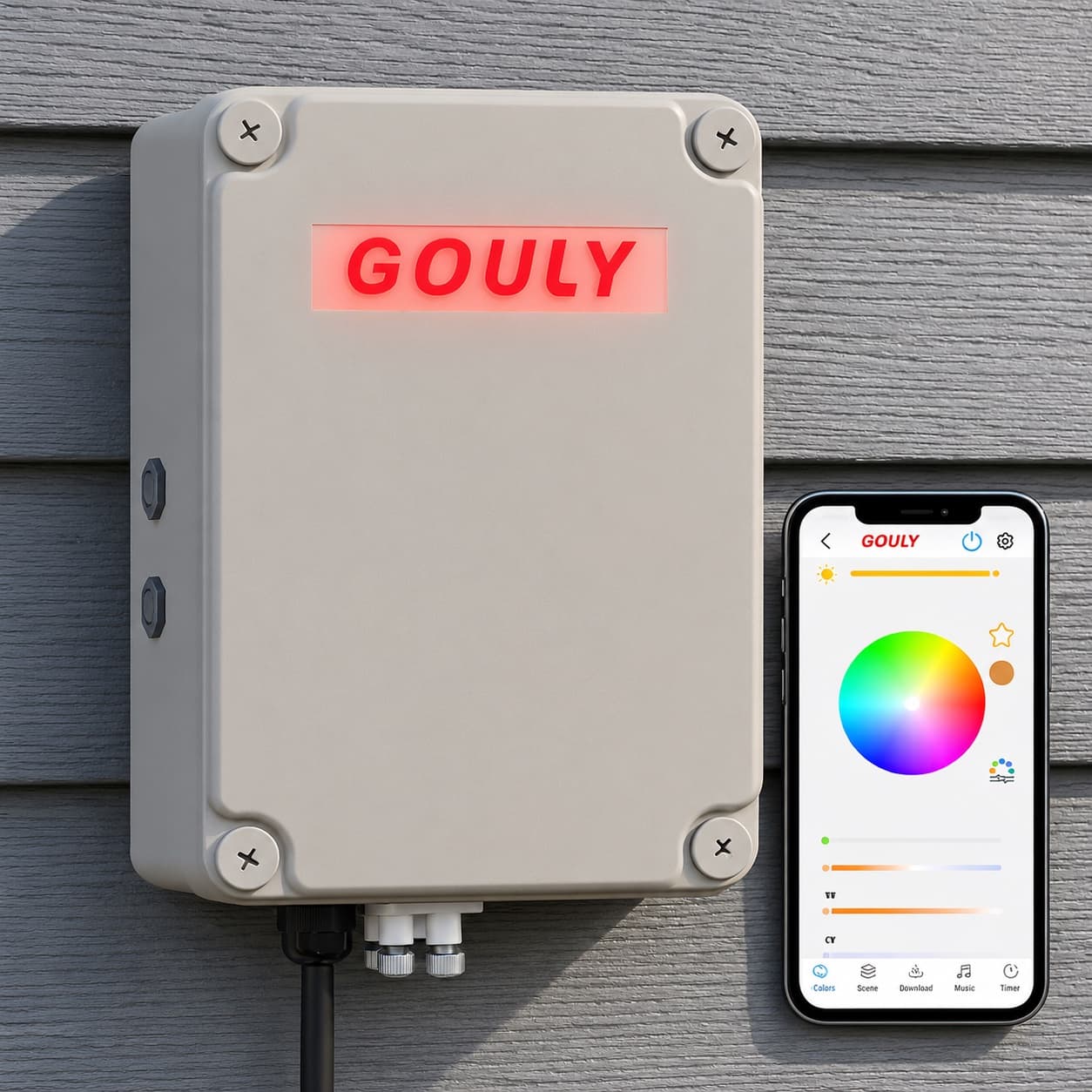
- Controlled from the GOULY app, with 1,000+ designs and holiday schedules.
- Mounted in aluminum track, fastened to your fascia. See the system.
- Rated for Alberta cold, -40°C to +50°C.
- Professionally installed, with a Transferable Warranty plus workmanship coverage.
What to do next
If the fix was small, a tripped outlet, a switch someone turned off or a Bridge that needed an update, the steps above should have you back up tonight.
If it keeps coming back, get a free quote and a team member will look at your home virtually and send a clear quote. No pressure, no surprises.
Done troubleshooting?
See your house lit up with a free mockup
We design, install and support GOULY permanent lights in Calgary, Chestermere and Strathmore. Get your free mockup and quote, or text or call us with any question.
Frequently asked questions
Why are my Hue outdoor lights unreachable?
Unreachable means the Hue Bridge cannot talk to the light. The usual causes are power to the light being off, often a tripped GFCI or an indoor switch turned off, or the light being too far from the Bridge. Check the power first, then move the Bridge closer or add a mains-powered Hue light in between as a repeater.
Why are my Philips Hue outdoor lights flashing?
Flickering on outdoor lamps is most often reported alongside water in a plug connection or a failing power supply. Turn the power off, unplug and dry each connector, reconnect firmly and check the power supply for damage.
Do Hue outdoor lights need a Bridge?
Philips Hue's outdoor support FAQ has an entry on why you need a Hue Bridge for outdoor lights. The Bridge is what the Hue app uses to reach them, and Hue says app compatibility requires the Bridge to be on the latest software.
How far can a Hue outdoor light be from the Bridge?
There is no single safe distance, because walls, siding and the Bridge's spot in the house all change it. If a light connects up close but not in place, range is the problem. Move the Bridge toward that side of the house or add a mains-powered Hue light near an exterior wall to pass the signal along.
Is there a recall on the Hue outdoor power supply?
Philips Hue runs an outdoor power supply replacement program, linked from its outdoor support FAQ. Check Hue's page to see whether your unit is covered. Always turn off power before touching a wet power supply.
Why won't my Hue outdoor light strip turn on?
Check the outlet or GFCI and any switch controlling it, then the power supply and each connector for water. If the app shows it unreachable, work through Bridge range and software updates. If none of that helps, contact Philips Hue support.
Questions before you book?
Visit our FAQ page
Get quick answers on Gen 3 Lighting, pricing, install timelines, app setup, warranty, and what to expect on install day.