Want lights that just work?
Upgrade to a permanent GOULY system
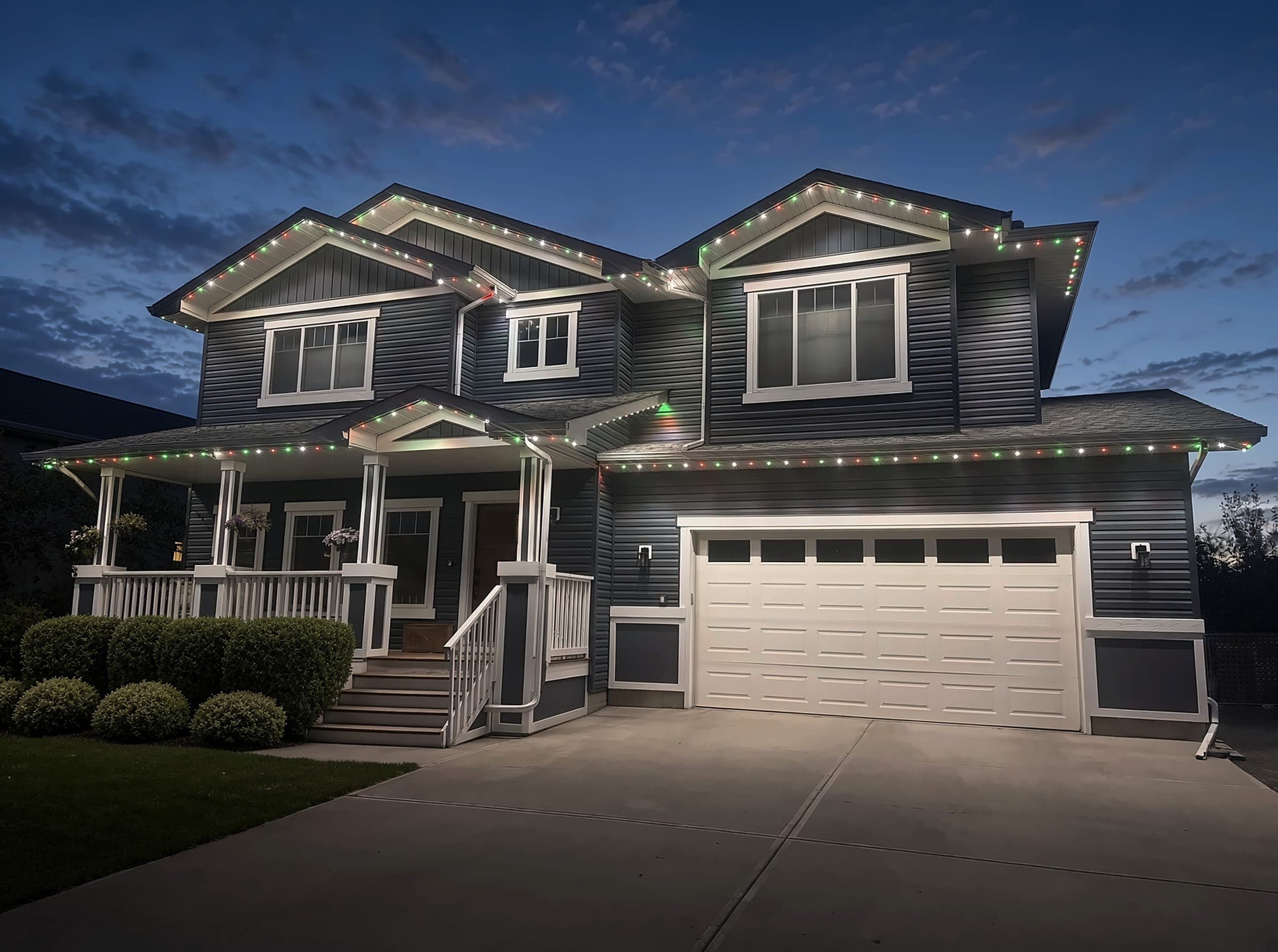
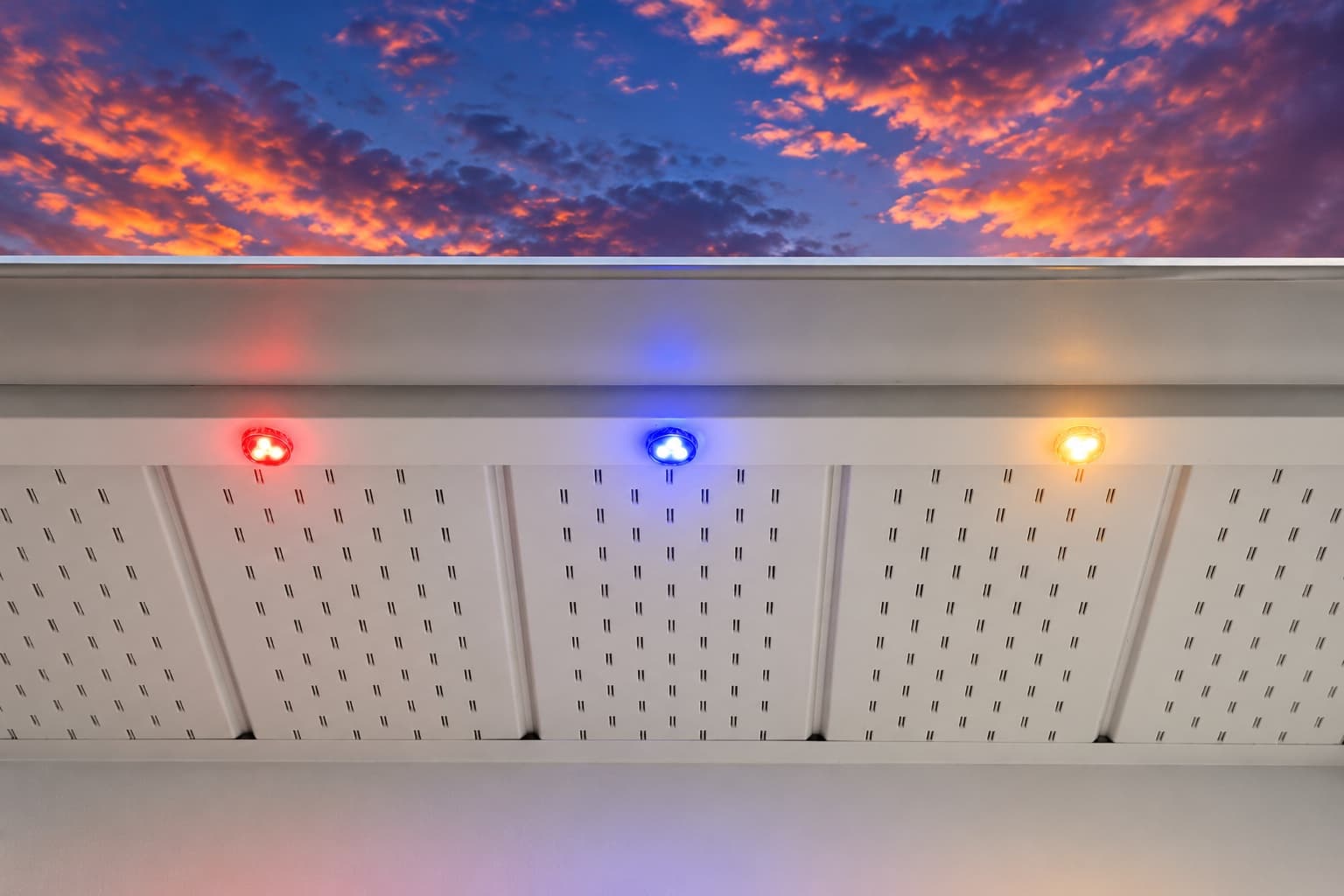
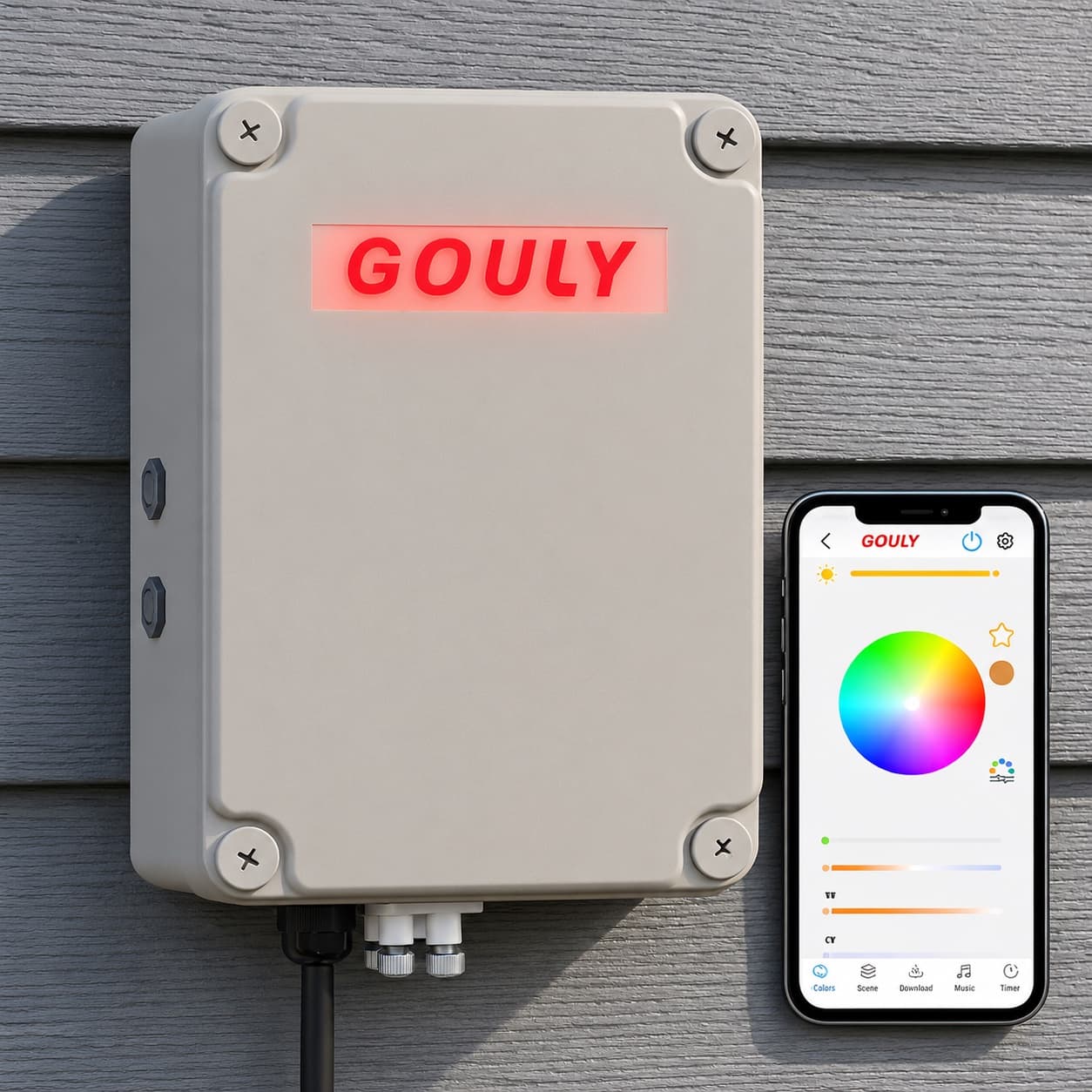
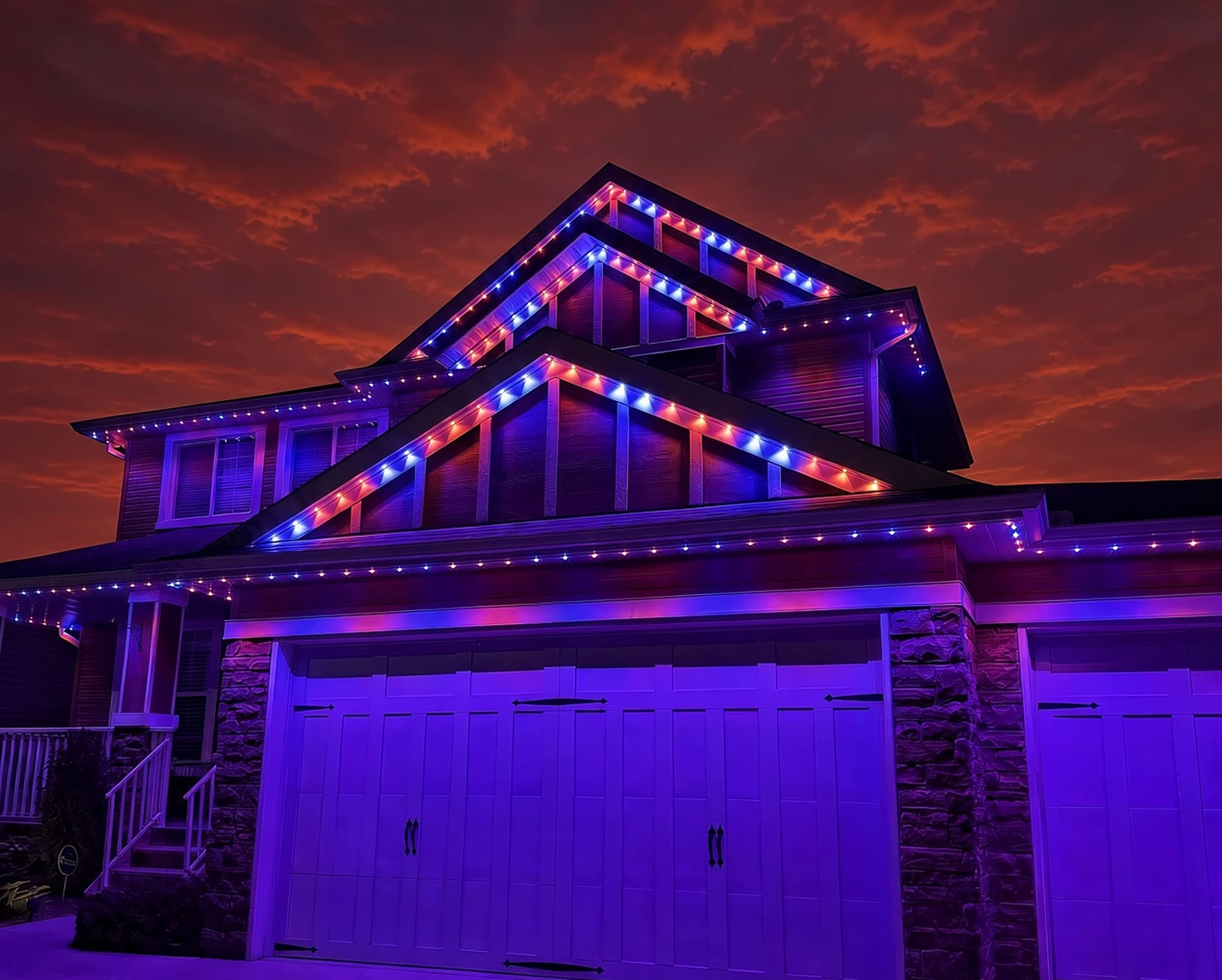
We can assess what you have now, or replace it with a professionally installed GOULY Gen 3 system on one app with 1,000+ designs.
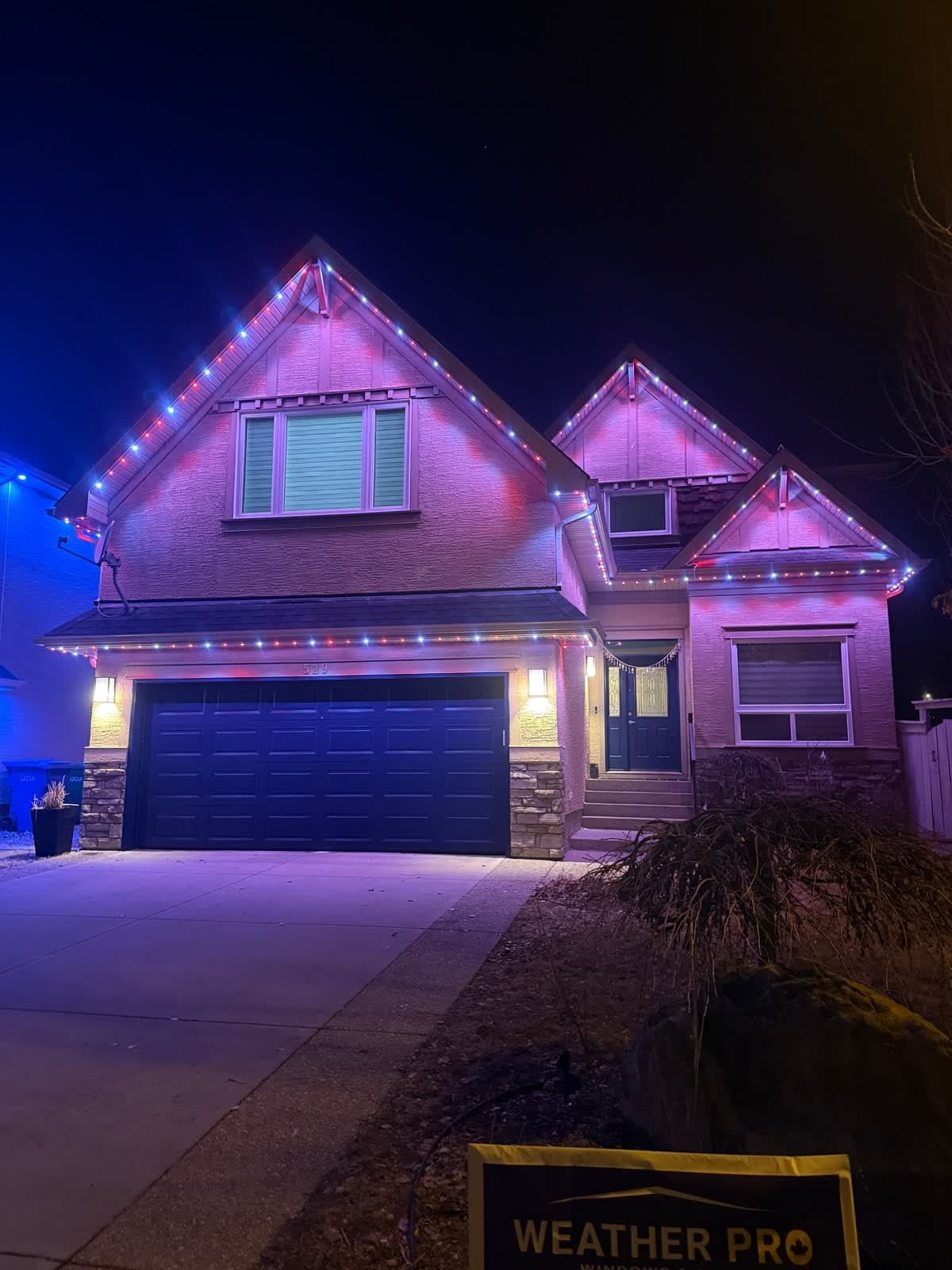
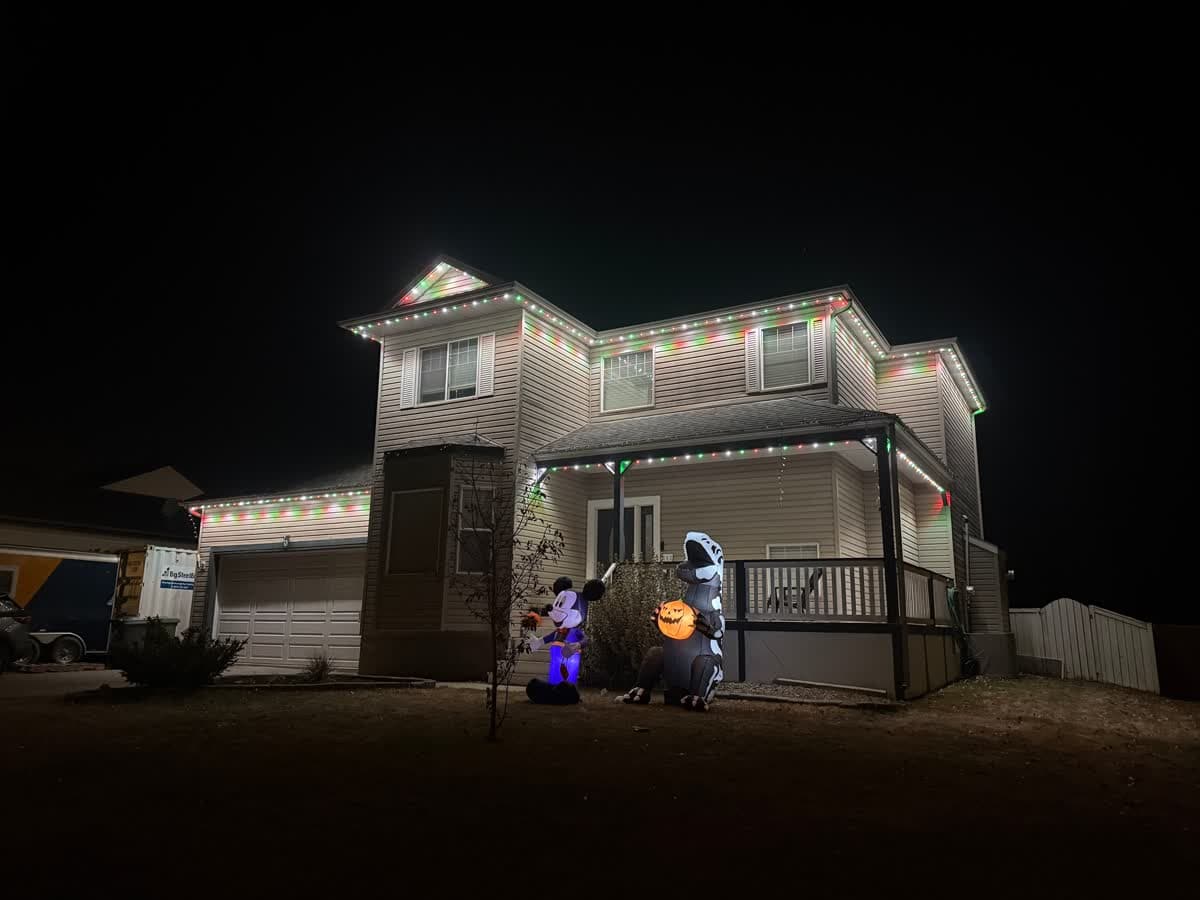
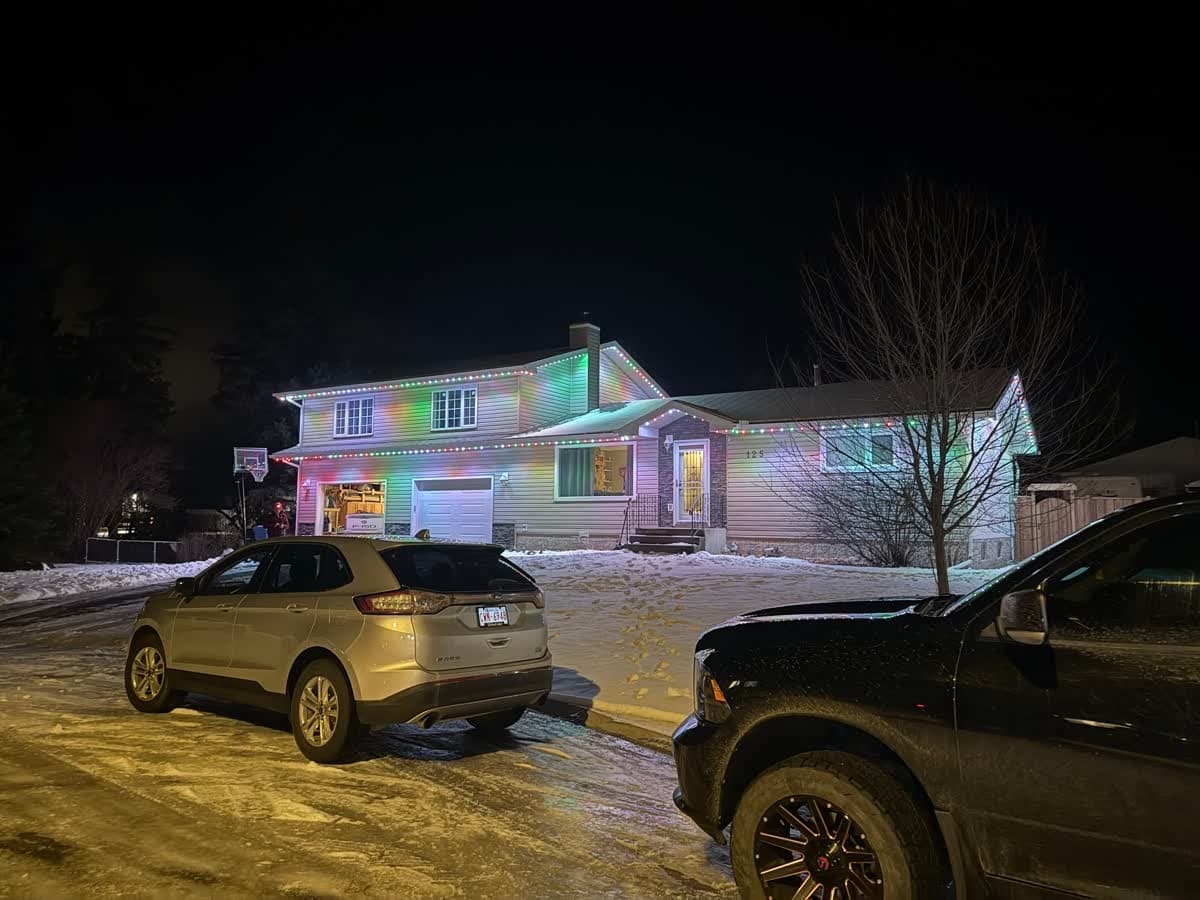
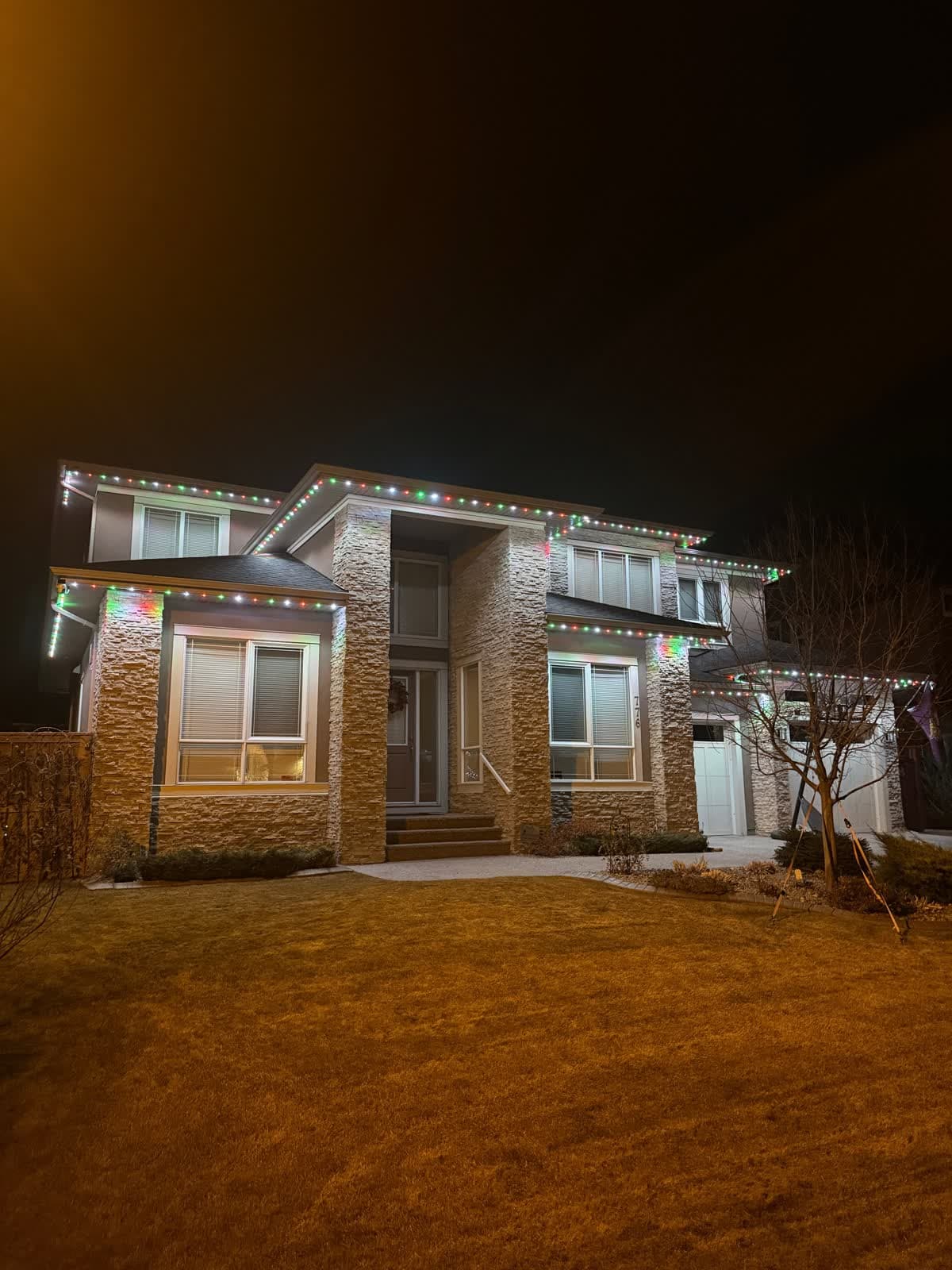
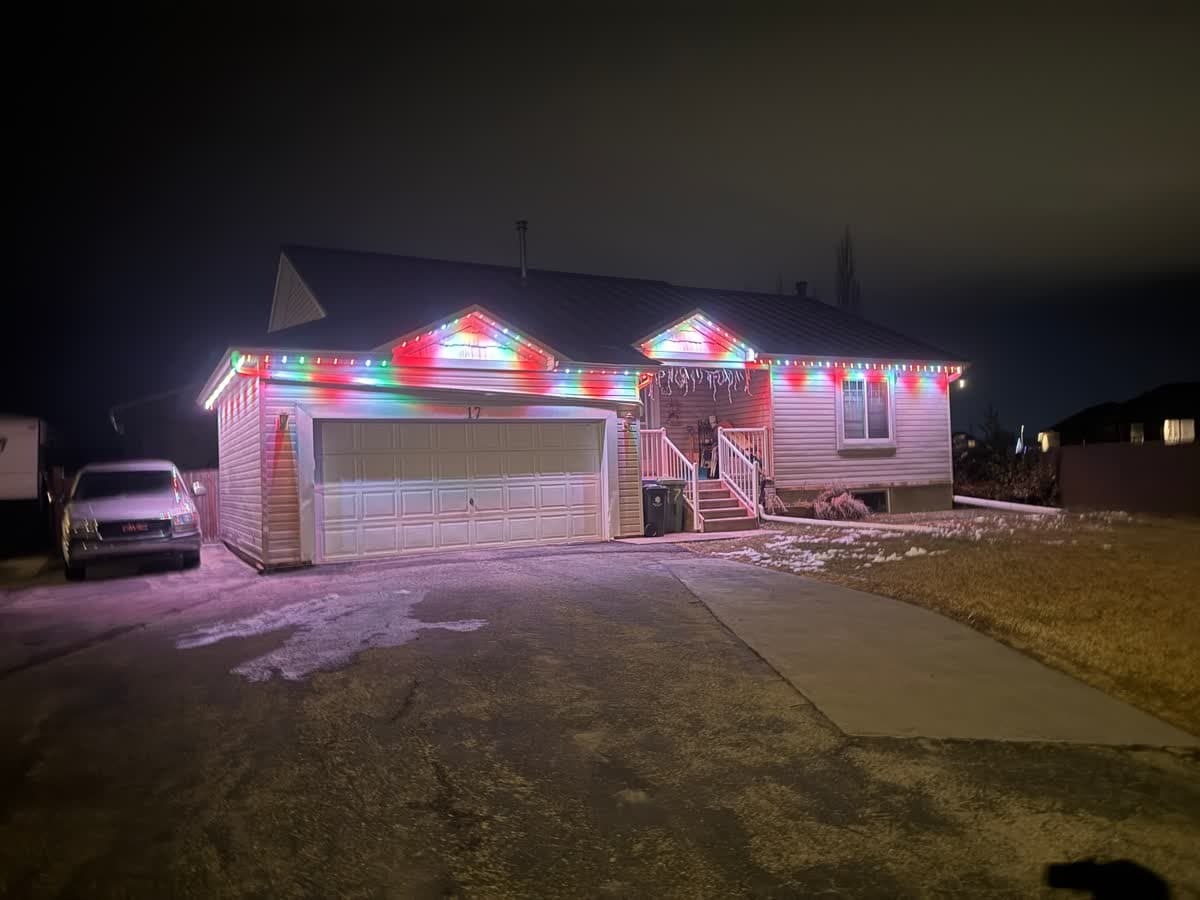 From our gallery
You open the app for your Starise permanent lights and the controller shows offline. Or the sunset schedule did not run, only one zone is changing, or music sync does nothing. Starise is a Calgary-area permanent lighting installer, and most app trouble on a system like this comes back to the controller's connection, the schedule settings or the zone you have selected.
This guide covers the fixes in the order most likely to work. Starise does not publish a public support manual that we could find, so the app details here come from Starise's own blog posts about its app and controller. Where they do not give an exact step, we keep the advice general.
Tired of fighting the app?
Get a free mockup of your house lit up
Which app runs Starise lights
One Starise blog post names the app as My Home Lighting, free on iPhone and Android. Another calls it the Starise lighting app without giving a name. If your installer set you up on My Home Lighting, our My Home Lighting app troubleshooting guide and My Home Lighting app instructions go deeper on that app. This page sticks to what Starise owners run into.
How the controller connects
According to Starise's blog, the controller joins your home Wi-Fi, and Bluetooth is also used during first setup. In Bluetooth mode your phone talks to the controller directly, with no router or internet. Starise also says:
- the controller stores its settings on the device itself,
- it has physical buttons you can use if the app is not available,
- it goes back to its last setting after a power outage,
- and if Wi-Fi goes down, the lights keep running their last pattern.
That last point matters. Lights that are still running do not mean the controller is online. It may just be repeating what it was told last.
Quick checklist before you start
- Check power at the controller. Exterior GFCI outlets trip after rain or snow melt.
- Power cycle the controller. Unplug it, wait 30 seconds, plug it back in.
- Force-close the app and reopen it.
- Update the app from the App Store or Google Play.
- Turn on Bluetooth and stand near the controller. If the app connects over Bluetooth, the controller is fine and the problem is Wi-Fi.
Problem #1: Starise app says offline
Common causes:
- A router change. Starise's blog says that after a router change, the controller has to be introduced to the new network in the app. A new router, internet provider, Wi-Fi name or password all count.
- Weak Wi-Fi at the controller. Controllers usually sit in a garage or behind exterior walls.
- The 2.4 GHz issue. Starise does not state which Wi-Fi bands its controller uses. Most permanent light controllers only join 2.4 GHz networks, so if your router combines 2.4 GHz and 5 GHz under one name, that is a common reason a connection fails.
Fixes, in order:
- Power cycle the controller after any router restart.
- Use Bluetooth to control the lights while you sort out Wi-Fi.
- If your network changed, connect the controller to your current network from the app.
- If your router lets you, give the 2.4 GHz band its own name and connect to that. Our 2.4 GHz setup guide explains how.
- Add a mesh node or extender on the side of the house where the controller is.
Problem #2: the schedule did not run
Starise's app guide describes schedules under Settings, then "Schedules", then "Add Schedule", where you pick the days, an on time or "Sunset", and an off time.
Fixes, in order:
- Open the schedule and check the days and times.
- If it is set to "Sunset", make sure the app is allowed to use your phone's location, then save it again.
- Look for two schedules that cover the same evening and cancel each other out.
- Test with a fixed on time a few minutes away. If that runs and the sunset one does not, the problem is the sunset setting, not the controller.
- If the controller was offline when you saved the schedule, reconnect it and save the schedule again.
Problem #3: only one part of the house changes
Starise says most installs have 2 to 4 zones, and its app guide describes a zone dropdown on the home screen with an "All Zones" option. If you pick a colour and only the garage changes, the app is probably set to a single zone. Switch the dropdown to "All Zones" and try again. The same applies to schedules and scenes, which may only cover the zone that was selected when you made them.
Problem #4: music sync does nothing
Starise's guide says "Music Sync" uses your phone's microphone. Check that the app is allowed to use the microphone in your phone's settings, keep the phone close to the speaker and turn the volume up.
Problem #5: a feature is missing or acting differently
Starise says firmware updates arrive over the air automatically when the controller is on Wi-Fi. If the controller has been offline for a while, it may have missed updates. Get it back on Wi-Fi, leave it powered and update the app on your phone.
Problem #6: voice control
Starise says Alexa and Google Home integration is set up from the app settings. Make sure the lights work in the app first, since voice control cannot reach a controller the app cannot reach. Then unlink and relink the service in the Alexa or Google Home app.
How to reset the controller
We could not find published reset steps for Starise controllers, so use them in this order:
- Soft reset: unplug the controller for 30 seconds and plug it back in. Starise says the controller keeps its settings on the device and returns to its last setting after a power loss.
- Re-add in the app: remove the controller from the app and add it again.
- Factory reset: ask your installer for the exact steps for your controller. Write your zones and schedules down first, since a full reset can clear them.
Local install and support
Number One Lights installs and supports GOULY permanent lights in Calgary, Chestermere and Strathmore
You get a local warranty and local service from the team that put your lights up. Start with a free mockup of your house lit up.
Getting support
Starise says it handles service calls for its own installs, so your first call is the company that installed your lights. Have your phone model, app version, what the controller is doing and what you have already tried ready.
When troubleshooting is not worth it
If you have reset the controller, reconnected it and rebuilt your schedules, and it still drops offline or loses settings every few weeks, the problem is usually not a setting you missed. That is the point where it makes sense to get a second set of eyes on the whole system.
| Feature | Many Competitors | GOULY Gen 3 |
|---|---|---|
| App | My Home Lighting or Starise app | GOULY app with 1,000+ designs |
| Mounting | Depends on your install | Aluminum track fastened to your fascia |
| Install | Professionally installed | Professionally installed |
| Warranty | Depends on your installer | Transferable Warranty plus workmanship coverage |
| Support | Your installer | Local team in Calgary with a real phone number |
How Number One Lights can help
We install permanent lights across Calgary, Chestermere, Strathmore and area. If your current system will not stay working, we can come out, look at what is actually there and tell you straight whether it is worth fixing. If it is not, we replace it with the GOULY Gen 3 system:
- Controlled from the GOULY app, with 1,000+ designs and holiday schedules.
- Mounted in aluminum track, fastened to your fascia. See the system.
- Rated for Alberta cold, -40°C to +50°C.
- Professionally installed, with a Transferable Warranty plus workmanship coverage.
For the full side by side, read Number One Lights vs Starise.
What to do next
If the fix was small, a tripped outlet, a zone dropdown or a router change, the steps above should have you back up tonight.
If it keeps coming back, get a free quote and a team member will look at your home virtually and send a clear quote. No pressure, no surprises.
Done troubleshooting?
See your house lit up with a free mockup
We design, install and support GOULY permanent lights in Calgary, Chestermere and Strathmore. Get your free mockup and quote, or text or call us with any question.
Frequently asked questions
What app do Starise permanent lights use?
One of Starise's own blog posts names the app as My Home Lighting, free on iPhone and Android. Another calls it the Starise lighting app. Check with your installer which one your system was set up on.
Why are my Starise lights still on if the app says offline?
Starise says the controller stores its settings and keeps running its last pattern if Wi-Fi goes down. The lights running does not mean the controller is online.
Can I control Starise lights without Wi-Fi?
Starise says the controller also connects over Bluetooth, which talks to your phone directly with no router or internet, and that it has physical buttons as a fallback.
Why does only one zone change when I pick a colour?
The app is probably set to a single zone. Starise's app guide describes a zone dropdown on the home screen with an All Zones option. Switch to All Zones and try again.
Who do I call if my Starise lights still do not work?
Start with the company that installed them. If you want a second opinion in Calgary, Chestermere or Strathmore, Number One Lights can look at your system and tell you whether it is worth fixing or replacing with a GOULY Gen 3 system.
Questions before you book?
Visit our FAQ page
Get quick answers on Gen 3 Lighting, pricing, install timelines, app setup, warranty, and what to expect on install day.