Done chasing Bluetooth connections?
Upgrade to a permanent GOULY system
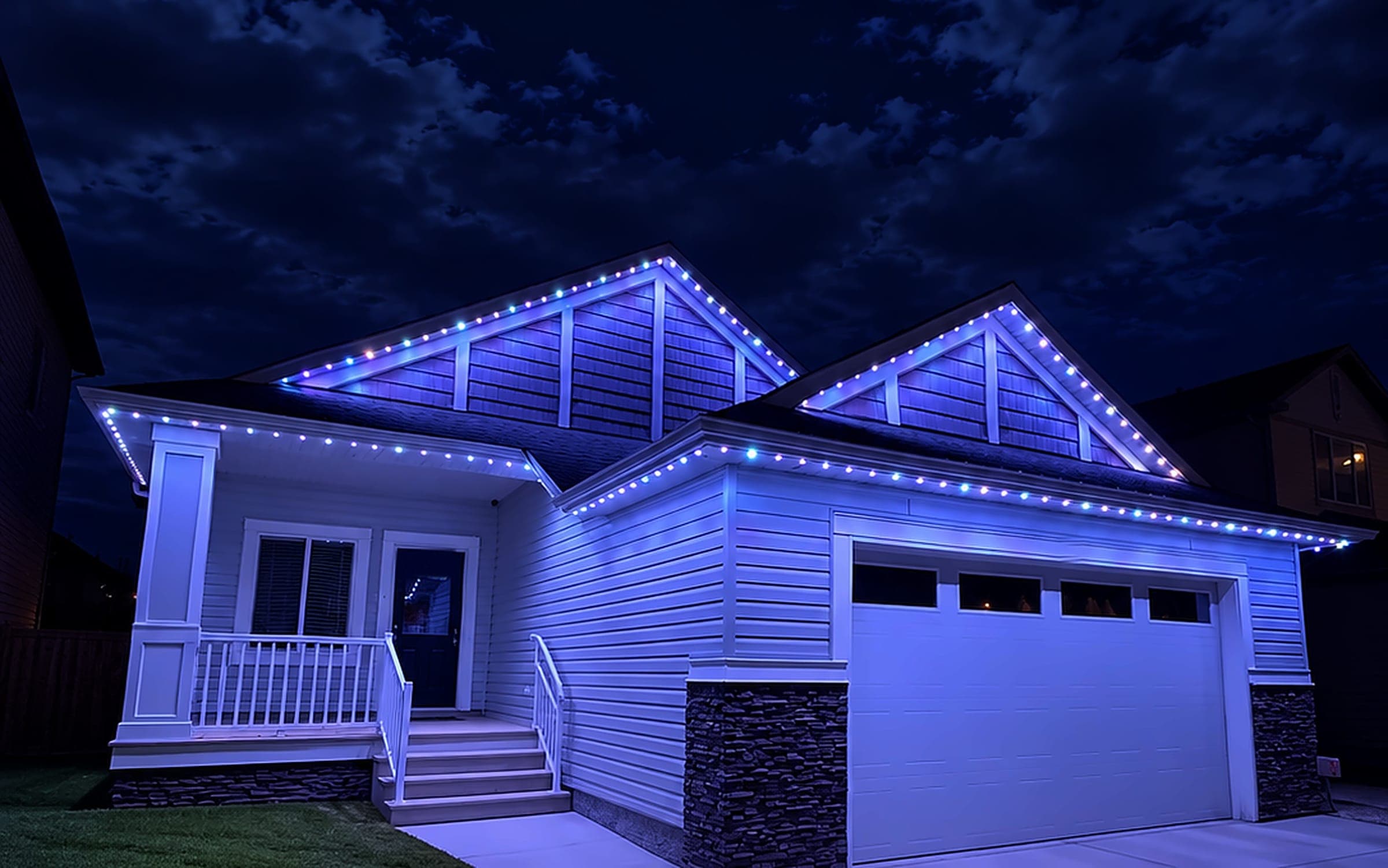
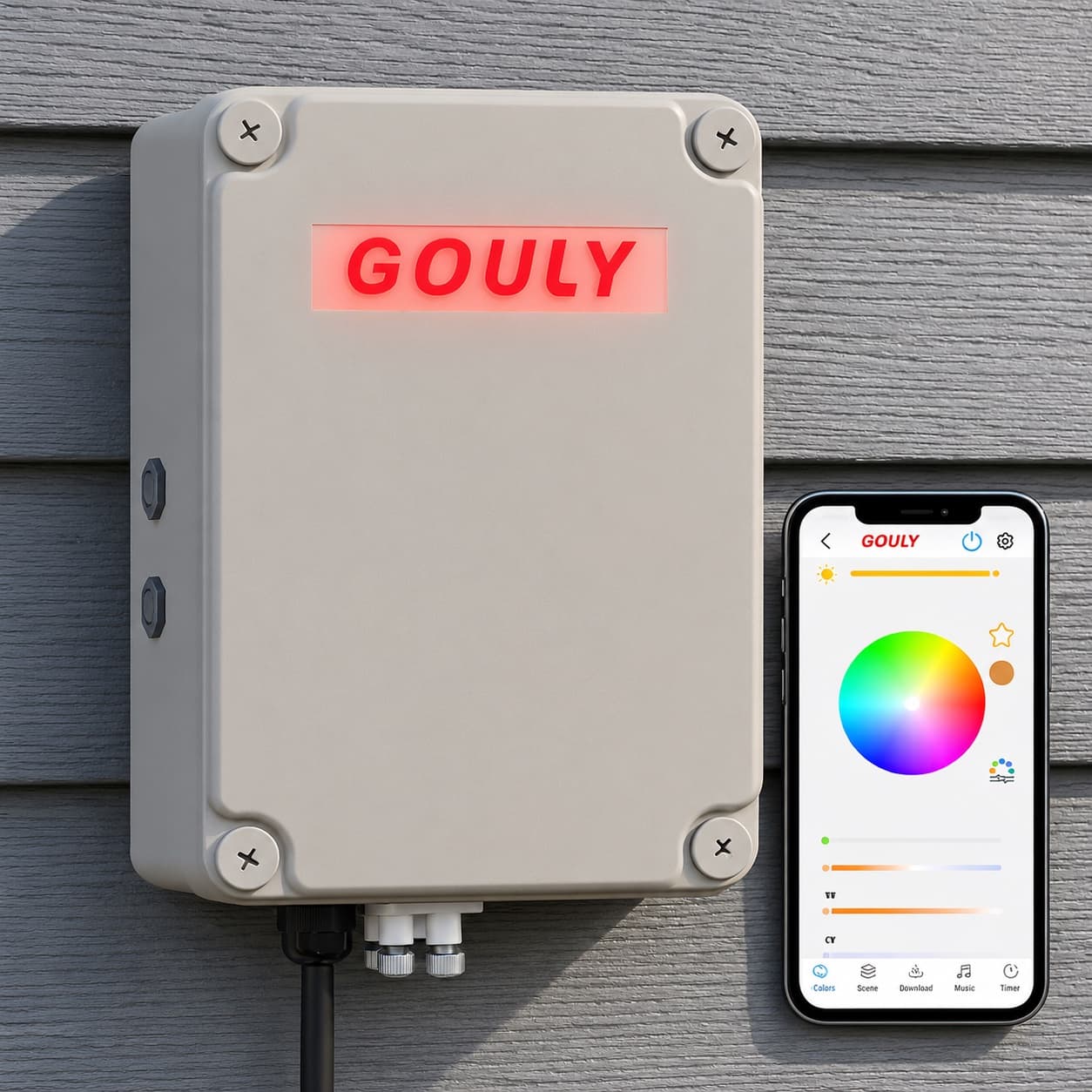
We can assess what you have now, or replace it with a professionally installed GOULY Gen 3 system on one app with 1,000+ designs.
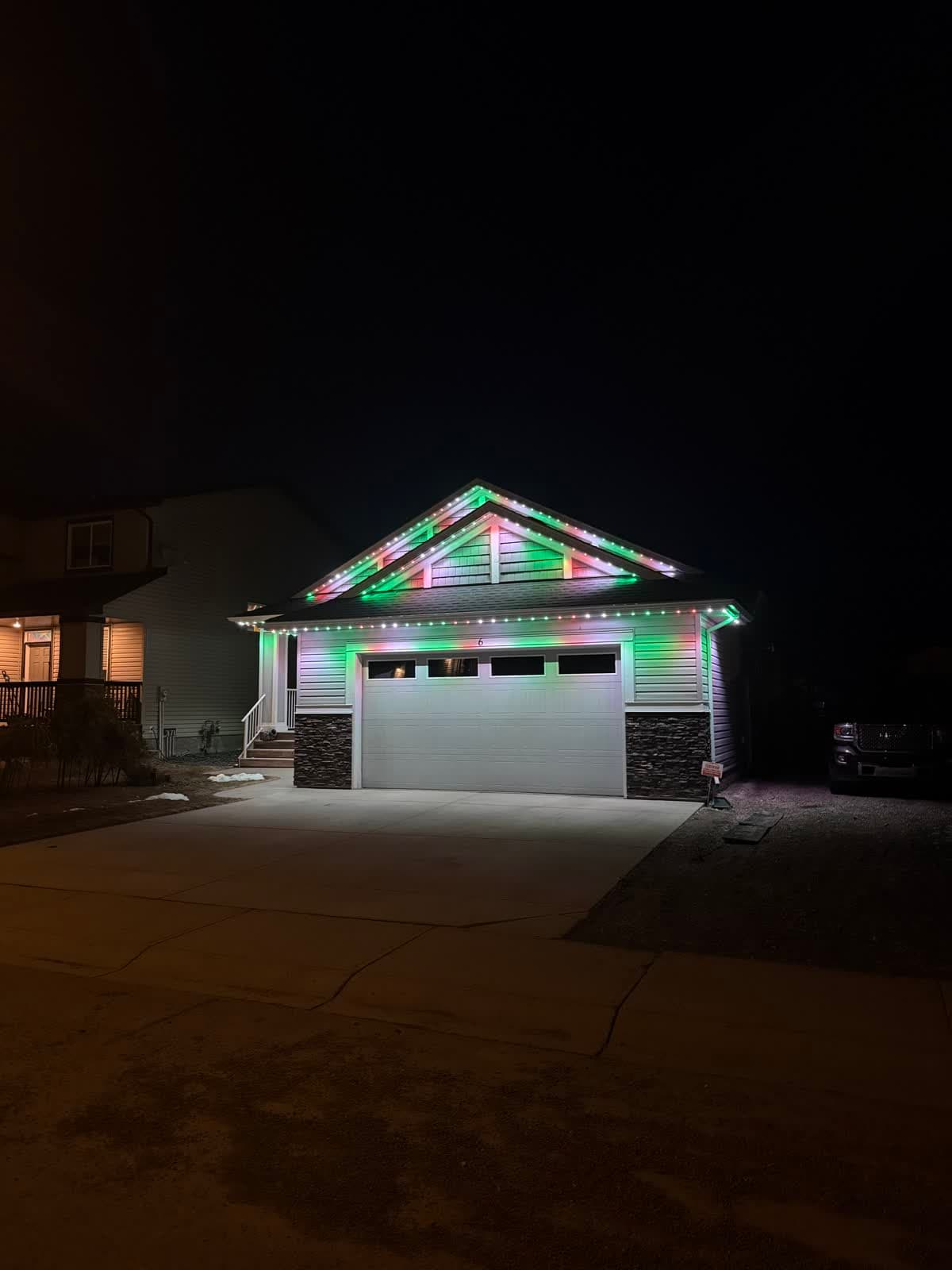
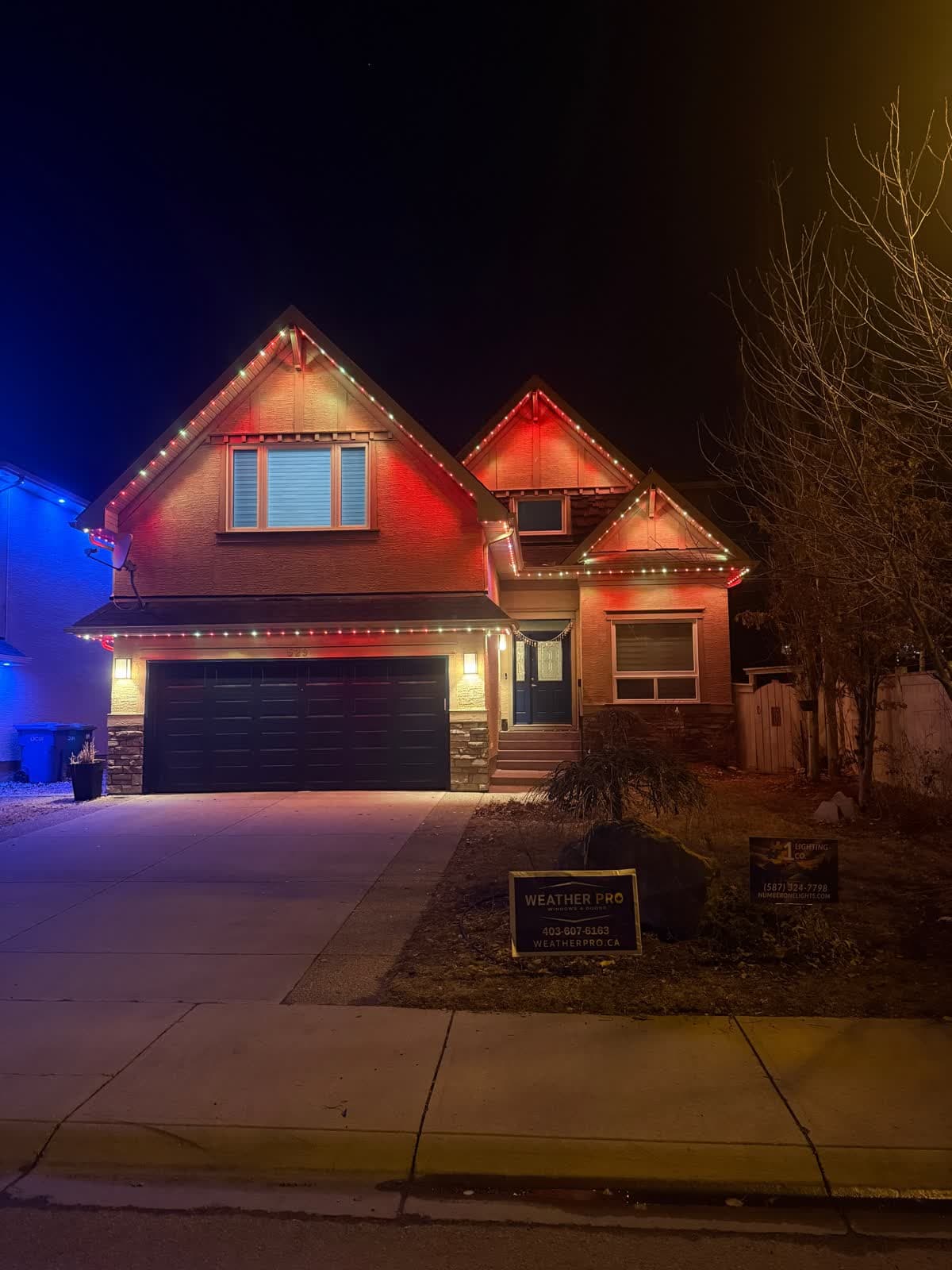
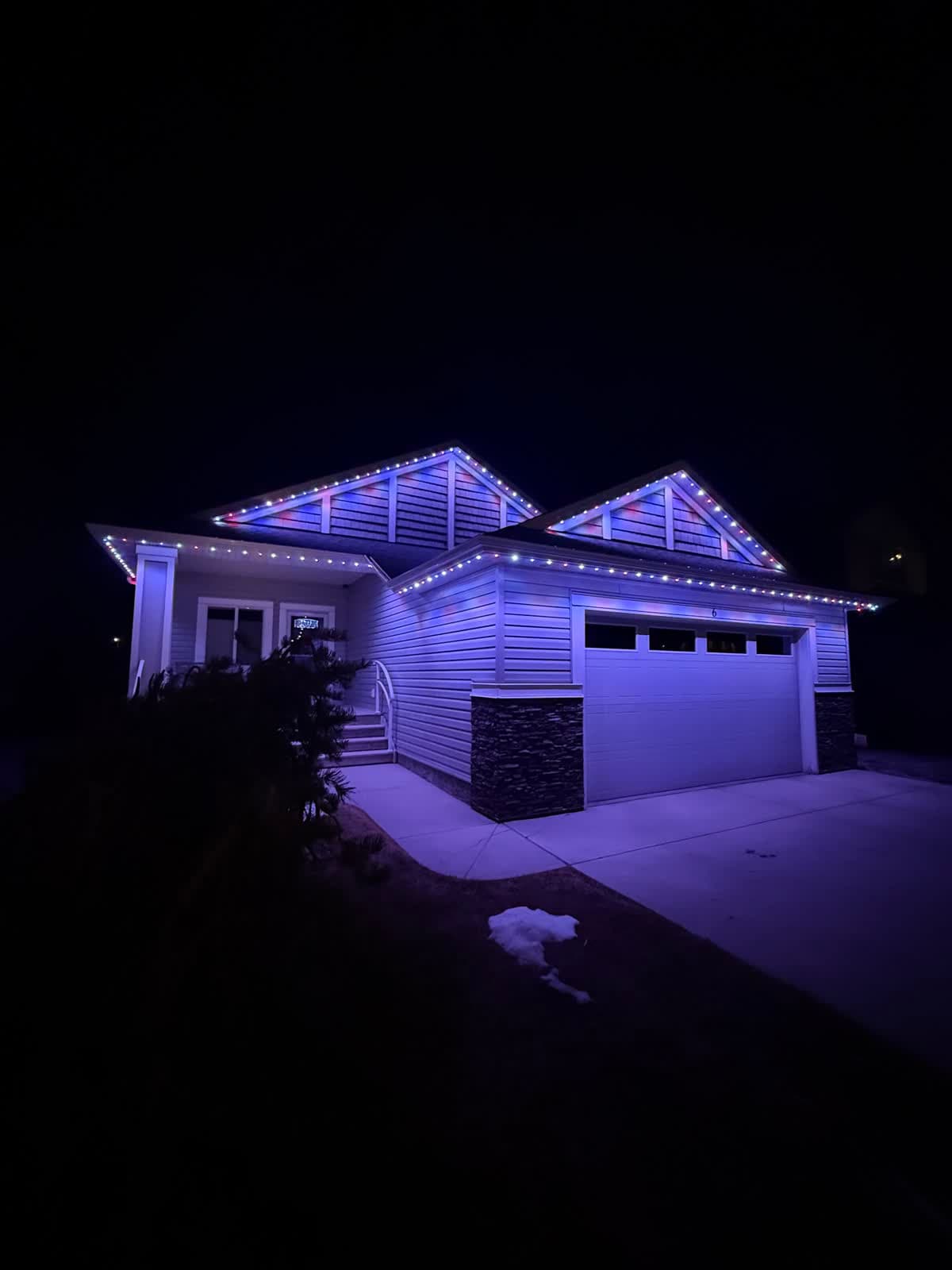
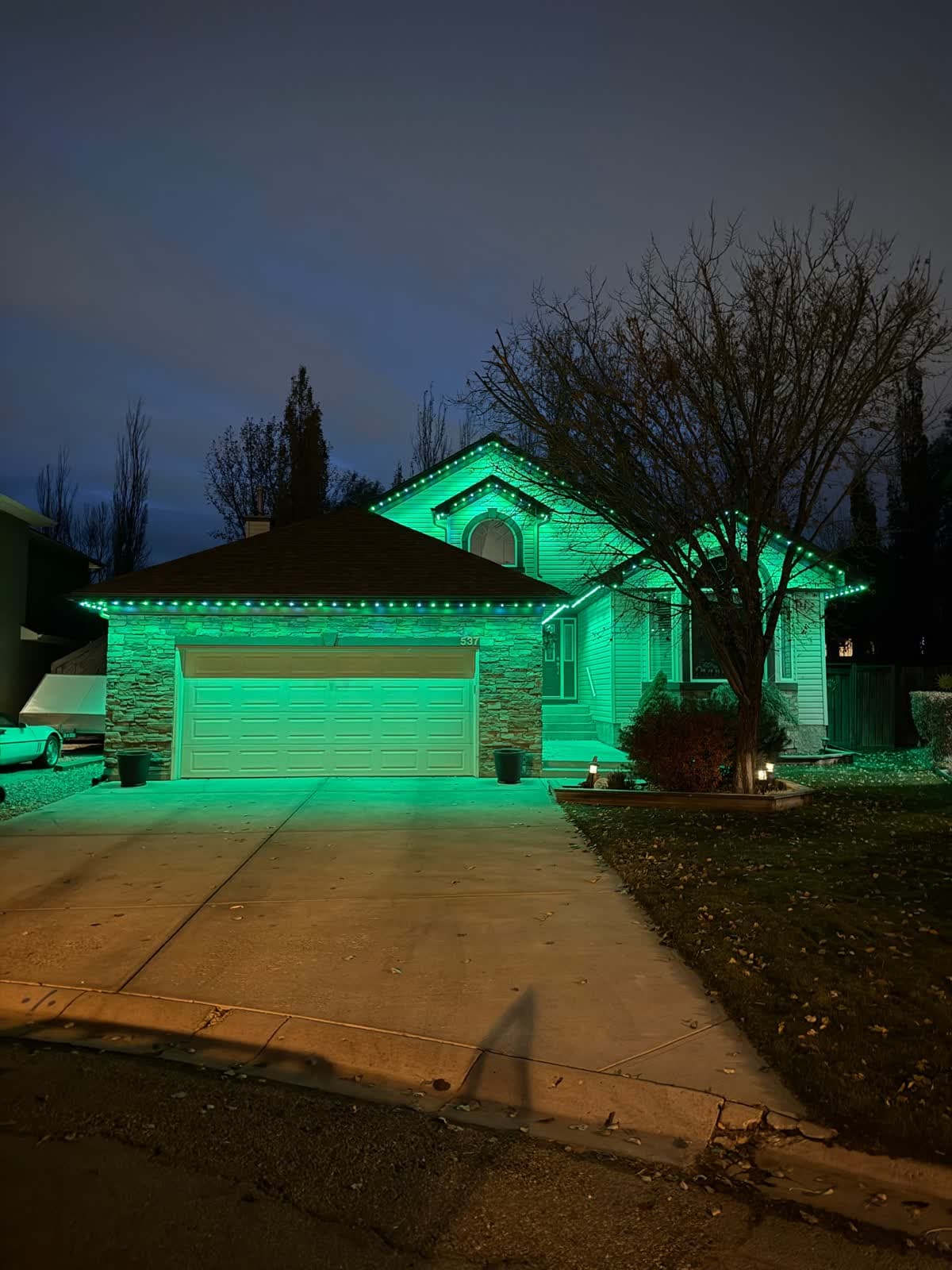
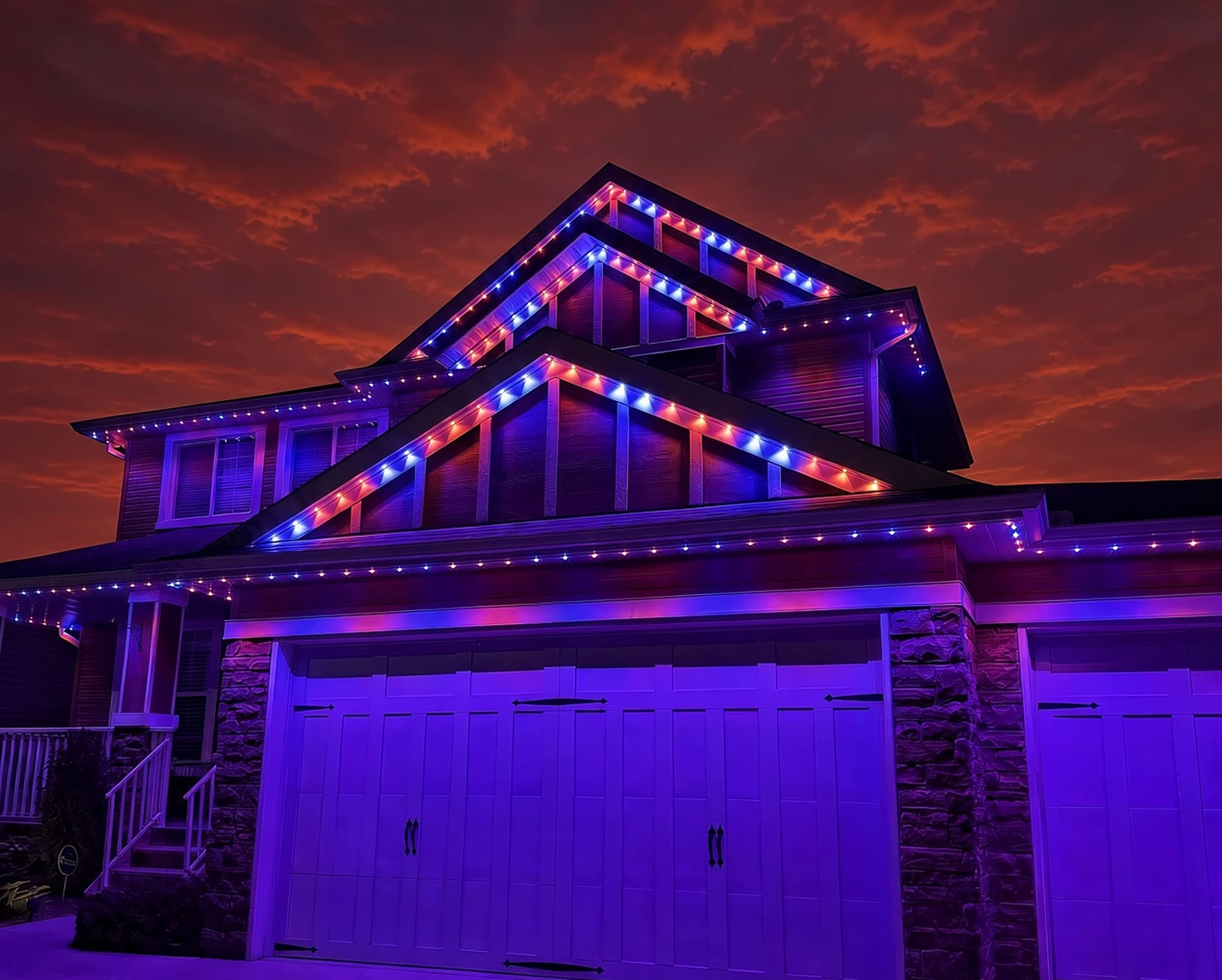
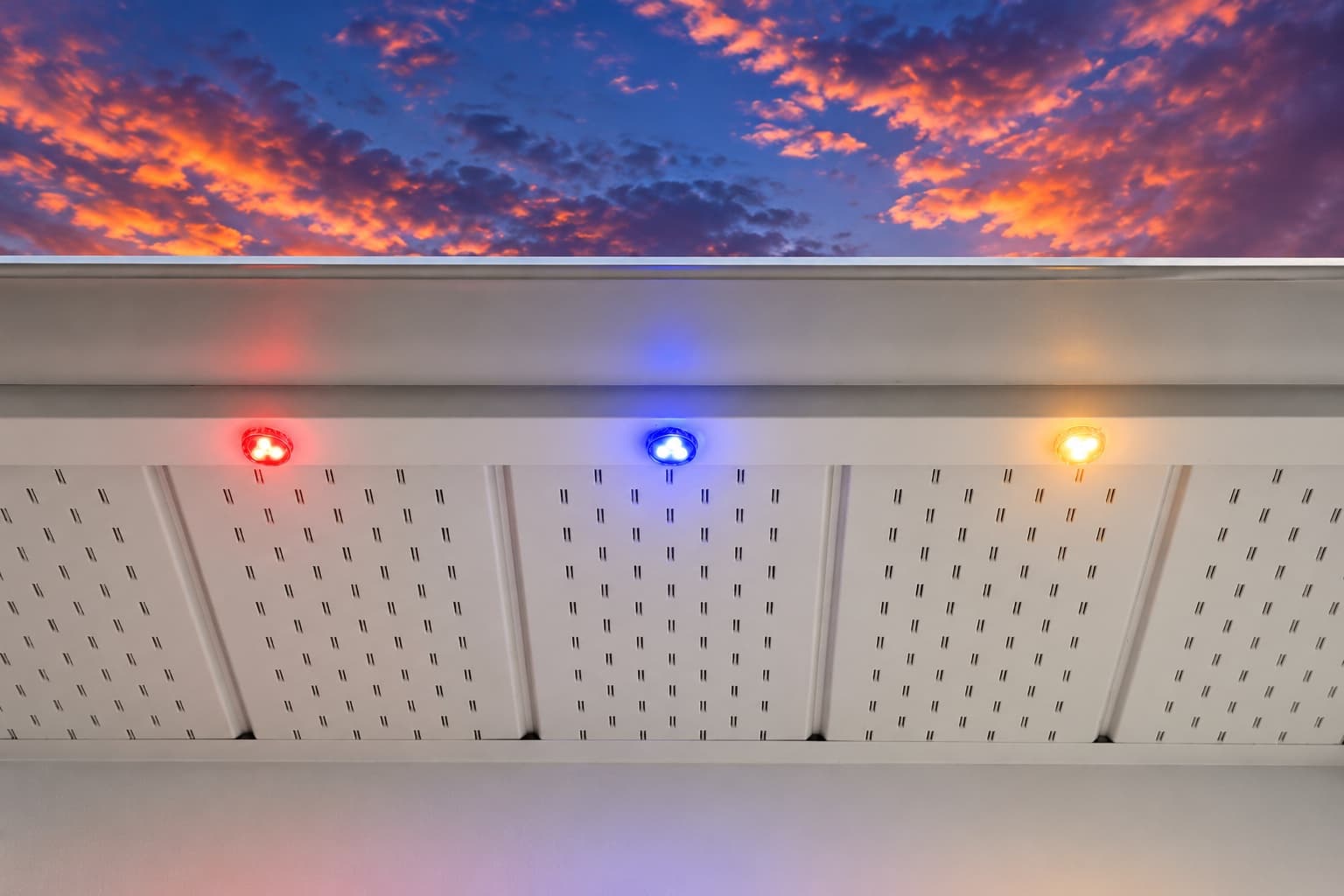
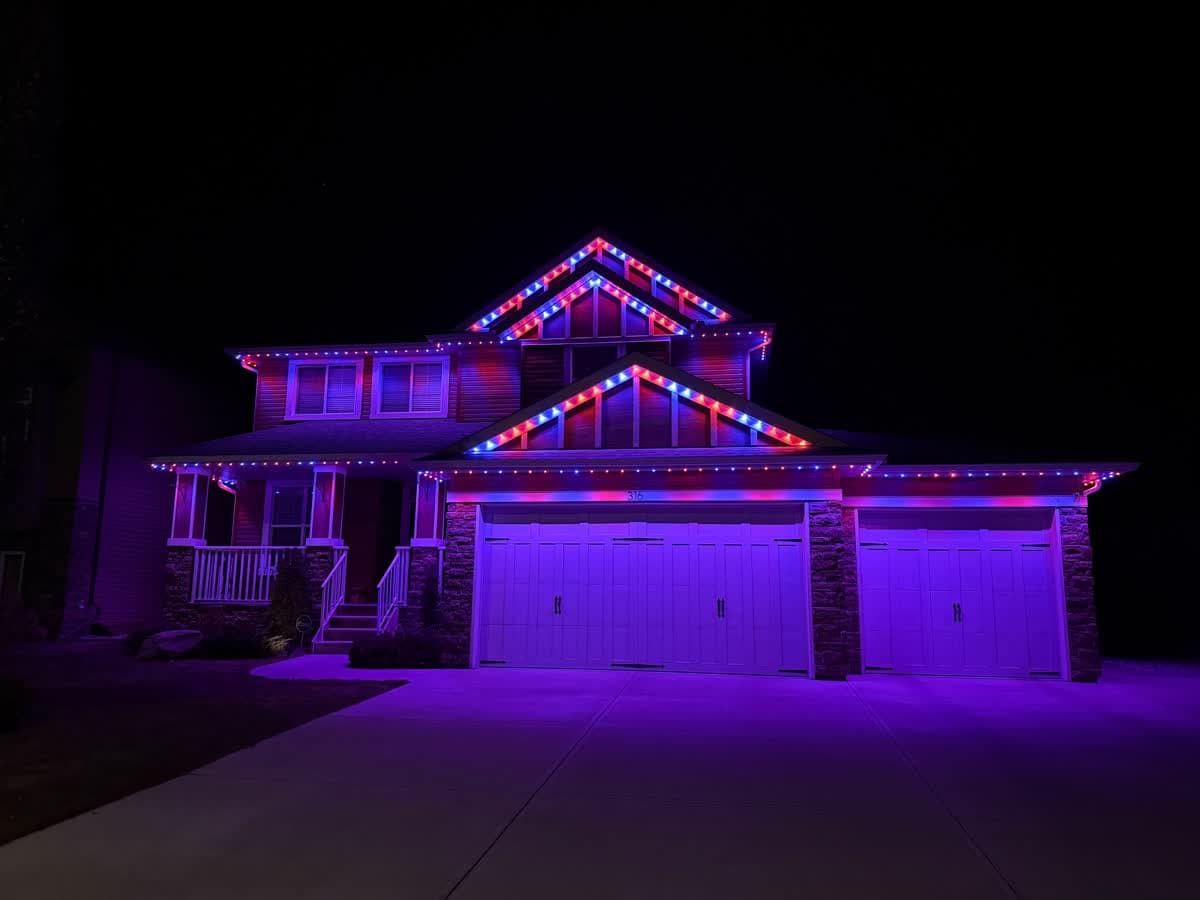 From our gallery
You open Happy Lighting and it cannot find your LED lights. Or it found them once and now will not connect, it drops the connection every few minutes, or music mode does nothing. Happy Lighting controls LED strips over Bluetooth, not Wi-Fi, and most connection trouble comes back to Bluetooth permissions, distance, or another phone already holding the connection.
This guide covers the fixes in the order most likely to work. There is no official Happy Lighting help site, so we draw on the app store listings, a manual for a similar Bluetooth controller and what owners report. Where we could not confirm a step, we say so.
Tired of fighting the app?
Get a free mockup of your house lit up
First, which Happy Lighting app do you have?
Several different apps use the Happy Lighting name, from different publishers. On Android, HappyLighting is published by qh-tek. On iPhone there is a "HappyLighting - Life with Smart" app from a different seller, and a separate app simply called "Happy Lighting" by Boogey, Inc., which is a different product.
Check the box or manual that came with your lights for the app name or QR code, and install that one. An app that is not made for your controller will not find it, no matter what you try.
Check your controller's Bluetooth name
Some listings say the Android HappyLighting app only works with lights whose Bluetooth name starts with Triones, BRGlight, Dream or Light. We could not confirm this from the developer, but it is a useful check. Open your phone's Bluetooth list (without pairing) and look for a name like that near the lights. If your controller shows a very different name, it may belong to a different app.
Turn on Bluetooth and Location
- Turn Bluetooth on.
- On Android, turn Location on and allow it for the app. Owners report that on older Android versions the app cannot scan for Bluetooth lights without Location.
- On newer Android versions, allow the "Nearby devices" permission if the app asks for it.
- On iPhone, allow Bluetooth access for the app in Settings.
Only one phone can connect at a time
Bluetooth LED controllers like these accept one connection at a time. If someone else in the house has the app open, their phone may be holding the lights, and yours will not see them or will not connect. Close the app on every other phone, or turn their Bluetooth off, then try again.
Connect inside the app, not in phone settings
Do not pair the lights from your phone's Bluetooth settings. The app does the connecting itself. If you already paired them in settings, choose "Forget this device" there, then open the app and connect from inside it.
App stuck or crashing
Work through these in order:
- Force-close the app and reopen it.
- Restart your phone.
- Power cycle the strip. Unplug it, wait a few seconds and plug it back in.
- Stand close to the controller, within a few metres, while you connect.
Having to reconnect each time you open the app is normal. In a reply on the Happy Lighting App Store listing, the developer confirms that this is how Bluetooth control works.
It worked, then stopped after an update
Some owners report the app stopped connecting after an update. Check for a newer version, since a fix may already be out. If it still will not connect, delete the app, reinstall it and allow the permissions again.
Owners also report trouble when two sets of lights are close together and the app picks up the wrong one, with no easy way to forget a controller. Unplugging the set you are not working on while you connect is a simple way around it.
Music mode not working
Music mode listens through your phone's microphone. If the lights do not react:
- Allow microphone access for the app in your phone settings.
- Keep the phone near the music source.
- Make sure the app stays open on screen. If the phone locks or the app closes, the lights stop reacting.
- Check that the lights are still connected before you start the music.
Timer not working
Timers on simple Bluetooth controllers depend on the controller keeping power and the correct time. If a timer does not run, reconnect in the app, set the timer again and test it with a time a few minutes away. If the strip was unplugged or lost power, set the timer again afterwards.
How to reset the controller
There is no official reset procedure for Happy Lighting controllers. The usual first step is a power cycle: unplug the strip, wait a few seconds and plug it back in, then connect from the app. If your controller has a button or came with a manual, check it for a reset step specific to your model.
Local install and support
Number One Lights installs and supports GOULY permanent lights in Calgary, Chestermere and Strathmore
You get a local warranty and local service from the team that put your lights up. Start with a free mockup of your house lit up.
Getting support
Since Happy Lighting has no official help site, the best route is the seller of your lights. Go in with the app name and publisher, the Bluetooth name of your controller, what the lights are doing and what you have already tried.
Tired of Bluetooth strip apps?
If you have checked the app, the permissions and the one-phone rule, power cycled the strip and it still drops out, the problem is usually not a setting you missed. Bluetooth strips are built for indoor use and short range. For lights on the outside of your home, a system built for it makes more sense.
| Feature | Many Competitors | GOULY Gen 3 |
|---|---|---|
| App | Happy Lighting over Bluetooth | GOULY app with 1,000+ designs |
| Mounting | Adhesive strip | Aluminum track fastened to your fascia |
| Cold rating | Check your hardware | Rated -40°C to +50°C |
| Install | Do it yourself | Professionally installed |
| Warranty | Depends on the seller | Transferable Warranty plus workmanship coverage |
| Support | The seller of your lights | Local team in Calgary with a real phone number |
How Number One Lights can help
We install permanent lights across Calgary, Chestermere, Strathmore and area. If you want outdoor lights you do not have to fight with, we can look at your home and design a system for it. We install the GOULY Gen 3 system:
- Controlled from the GOULY app, with 1,000+ designs and holiday schedules.
- Mounted in aluminum track, fastened to your fascia. See the system.
- Rated for Alberta cold, -40°C to +50°C.
- Professionally installed, with a Transferable Warranty plus workmanship coverage.
What to do next
If the fix was small, the wrong app, a missing permission or another phone holding the lights, the steps above should have you back up tonight.
If you are ready for lights on the outside of your home, get a free quote and a team member will look at your home virtually and send a clear quote. No pressure, no surprises.
Done troubleshooting?
See your house lit up with a free mockup
We design, install and support GOULY permanent lights in Calgary, Chestermere and Strathmore. Get your free mockup and quote, or text or call us with any question.
Frequently asked questions
Why won't Happy Lighting find my lights?
Check that you have the right app, since several apps share the name. Then turn on Bluetooth, allow Location on Android, close the app on any other phone and stand close to the controller. Some listings say the Android app only works with controllers named Triones, BRGlight, Dream or Light.
How do I connect my lights to the Happy Lighting app?
Power the lights, turn on Bluetooth (and Location on Android), open the app and connect from inside it. Do not pair the lights in your phone's Bluetooth settings first.
Why does Happy Lighting keep disconnecting?
Bluetooth has short range, so moving away from the controller drops the connection. Another phone opening the app can also take over. Reconnecting each time you open the app is normal for Bluetooth control.
How do I add music to the Happy Lighting app?
Open music mode in the app and allow microphone access. The lights react to sound picked up by your phone, so keep the phone near the music and keep the app open on screen.
Does Happy Lighting work over Wi-Fi?
No. Happy Lighting controls lights over Bluetooth, so your phone needs to be nearby. Advice to put your phone and lights on the same Wi-Fi does not apply.
Can two phones control the same lights?
Not at the same time. Bluetooth controllers like these accept one connection at a time, so close the app on one phone before connecting from another.
Questions before you book?
Visit our FAQ page
Get quick answers on Gen 3 Lighting, pricing, install timelines, app setup, warranty, and what to expect on install day.