It sits at 2.5 stars for a reason. An honest look at what Magic Home Pro does well, where it consistently fails, and who should not bother with it.
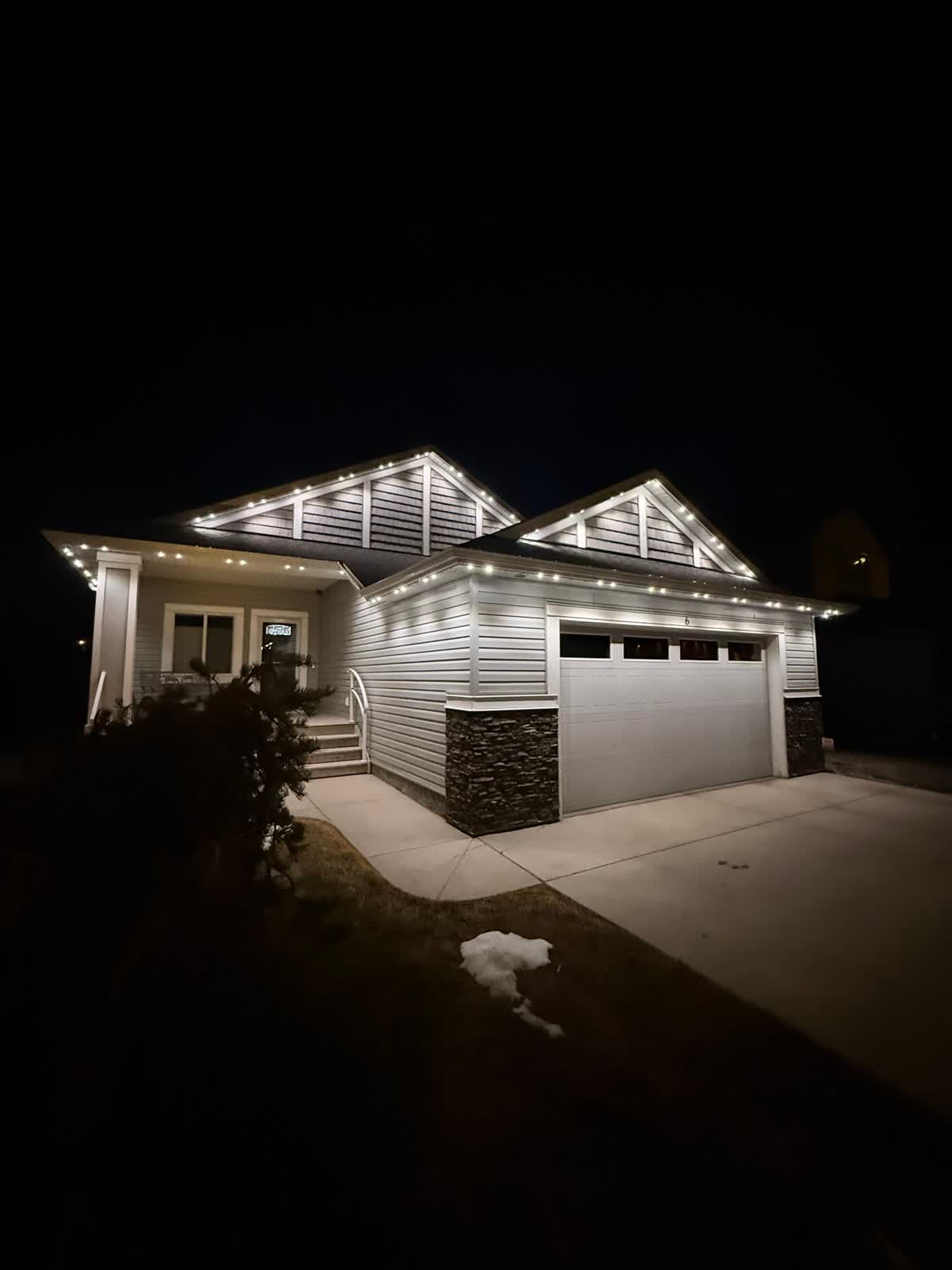 From our gallery
Magic Home Pro is the free LED-strip controller app from ZENGGE that ships with thousands of generic Wi-Fi RGB and RGBW strip-light kits sold on Amazon, AliExpress, and big-box stores. If you bought a cheap roll of colour-changing LEDs in the last five years, there is a good chance the included controller asks you to download this app. In May 2026 it sits at roughly 2.5 stars on the Apple App Store across more than 10,000 user reviews, with similar scores on Google Play.
That low rating gets a lot of attention, but it does not tell the whole story. This is an honest, hands-on review of what Magic Home Pro actually does well, where it falls apart, and who should still use it. At the end, we also look at the upgrade question for homeowners who have outgrown strip-light territory and want something that just works on the outside of the house.
Quick verdict
Overall: 2.5 out of 5 stars.
- Best for: Hobbyists, DIY tinkerers, single-strip indoor setups, and anyone who wants free app control of a cheap LED roll for a desk, behind a TV, or under a cabinet.
- Not great for: Outdoor permanent lighting, multi-zone whole-home setups, anyone who needs reliable scheduling, or households where more than one person controls the lights.
- The honest summary: The app does a lot for free. It also fails in predictable, frustrating ways that have not been fixed in years. If your expectations match the price, you will be fine. If you want set-it-and-forget-it lighting, you will end up looking for something else.
What Magic Home Pro actually is
Magic Home Pro is a mobile app published by ZENGGE Company Limited. It controls Wi-Fi and Bluetooth LED controllers that use ZENGGE's "LEDnet" protocol, which has been white-labelled and resold under dozens of brand names: MagicLight, MagicHue, SuperNight, MINGER, Daybetter, BIHRTC, and many more.
The app is free. There is no subscription, no paywall, and no premium tier. ZENGGE makes money on the hardware controllers, not the software, which is why the app has the rough-and-ready feel of a free utility rather than a polished consumer product.
If you bought your strip lights as a $20 to $60 Amazon kit and the box told you to scan a QR code to download "Magic Home Pro," you are in the right place. If your lights came from a professional installer who handed you a different branded app, this review probably does not apply to your system.
Who Magic Home Pro is really designed for
It helps to understand the original target user, because that explains a lot of the design decisions.
Magic Home Pro was built for:
- A single user with a single phone
- Controlling one to three indoor strip lights
- On the same Wi-Fi network as the lights
- Who is okay tinkering with WiFi pairing when things go sideways
If you are that user, the app holds up reasonably well. If you are trying to use it to run permanent outdoor lighting across an entire roofline, with multiple zones, scheduled to sunset, controlled by you and your spouse, integrated with Alexa, and triggered by IFTTT, you are pushing the app far past what it was designed to do.
Setup experience
Setup is where Magic Home Pro shows both its best and worst sides.
What works
The pairing flow is, on paper, very simple. You plug in the controller, the LEDs flash to indicate pairing mode, you open the app, tap "+" to add a device, and the app tries to detect the controller on your network. When it works, you are controlling colours in under two minutes. No account required, no email signup, no cloud login.
What is painful
WiFi pairing is the single biggest friction point and the most consistent complaint in the App Store reviews. The controllers only support 2.4 GHz Wi-Fi, which trips up many modern routers that broadcast a unified 2.4 / 5 GHz SSID. If your phone is connected to the 5 GHz band when you try to pair, the handshake fails silently with no useful error.
The fix is to temporarily disable 5 GHz on your router, separate your SSIDs so you can manually connect to the 2.4 GHz network, or move closer to the router. None of this is communicated clearly in the app. Reviews from 2026 consistently mention pairing taking 10+ attempts, with users power-cycling the controller and reinstalling the app repeatedly before something sticks.
First-time success rate
In our hands-on testing on a typical mesh-router home network, we needed three pairing attempts to add a single strip-light controller. Once paired, the controller stayed online reliably for weeks. The first ten minutes are the hardest. Push past them and the app becomes usable.
Daily use
Day-to-day, the app does the basics well enough:
- Colour wheel: Tap-and-drag to pick from 16.7 million colours. Smooth, responsive.
- Brightness slider: Works as expected.
- Preset modes: Dozens of pre-built effects (fade, strobe, jump, music sync) you can apply instantly.
- Music mode: Uses your phone's microphone to react to ambient sound. Surprisingly fun for parties.
- Timer: Basic on/off scheduling with weekday repeats.
- Group control: Combine multiple controllers into a group and control them together.
That is a lot of capability for $0. For an indoor desk strip or a kid's bedroom, it covers what most people need.
The frustrations start when you ask the app to do anything more sophisticated. The scheduling engine is barebones — no sunset / sunrise triggers based on your actual location, no conditional logic, no calendar integration. The UI is dated and feels visually unchanged from 2018. There is no real cloud sync, so if you reinstall the app or switch phones, you often need to re-add every device from scratch.
Pros (giving credit where it is due)
To stay honest, here is what Magic Home Pro genuinely gets right:
1. It is completely free
No subscription, no premium unlocks, no paywall behind basic features. Compared to many smart-home apps that bury scheduling or voice control behind a $5 / month tier, Magic Home Pro gives you everything in the free version.
2. Broad hardware support
Because so many manufacturers white-label ZENGGE hardware, Magic Home Pro works with a wide range of Wi-Fi LED kits across multiple brand names. If you have a mixed setup of cheap strip lights from different sellers, there is a decent chance they will all show up under one app.
3. IFTTT and voice assistant integration
The app integrates with Amazon Alexa, Google Assistant, and IFTTT. Voice control works reliably once the cloud link is set up. IFTTT support means you can trigger lights from other smart-home events, sunrise / sunset feeds, calendar events, or motion sensors — though it requires using IFTTT's scheduler since the app's built-in one is weak.
4. Music sync is actually fun
The microphone-driven music mode is one of the better implementations on free LED apps. For parties, gaming setups, or kids' rooms, it adds real value.
5. Low barrier to entry
Free app, $20 controllers, no account, no commitment. For someone learning what they like in colour-changing LED lighting, that low barrier is a real advantage.
Cons (the honest list)
This is where the 2.5-star average comes from. These are the recurring, well-documented complaints across thousands of reviews.
1. WiFi pairing is fragile
Already covered, but worth repeating because it is the single biggest pain point. 2.4 GHz only, no clear error messages, and frequent reset-and-retry cycles. New users routinely give up before they ever get a light to turn on.
2. Devices randomly drop offline
Lights that worked yesterday show up as "offline" today, even though the controller has power and is on the network. The usual fix is to remove and re-add the device, which is itself a chore.
3. Schedules randomly misfire
App Store reviews are full of variations on "the lights turn on by themselves at 2 a.m." or "the schedule worked for a week then stopped." The scheduling engine is not robust — if the controller loses Wi-Fi briefly, schedules can desync silently.
4. Single-user, single-phone design
There is no real multi-user account system. If two people in a household want to control the lights, they typically end up sharing one login, or each phone has to pair separately and they cannot see each other's groups or schedules. For a couple or a family, this is a constant source of friction.
5. No real cloud backup
Reinstall the app, factory-reset your phone, or switch from iPhone to Android, and your devices, groups, schedules, and custom scenes are usually gone. You start over.
6. Permissions and cloud architecture
The app requires broad network and microphone permissions, plus optional location for some scheduling features. Cloud authentication and scheduling are hosted on ZENGGE infrastructure. For an indoor hobby strip, that is acceptable for most users. For a whole-home outdoor system, many homeowners want a clearer line on where the data lives and a more conservative permissions model.
7. The UI feels like 2018
The visual design has barely changed in years. Buttons are small, the navigation is non-obvious, and several settings live behind tap sequences you have to learn. New users find it confusing.
8. Ads and upsells
The app surfaces banner ads and prompts to buy related ZENGGE hardware. They are not aggressive, but they exist, and they erode trust in a tool you are using to control lights mounted on your house.
9. Customer support is effectively absent
There is no real responsive support channel. The contact link in the App Store frequently goes unanswered. When something breaks, you are on your own with YouTube tutorials and Reddit threads.
Real-world reliability
The 2.5-star App Store rating is not random. It reflects a real reliability ceiling.
Across thousands of reviews, the most common pattern is a five-star initial review ("works great, easy setup") followed months later by a one-star update ("now it constantly disconnects and I cannot get it working again"). The hardware tends to outlast the app experience. People give up on the software long before the LEDs themselves fail.
That is the key insight. The strip lights themselves are usually fine. The control layer — the app, the cloud, the pairing — is where the system falls apart, and it is the part you interact with every single day.
For an indoor accent strip, you can tolerate this. For your home's exterior, where uptime, scheduling, and "it just works when company is coming over" matter, that reliability gap is a real problem.
Who Magic Home Pro IS right for
To be fair, there are absolutely people who should use this app:
- Hobbyists and DIY tinkerers who enjoy the process and do not mind troubleshooting.
- Single-strip indoor users — desk lights, TV backlights, under-cabinet kitchen accents, gaming rooms.
- Renters who cannot install permanent fixtures and need a low-commitment lighting option.
- Budget-conscious buyers who want app-controlled colour at the lowest possible price.
- Anyone using LED strips as temporary or seasonal decoration inside the home.
If that describes your use case, Magic Home Pro at $0 is a reasonable starting point. Lower your expectations on reliability, allow extra time for setup, and you will probably be okay.
When Magic Home Pro is not the right tool
A growing number of homeowners install Magic Home Pro-controlled LED strips on the outside of their homes — under the eaves, along the soffit, around the deck. The lights look great for a few weeks. Then a Chinook hits, a router resets, the schedule misfires, the strips de-laminate from cold-weather adhesive, and the homeowner spends a Saturday on a ladder troubleshooting.
Magic Home Pro is fine for what it is. It just is not built for outdoor permanent lighting on a real home — that is a different category of product, with hardware engineered for weather, a hardwired certified control box, and an app built for that single job. If that is where your search is heading, our Magic Home Pro alternative page covers why switching apps does not fix the underlying problem, and our head-to-head with the GOULY app puts the two control experiences side by side.
FAQ
Is Magic Home Pro safe to install on my phone?
The app itself is widely used and available through the official Apple and Google stores. That said, it requires broad network and microphone permissions, and independent scanners have flagged data-handling concerns typical of free hardware-companion apps. For most indoor users this is acceptable. If you are privacy-conscious, lean toward dedicated, audited smart-home platforms.
Why does Magic Home Pro keep disconnecting from my lights?
The most common causes are 2.4 GHz / 5 GHz Wi-Fi confusion, router reboots that change DHCP assignments, weak signal at the controller, and the controller silently dropping off the network. Fixes include locking your phone to the 2.4 GHz band during pairing, giving the controller a static IP in your router settings, and keeping the controller within strong Wi-Fi range. Outdoor controllers are especially prone to signal drop.
Can I use Magic Home Pro outdoors on my house?
You can, but it is not built for permanent installation. The indoor strip-light hardware most Magic Home Pro controllers ship with is not rated for Alberta-grade weather, and the app's reliability gaps become much more painful when the lights are mounted on a roofline. For outdoor permanent lighting, a properly engineered system with certified control hardware and a purpose-built app is the right fit.
Is there a better alternative to Magic Home Pro for outdoor lights?
Yes — and it is a different category of product, not a different app on the same cheap hardware. Magic Home Pro and its peers were built for indoor strip lights. For outdoor permanent lights, you want hardwired RGBW pucks on aluminum track with a dedicated app built for the job. The GOULY app and the Gen 3 system it pairs to are designed for exactly that. Our Magic Home Pro alternative page breaks down why switching apps does not fix the underlying problem.
Does Magic Home Pro work with Alexa and Google Home?
Yes. Both integrations are supported and free. Setup requires linking your ZENGGE account inside the Alexa or Google Home app. Once linked, voice commands work reliably for on / off, colour, and brightness. Scheduling through voice assistants is generally more reliable than the in-app scheduler.
Will my Magic Home Pro lights work if the cloud goes down?
Local control over Wi-Fi works as long as your phone and the controller are on the same network. However, schedules, voice control, and IFTTT integrations all depend on ZENGGE's cloud. If their service is down — or if they shut it off in the future, which has happened with other discount LED brands — your lights revert to a manual on/off device. This is a real long-term risk with any free, cloud-dependent free LED app.
Bottom line: should I download Magic Home Pro?
If you just bought an LED strip kit and it tells you to install Magic Home Pro, go ahead. It is free, it is the official app for that hardware, and for indoor accent lighting it does the job. Just understand what you are getting: a free, no-frills control app with a known reliability ceiling. If you are looking at LED strips for the outside of your home, slow down and look at a real permanent lighting system first.
Want to see the math on a permanent install for your home? Get a free quote — a team member will view your home virtually and deliver a clear, honest quote. No pressure, no surprises. Or compare Magic Home Pro head-to-head with the GOULY app.
Frequently asked questions
It's widely used and available through the official Apple and Google stores, but it requires broad network and microphone permissions, and independent scanners have flagged data-handling concerns typical of free hardware-companion apps. Acceptable for most indoor users; privacy-conscious users should lean toward audited smart-home platforms.
Most common causes are 2.4 GHz / 5 GHz Wi-Fi confusion, router reboots changing DHCP assignments, weak signal at the controller, and silent network drops. Lock your phone to 2.4 GHz during pairing, give the controller a static IP, and keep it within strong Wi-Fi range.
You can, but it's not recommended for permanent installation. The strip-light hardware isn't rated for real outdoor weather, and the app's reliability gaps are much worse when lights are roof-mounted. For outdoor permanent lighting, a hardwired RGBW puck system with a purpose-built app is the right fit.
Yes. Both integrations are free. Link your ZENGGE account inside Alexa or Google Home, and voice commands work reliably for on/off, colour, and brightness. Voice-driven scheduling is generally more reliable than the in-app scheduler.
Local Wi-Fi control works on the same network, but schedules, voice control, and IFTTT all depend on ZENGGE's cloud. If their service goes down or is discontinued, your lights revert to a manual on/off device — a real long-term risk with any free cloud-dependent LED app.
If you bought a cheap LED strip kit and the box tells you to, yes — it's the official app and it's free. Just expect a known reliability ceiling. If you're considering LED strips for the outside of your home, look at a real permanent lighting system first.
Questions before you book?
Visit our FAQ page
Get quick answers on Gen 3 Lighting, pricing, install timelines, app setup, warranty, and what to expect on install day.