Magic Home Pro is designed for indoor LED lighting and is not intended for permanent outdoor installation.
Your controller is 2.4 GHz only and your router is fighting it. The 8 network causes behind constant Magic Home disconnects, with the fix for each one.
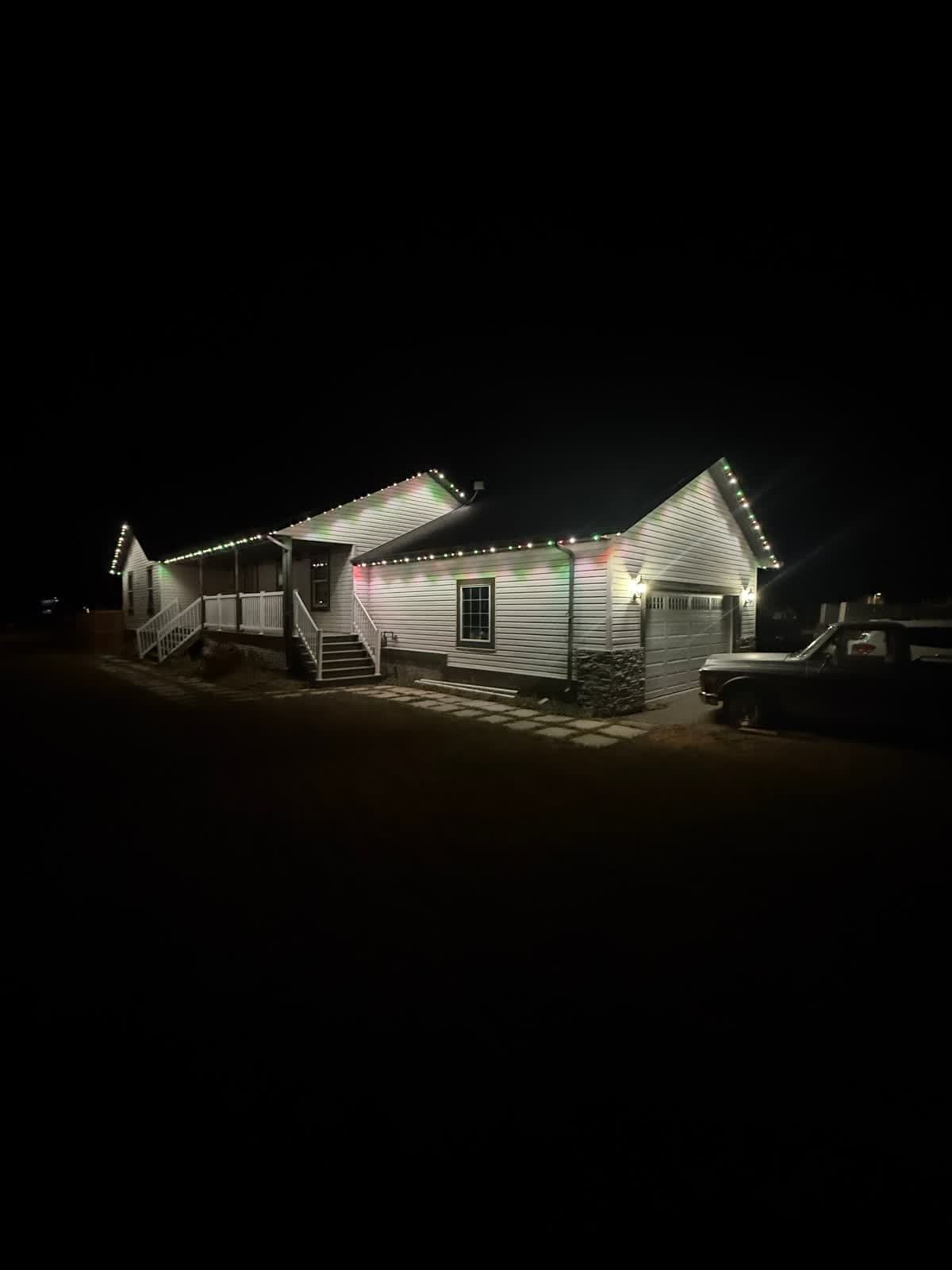 From our gallery
If your Magic Home Pro lights keep dropping off Wi-Fi, you are not imagining it. Open the App Store reviews for Magic Home Pro and the same complaint repeats across thousands of one-star reviews: the app pairs once, the lights work for a minute or two, and then the controller falls off the network and never comes back. The fix in the support thread is almost always the same — "factory reset and try again" — and then it happens all over again next week.
This guide walks through the eight most common root causes of Magic Home Pro Wi-Fi disconnects, the diagnostic step for each one, and what to actually try before you throw the controller in a drawer. At the end, we will be honest about something the support forums will not tell you: most of these failures are baked into the hardware, not the app, and no amount of router tweaking will fully solve them.
If you have already burned a weekend on this and you are ready for a system that just works, jump straight to a real cloud-connected permanent lighting setup or get a free quote.
Why Magic Home Pro disconnects in the first place
Magic Home Pro is the companion app for a family of cheap Wi-Fi LED controllers — Magic Home, MagicLight, SP108E, Zengge, and a dozen white-label clones built around the same ESP8266 or ESP-C3 chip and the same Zengge cloud. The hardware sells for $8 to $15. The app sits at roughly 2.5 stars in the App Store, and the dominant complaint, by a wide margin, is that the controller cannot hold a Wi-Fi connection.
There is a reason. The controller has no real network stack — just a tiny embedded chip running a stripped-down firmware that was never designed to survive on a modern home network. Modern home networks, meanwhile, look nothing like they did in 2017 when this hardware was designed. Mesh Wi-Fi, dual-band SSIDs, IPv6, IoT VLANs, fast roaming, band steering, mDNS firewalling, and ISP-supplied gateways with aggressive DHCP timeouts all break the assumptions the controller was built on.
Let us walk through the eight most common failure modes.
1. The controller only speaks 2.4 GHz, but your network is dual-band
This is the single most common cause of "Magic Home Pro WiFi setup fails." The ESP chip inside the controller is 2.4 GHz only. It cannot see your 5 GHz network at all. If your router broadcasts a single SSID for both bands (the modern default on almost every ISP-supplied router), your phone is probably on 5 GHz when you start the pairing flow. The app then tries to hand the controller the credentials for a band it cannot join.
Diagnose:
- Log into your router's admin page.
- Look for "Smart Connect," "Band Steering," or "Dual-Band SSID."
- If it is on, your 2.4 GHz and 5 GHz networks share one name.
Try:
- Temporarily split the bands into two SSIDs (for example, MyWifi-2G and MyWifi-5G).
- Force your phone onto the 2.4 GHz SSID before pairing.
- Pair the controller, then put your phone back on 5 GHz.
This works on day one. It does not stop the disconnects from coming back when the router decides to refresh the lease, which brings us to the next cause.
2. DHCP lease exhaustion and aggressive ISP gateways
Most ISP-supplied gateways ship with a small DHCP pool — often /24 with the upper half reserved — and a short lease time, sometimes as low as 2 hours. When the controller's lease expires, the chip is supposed to renew. The ESP firmware on Magic Home controllers is notoriously bad at renewing leases. It either fails to ask, or it asks and ignores the response, and the controller silently drops to a self-assigned 169.254.x.x address that the app cannot reach.
Diagnose:
- Open your router DHCP table.
- Find the Magic Home controller (it usually appears as "ESP_xxxxxx" or "LEDnet-xxxxxx").
- Watch what happens at the lease boundary.
Try:
- Set a long DHCP lease (24 hours or more) on the controller's MAC.
- Better, assign the controller a static DHCP reservation so the lease never moves.
Helps. Does not fix the underlying chip bug.
3. The ESP chip's Wi-Fi rejoin logic is broken
When the controller loses signal — a microwave, a neighbour's router on the same channel, a brief power blip — it is supposed to scan, find the AP again, and rejoin. The ESP8266 firmware in most Magic Home units does the scan but then sits in a loop trying the wrong PHY rate or the wrong BSSID, especially in a mesh environment where the same SSID is broadcast by three or four nodes.
This is what people mean when they say "it worked for a minute and then disappeared forever." The chip is technically still alive. It just cannot find its way home.
Try:
- Power-cycle the controller. (Yes, the universal fix.)
- In a mesh, disable seamless roaming for the controller's MAC, if your mesh allows per-device opt-out.
- Move the AP closer to the controller. Below roughly -70 dBm at the controller, rejoin reliability collapses.
You are basically applying first aid to a chip that should never have shipped without better rejoin code.
4. MAC randomisation and MAC filtering
Two related issues, one on each side:
- Your phone (iOS 14+, Android 10+) uses a randomised MAC address per SSID by default. The Magic Home pairing flow sometimes binds the controller-to-app association to that random MAC. If the random MAC ever rotates, the app cannot find the controller again.
- Your router may have MAC filtering or an "approved devices" allow-list. The ESP MAC ranges (60:01:94, 84:F3:EB, A0:20:A6, and several Espressif OUIs) are sometimes flagged as "unknown IoT."
Try:
- On the SSID you use for pairing, disable Private Wi-Fi Address (iOS) or Randomised MAC (Android), just for that network.
- On the router, confirm the controller's MAC is not on a deny-list and not pending approval.
5. Dual-band SSIDs with band steering and fast roaming
Even after you split bands (cause 1) and reserve DHCP (cause 2), a feature called band steering can quietly push devices around behind the scenes. Some routers also enable 802.11k/v/r fast roaming by default. Both features assume the client device is modern enough to participate. The ESP controller is not. When the router tries to steer it, the controller silently drops.
Diagnose:
- In your router's wireless settings, look for: Smart Connect, Band Steering, Airtime Fairness, 802.11k, 802.11v, 802.11r, Fast Transition, Beamforming.
Try:
- Disable band steering for the IoT SSID.
- Disable fast roaming for the IoT SSID.
- Disable beamforming on 2.4 GHz.
Yes, this is a lot of work for a string of LED lights.
6. IoT VLAN isolation and the app's mDNS dependency
Many home networks now run a separate IoT VLAN — a great security practice that quietly breaks Magic Home Pro. The app discovers controllers via mDNS / Bonjour broadcast on the local subnet. If your phone is on the main LAN and the controller is on an isolated IoT VLAN, mDNS packets do not cross the boundary, and the app reports "no devices found" even though the controller is online.
Diagnose:
- Check whether your IoT SSID is on a separate VLAN or has "AP isolation" / "client isolation" enabled.
- Open your router's mDNS or "Bonjour reflector" settings.
Try:
- Enable mDNS reflection between your phone's VLAN and the IoT VLAN.
- Or, temporarily disable AP isolation while you pair, then re-enable.
- Or, give up on VLAN isolation for this specific device.
This is one of the most-asked questions on every home-network forum: "Why can't I see my Magic Home lights from my main network?" The answer is mDNS, every time.
7. IPv6 on the WAN, a confused stack on the controller
Several users have reported that disabling IPv6 on the ISP gateway resolves Magic Home Pro disconnects. The controller is IPv4-only, but some gateways advertise IPv6 router advertisements on the LAN that confuse the controller's network stack into a "dual" state it cannot recover from.
Try:
- In your ISP gateway, set the WAN protocol to IPv4 only (if your ISP allows).
- Or disable IPv6 router advertisements on the LAN.
For most homes, this is a small loss. For some — anyone with IPv6-native services — it is a non-starter. That tradeoff alone is a reason to stop relying on the controller.
8. Firmware drift between the controller, the app, and the Zengge cloud
Magic Home Pro is the front end. The actual cloud — the part that lets you control the lights when you are not home — is Zengge's cloud, run out of mainland China. Firmware updates roll out through the app to the controller, and the API on the cloud side changes from time to time. When firmware drifts out of sync with the cloud API, controllers go offline in the cloud view even though they are happily on your LAN.
Diagnose:
- In the app, go to device info and check firmware version.
- Check the App Store / Play Store update notes for recent breaking changes.
Try:
- Update the controller firmware from the app.
- Then update the app.
- Then factory reset and re-pair.
This works until the next cloud-side change. There is no public Zengge changelog, so you find out the way everyone else does — a one-star App Store review explaining what just broke.
Quick-check matrix
| Symptom | Most likely cause | First thing to try |
|---|---|---|
| Pairing fails at "Connecting to Wi-Fi" | 2.4 GHz vs 5 GHz mismatch | Split SSIDs, force phone to 2.4 GHz |
| Works for 1 to 2 minutes, then offline | Mesh band steering / fast roaming | Disable Smart Connect, 802.11k/v/r |
| App says "no devices found" but lights are on | mDNS blocked by IoT VLAN | Enable Bonjour reflection or AP isolation off |
| Disconnects every few hours | DHCP lease churn | Reserve static IP for controller MAC |
| Disconnects after router reboot | ESP rejoin loop | Power-cycle the controller |
| Cloud control fails, local works | Firmware/cloud drift | Update firmware then app |
| Disconnects after iOS update | MAC randomisation rotated | Disable Private Wi-Fi for that SSID |
| Random offline events with IPv6 ISP | IPv6 dual-stack confusion | Disable IPv6 on LAN |
Print this out, work down the list, and you can usually buy yourself a few weeks of stability. Then something on the network changes and you are back at step one.
Why this keeps happening (and the real fix)
Here is the part the Magic Home Pro support forum will not say out loud.
This is not a router-setup issue you can fully fix. Magic Home Pro hardware is $8 to $15 LED-strip controllers running early-generation ESP firmware on a cloud designed for the 2017 internet. The combination was never engineered to live alongside mesh Wi-Fi, IoT VLANs, IPv6 dual-stack, MAC randomisation, and modern band steering. Every time the home Wi-Fi standard moves forward, these controllers get further behind.
You can split SSIDs, reserve DHCP, disable band steering, turn off IPv6, enable mDNS reflection, and stay on top of firmware. After all of that, you still have a consumer-grade LED-strip controller in a plastic shell that is going to drop again the next time your ISP pushes a firmware update to your gateway.
There is a different way to do this. Real permanent outdoor lighting uses a certified, sealed control box — not a $10 inline controller — running on a proper 24V architecture with a modern Wi-Fi + Bluetooth stack and a dedicated app (the GOULY app) backed by infrastructure built for outdoor IoT, not LED-strip toys.
What changes when you upgrade:
- Wi-Fi that actually holds. Modern dual-band radios with proper rejoin logic. No mesh roaming bugs. No mDNS dependency for cloud control.
- No factory resets. The controller does not "forget" your network because a DHCP lease expired.
- Real cloud, not Zengge. Remote control, scheduling, sunrise/sunset triggers, and away-from-home access that does not vanish when an API changes.
- Outdoor-rated hardware. Sealed, code-compliant control boxes mounted to the house — not a plastic inline brick zip-tied to a downspout.
- Permanent LEDs, not strip lights. RGBW pucks on aluminum hat-track that lasts 50,000+ hours, colour-matched to your fascia so the system disappears in daytime.
- No subscription. App included, cloud included, for the life of the system.
You can read the full breakdown of how permanent lights work, or if you have already decided you are done troubleshooting LED strips, get a free quote for your home in under 60 seconds.
The honest summary
If you came here looking for one trick that fixes Magic Home Pro Wi-Fi disconnects, that trick does not exist. The hardware was not designed for a 2026 home network and the cloud behind it is not built to be reliable. The eight diagnostic steps above will buy you stability — sometimes for a few weeks, sometimes for a few months — but you will be back.
If your lights matter to you, even a little — for holidays, for everyday curb appeal, for the ability to flip on the front of the house from your phone — it is worth stepping up to hardware that holds the network. See the system or request a free on-site quote. One day of professional install, then your lights just work, every night, for the next 15+ years. No factory resets, ever.
Frequently asked questions
The controller uses an older 2.4 GHz-only ESP chip with weak rejoin logic. It struggles with modern routers that broadcast dual-band SSIDs, use band steering, run mesh roaming, or push IPv6 router advertisements. Any of those will cause repeated disconnects.
No. The ESP8266/ESP-C3 chip inside the controller is 2.4 GHz only. If your router broadcasts a single combined SSID, force your phone onto the 2.4 GHz band before pairing, or temporarily split the bands into two SSIDs.
The app uses mDNS / Bonjour broadcast to discover controllers on the local subnet. If your phone is on the main LAN and the controller is on an isolated IoT VLAN, mDNS packets do not cross the boundary. Enable mDNS reflection or disable AP isolation for pairing.
Sometimes for a few weeks. The controller talks to Zengge's cloud, and firmware drifts out of sync with cloud-side API changes. Updates fix one batch of issues and introduce others. There is no public changelog.
A real permanent outdoor lighting system with a certified control box, a modern dual-band Wi-Fi + Bluetooth stack, and a purpose-built app (like GOULY) is engineered for outdoor IoT — no factory resets, no mDNS dependency, no $10 inline controllers.
Yes. The Magic Home Pro app is a front end for Zengge's cloud infrastructure, which is operated out of mainland China. That is one reason cloud-side API changes can break controllers without warning.
Questions before you book?
Visit our FAQ page
Get quick answers on Gen 3 Lighting, pricing, install timelines, app setup, warranty, and what to expect on install day.